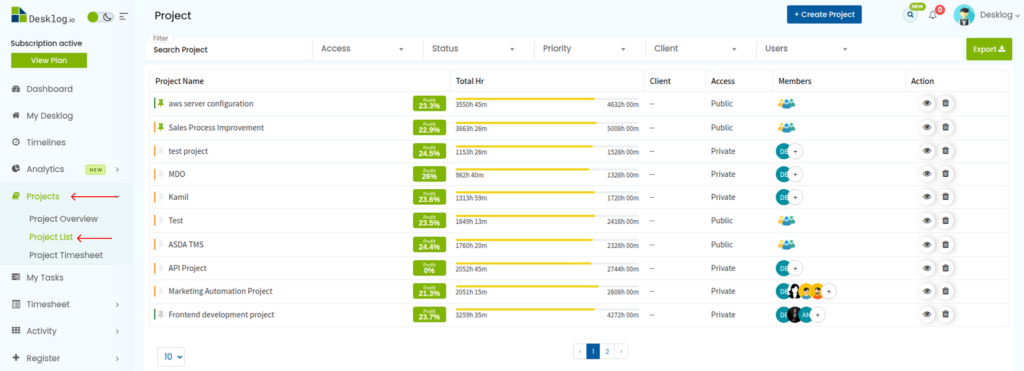
Step 1: To assign project privileges to users, go to Projects from the menu bar and select Project List.
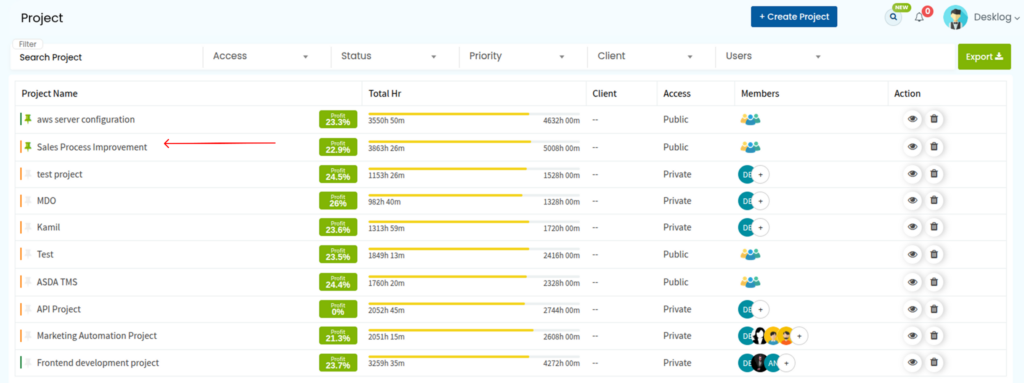
Step 2: Choose any project from the list.
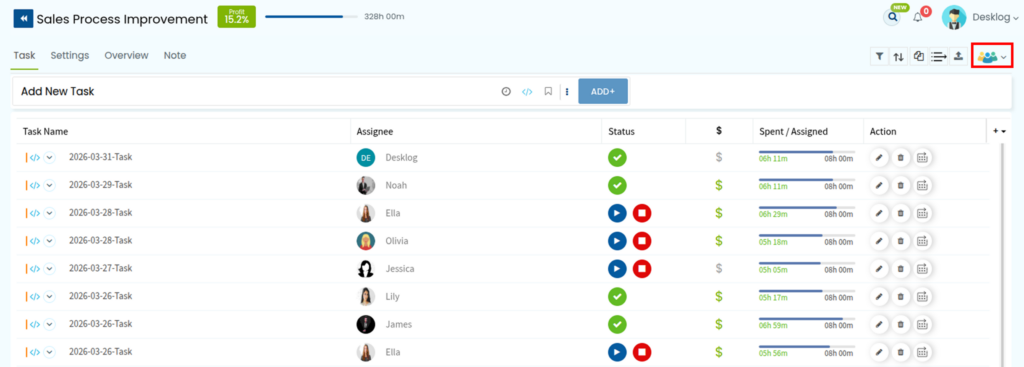
Step 3: In the top-right corner, click the dropdown arrow next to the members’ icons.
Step 4: You’ll be redirected to a page displaying the list of users associated with the selected project. Under the Role and Privileges section, there is a Settings Icon, click on it to access and manage project privileges.

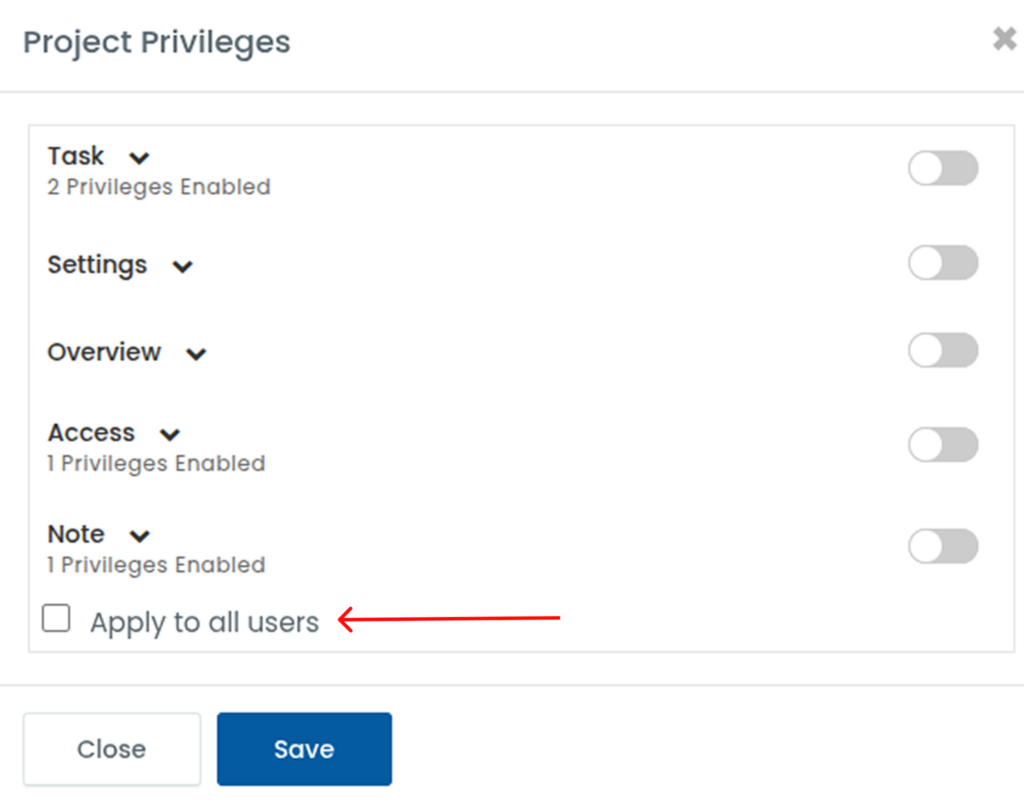
Step 4: A popup will appear showing the five main project privileges. You can enable or disable each role according to your requirements. After enabling the privileges click on the Save Button.
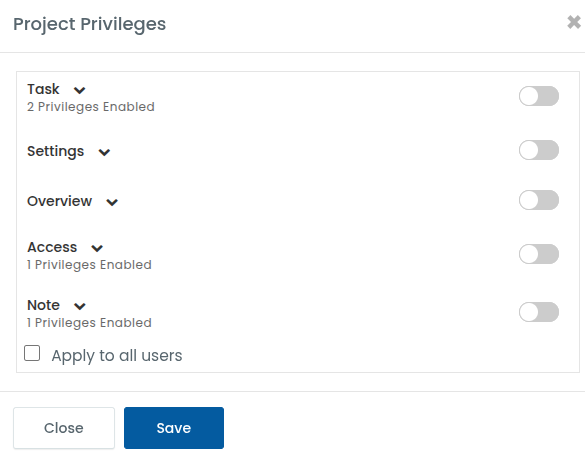
Step 5: If you wish to apply the changes to all the users within the project, click on Apply to All Users.