Pick the .exe if you're installing on your own computer. Choose .msi only if your IT team deploys software across many devices.
Click the Apple menu > About This Mac. If you see "Apple M1/M2/M3", pick Apple Silicon; otherwise pick Intel.
Download the .deb package, then follow the two terminal commands in the installation guide just below.
No account yet? Register for free →
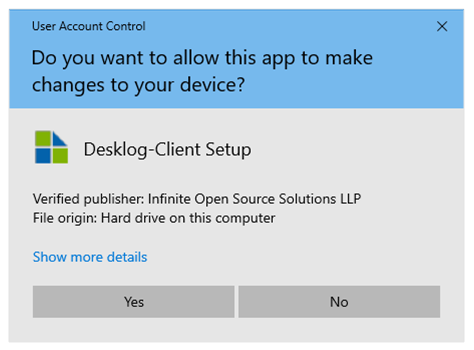
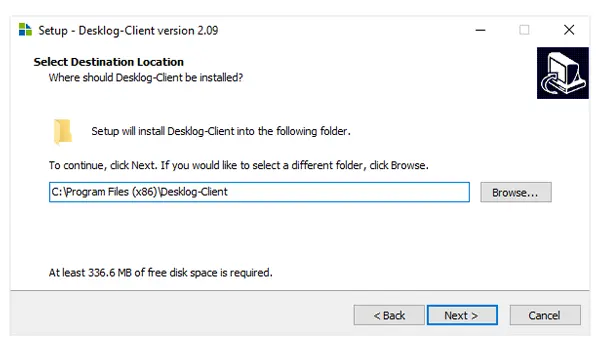
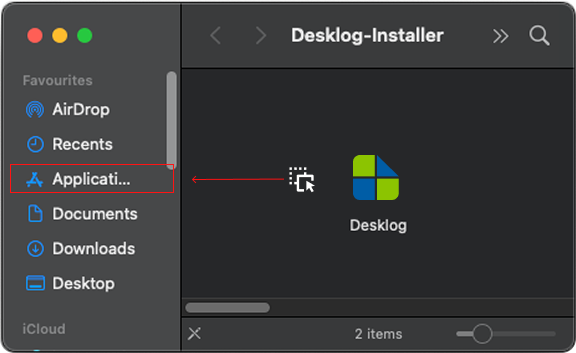
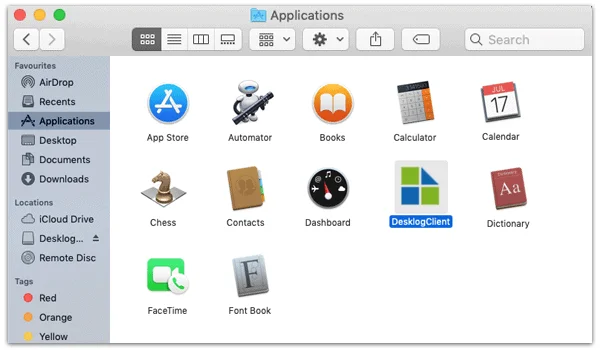
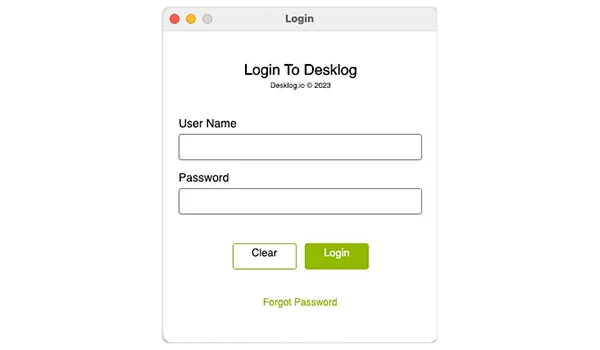
Locate the downloaded file. If saved to your Downloads folder, navigate there:
cd ~/Downloads Run the command below (the filename is pre-filled from the latest release):
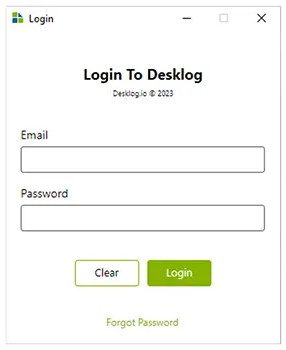
sudo apt install ./Desklog-Client-2.8.1.deb Desklog is installed. Open your app launcher, tap the Desklog icon, and sign in.
Hey Admin,
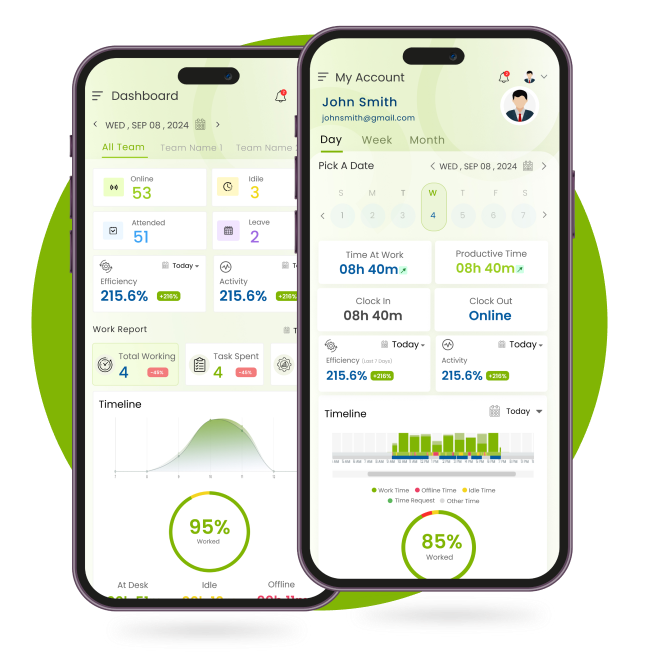
Manage time on the go with Desklog's mobile app — available for Android and iOS.



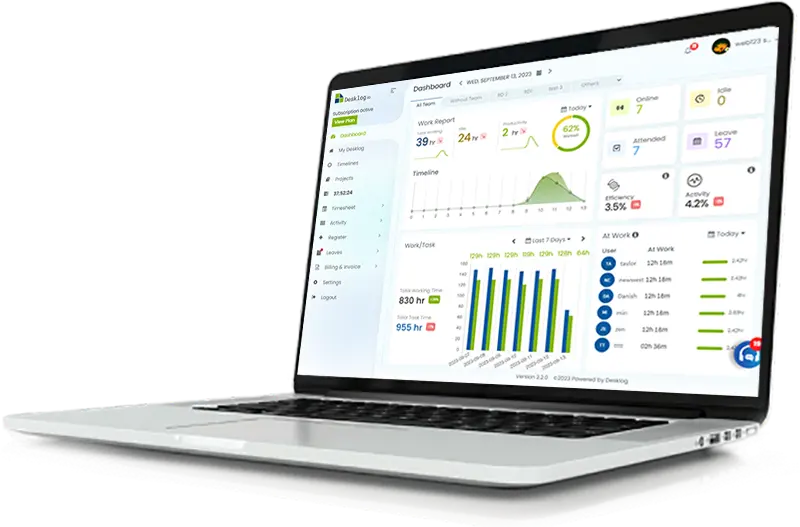
Time tracking works by helping freelancers and organizations track their work hours and tasks in the most accurate way. Users can create projects or tasks, as well as generate detailed reports and analytics.
Yes, Desklog tracks idle time by tracking keyboard strokes and mouse activity. If no input is detected from the user for a set period, that time is marked as idle and shown in reports and timelines.
Desklog is an automated time tracking software. It records login/logout times, tracks active and idle periods, and logs time spent on specific tasks, applications, and URLs. This allows accurate calculation of productive hours, helping teams and managers assess performance and optimize workflows.
By default Desklog doesn’t track your screen. But, we provide automated screenshots as an optional feature for those who need to keep track of their teams screen. This feature is only available in business and enterprise plans.
You can suggest features or report bugs in Desklog through our roadmaps. We have an open platform to receive your suggestions for software upgrades and to keep you updated with new features.
Desklog guarantees users’ data security, integrity, and privacy and will assist with GDPR-related documentation or data subject rights requests. Please go through the Desklog user GDPR Policy for more details.
Desklog is compatible with all devices and supports operating systems such as Windows, Mac, and Linux.
Setting up Desklog is a simple process. It involves Sign Up, Registration, Verification, Account Activation,and App Installation. You can find step-by-step instructions here.
Desklog remote employee tracking software tracksuser activity such as login/logout times, app and URL usage, keyboard and mouse movements and idle periods. It provides real-time data and productivity insights, ensuring accurate time tracking and performance tracking for remote teams.
Yes, Desklog is a free time tracking software. We also provide an option to upgrade to the Business and Enterprise plan.
Time Tracking Software can automatically track the work hours of an employee by tracking the time spent on tasks or projects by also categorizing it into online, idle & offline time.
By signing up, you agree to ourTerms andPrivacy Policy