
Why Teams Choose Desklog
Compare Desklog with top time tracking tools and discover why 15,000+ teams choose Desklog!
Get Started - It's Free!The #1 Work Intelligence Software








Why Teams Choose
Desklog for Time
Tracking
Modern teams need more than basic timers. Desklog combines automatic time tracking, productivity analytics, and workforce visibility in one platform to help organizations manage work more efficiently.
Key reasons teams choose Desklog:
Automated Time Tracking
Records work activity automatically without manual timers.
Productivity Analytics & Insights
Shows how time is spent across apps, websites, and tasks.
Automated Timesheets & Reports
Generates accurate timesheets based on real activity.
Employee Wellness Tracking
Encourages short and long breaks to support workplace well-being.
Offline Time Tracking
Continues tracking without internet and syncs automatically later.
Because of these features, Desklog is often considered one of the most complete employee productivity tracking and time management solutions available.
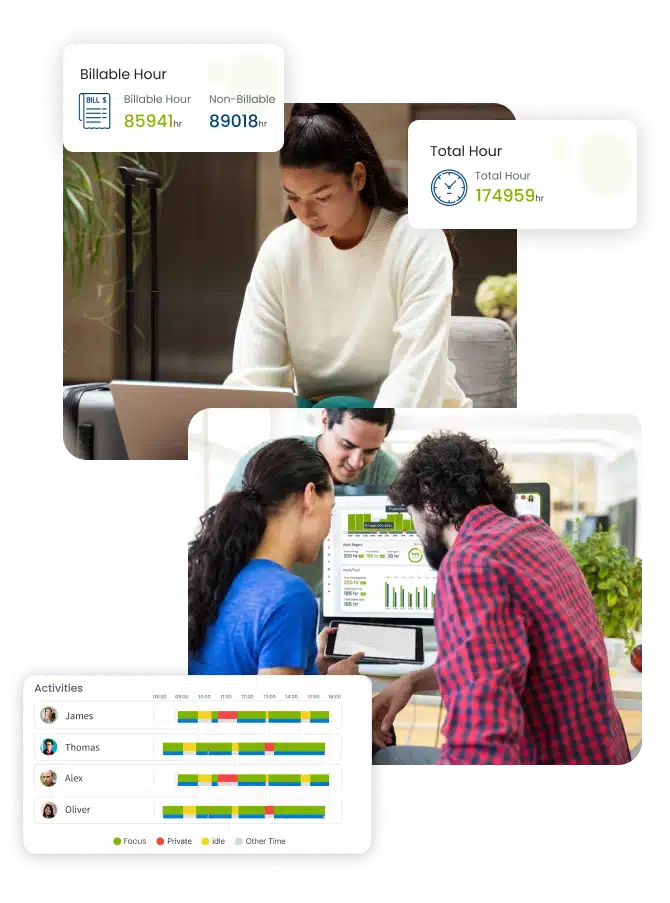
Why Desklog Outperforms Other Time Tracking Tools
See how Desklog leads over tools like Clockify, Hubstaff, DeskTime, and Time Doctor with smarter automation, deeper productivity insights, and all-in-one workforce intelligence built for modern teams.
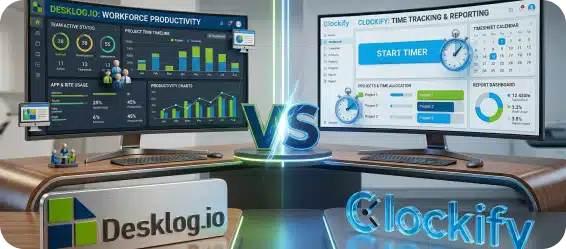
Desklog vs Clockify
Clockify offers free manual time tracking with basic reports. Desklog provides automatic tracking and deeper productivity analytics.
Read the full comparison →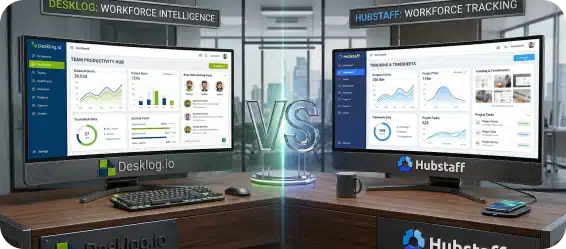
Desklog vs Hubstaff
Hubstaff focuses on employee monitoring and remote team management. Desklog adds advanced productivity insights and automated tracking.
Read the full comparison →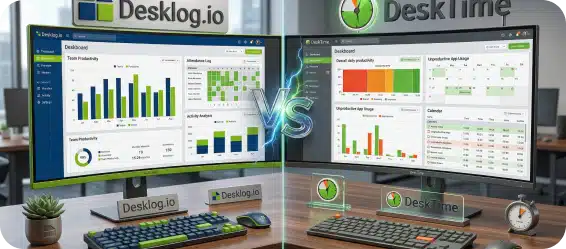
Desklog vs DeskTime
DeskTime offers automatic tracking and productivity reports. Desklog delivers more detailed analytics and automated timesheets.
Read the full comparison →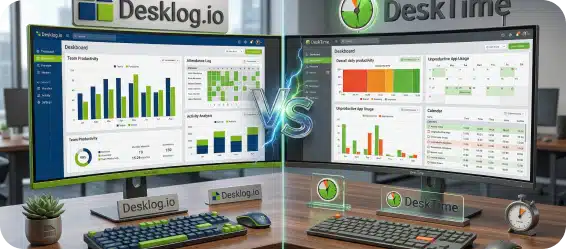
Desklog vs Time Doctor
Time Doctor emphasizes remote employee monitoring. Desklog combines time tracking and productivity analytics in one platform.
Read the full comparison →
Desklog vs Harvest
Harvest focuses on manual time tracking and invoicing. Desklog offers automatic time tracking, productivity insights, and workforce monitoring for better team visibility.
Read the full comparison →
Desklog vs Toggl Track
Toggl Track provides simple time tracking with reporting features. Desklog goes further with automatic tracking, productivity analytics, and detailed employee performance insights.
Read the full comparison →Desklog vs Other Time Tracking Tools: Feature Comparison
When comparing time tracking software alternatives, it’s important to evaluate the features that matter most for productivity management.
| Feature | Desklog | Clockify | Hubstaff | DeskTime | Time Doctor |
|---|---|---|---|---|---|
| Automatic Time Tracking | |||||
| Manual Timer Tracking | |||||
| Offline Time Tracking | Limited | ||||
| Productivity Analytics | Limited | ||||
| Automated Timesheets | |||||
| Real-Time Dashboard | |||||
| Project & Task Tracking | |||||
| Project Billing / Invoicing | Limited | Limited | Limited | ||
| Productivity Scores / Efficiency Tracking | Limited | ||||
| Leave & Attendance Management | Limited | Limited | Limited | ||
| Integrations (Jira, Slack, etc.) | Limited | ||||
| Employee Wellness / Break Reminders | Limited | Limited | |||
| Screenshot Monitoring | |||||
| Detailed Activity Timeline | Limited | ||||
| App & URL Tracking | Limited | ||||
| Idle Time Detection |
Calculate Your Team's
Productivity ROI with Desklog
Estimate your team’s productivity gains with Desklog. Add your employee count, hourly rate, and industry to calculate your potential annual ROI.

Toggl Track Starter costs 2.9x more than Desklog for your team.
When Desklog Is the Right Fit for Your Team
Desklog is ideal for organizations that need both time tracking and productivity insights.
Remote & Distributed Teams
Track work activity and maintain visibility across remote teams.
Agencies & Project Teams
Manage billable hours and track project progress accurately.
Productivity-Focused Organizations
Analyze how employees spend time across apps, websites and tasks.
Reviews
View our rating in top platform

Loved by 0+ Teams Worldwide
See what our customers have to say about Desklog
Manager
Manager
Manager
Manager
Manager
Sr. System Administrator, Heckyl Technologies Pvt Ltd
Manager
Director, Focuz Line Shipping Co Ltd, Saudi Arabia
Manager
Sr. System Administrator, Mantra Softech India Pvt Ltd
Managing Director, Sanesquare Technologies
CEO, RedTeam Hacker Academy Pvt Ltd
Frequently Asked
Questions
Everything you need to know about Desklog