Employee Scheduling Tool
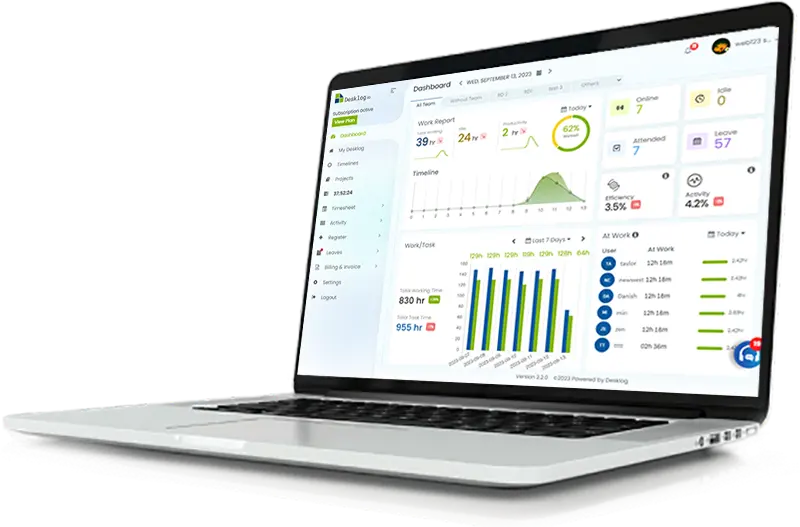
Plan employee shifts and track performance seamlessly in one place. Desklog workforce intelligence combines time tracking with shift scheduling to give employees flexibility, while enabling managers to create, manage, and optimize shifts effortlessly.
* Try free for 14 days | No credit card required
By signing up, you agree to our Terms and Privacy Policy
Shift Management
Shift management can ease the supervision of employee attendance. A complete overview of shifts can be seen and managers can ensure that all employees get equal shift times. The feature can also be used to prevent issues like understaffing, overstaffing, and time wastage.
Automatic Shift Rotation
Shift workers usually operate in rotation. Schedule your shifts to rotate automatically according to the structure of your company. No need to manually assign shifts after every cycle.
Time Zone Setting
Companies often employ remote workers from all over the world, working on different schedules. Set time zones of shifts according to where your workforce is located. Desklog allows you to set time zones individually or teamwise.
Shift Templates
Managing workers' shifts is easy with Desklog's employee shift templates. These can help you manage shift workers more effectively. Create your own custom shift templates according to the requirements of your company.
Performance Reports
The shift scheduling feature of Desklog can give managers thorough performance reports based on the shifts that workers worked. These reports can be used to evaluate an employee's performance based on various metrics.
Desklog Features
Get Started with 14 Days Free Trial Now!
Now start tracking Tasks from beginning to end.
Start Free Trial →Try free for 14 days · No credit card required
By signing up, you agree to our Terms and Privacy Policy.