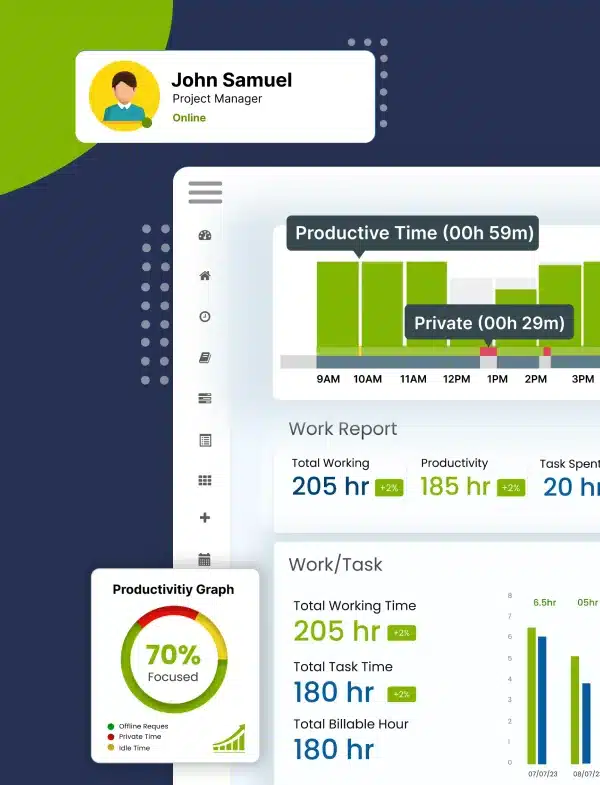
Use our free work hours calculator and free pay calculators to easily track, calculate, and manage work hours and earnings. Perfect for employees, freelancers, and payroll teams, they eliminate manual calculations, reduce errors and simplify payroll management.
It’s time to automatically track work hours with Desklog! Don't Wait. Automate!
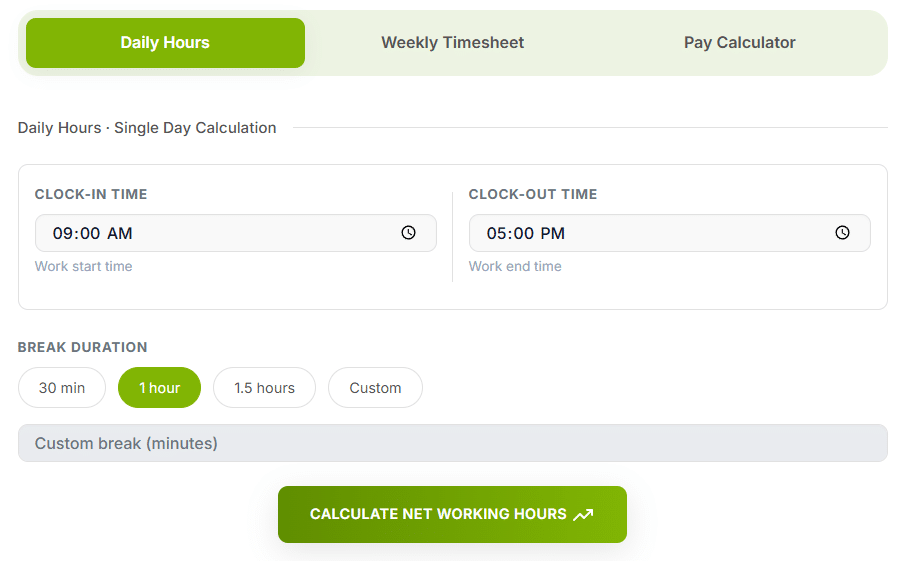
How the Daily Work Hours Calculator Works
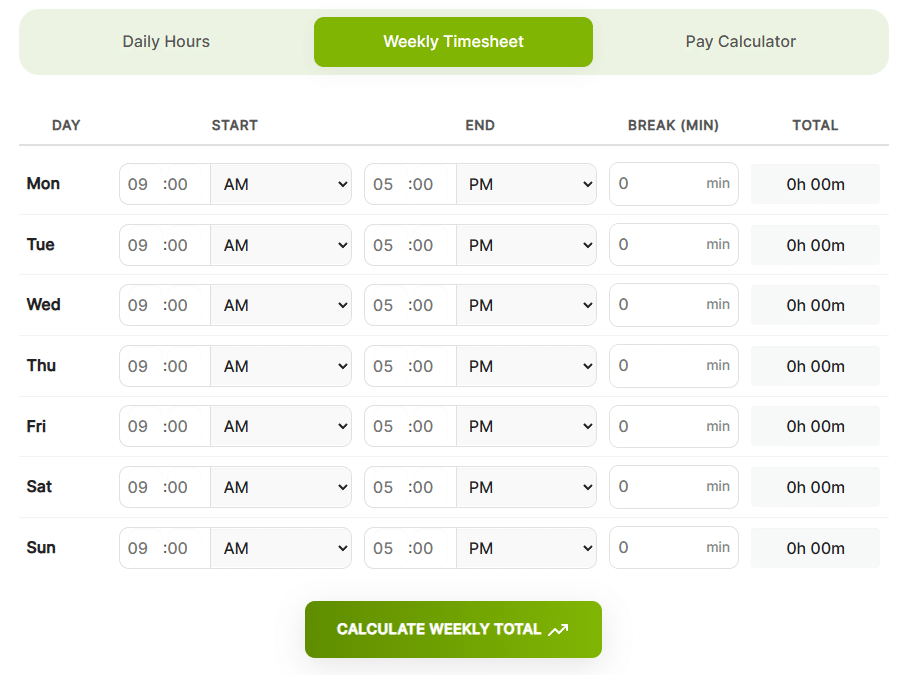
How the Weekly Work Hours Calculator Works
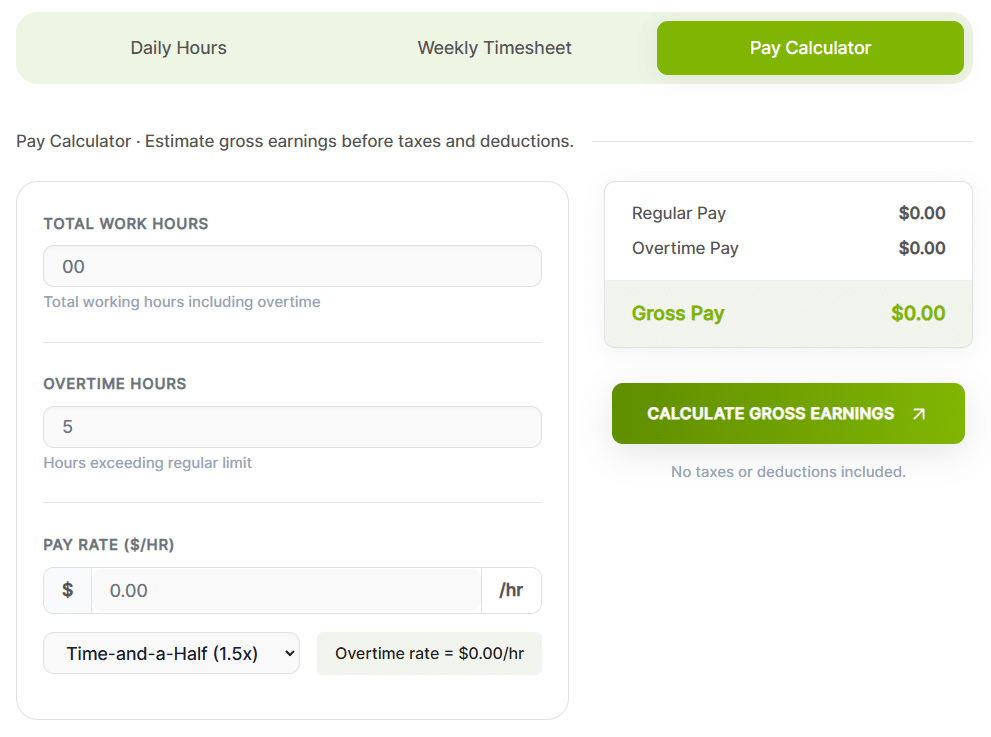
How the Pay Calculator Works
A Work Hours Calculator is a digital tool that automatically calculates total hours worked by inputting start/end times, factoring in breaks and can determine regular vs. overtime pay, simplifying payroll, time tracking and ensuring legal compliance for employees and businesses. It saves manual math and errors, allowing for quick calculation of daily, weekly, or project-based hours in formats like hours/minutes or decimal hours.
Payroll systems calculate pay using decimal hours, not the hours-and-minutes format most people track time in. If your timesheet shows 7 hours and 45 minutes, payroll needs that written as 7.75 hours before it can be multiplied by an hourly rate.
To convert minutes to decimal hours:
45 min ÷ 60 = 0.75 → 7h 45m = 7.75 hoursTo convert decimal hours back to minutes:
0.25 × 60 = 15 min → 7.25 hours = 7h 15m| Minutes | Decimal | Minutes | Decimal |
|---|---|---|---|
| 5 | 0.08 | 35 | 0.58 |
| 10 | 0.17 | 40 | 0.67 |
| 15 | 0.25 | 45 | 0.75 |
| 20 | 0.33 | 50 | 0.83 |
| 30 | 0.50 | 60 | 1.00 |
Our calculator handles this conversion automatically, but understanding the math helps you spot errors before they hit payroll.
Standard full-time figures, assuming a 5-day, 8-hour schedule with no overtime or unpaid leave.
To calculate your work hours from work hour calculator, subtract your clock-in time from your clock-out time and then deduct any break time taken during the day. For example, if you start work at 9:00 AM and finish at 5:00 PM, that’s 8 hours, and if you took a 1-hour break, your total work time would be 7 hours. You can also use a work hours calculator to get instant, accurate results without manual calculations or errors.
Overtime thresholds vary by country and, in the US, by state — so the "right" overtime rate depends on where your team is based.
Overtime after 40 hrs/week, generally 1.5×. Some states add daily overtime after 8 hrs/day.
No statutory overtime premium — contract-based. Average week capped at 48 hrs unless opted out.
Typically 2× pay once daily/weekly limits (commonly 9 hrs/day or 48 hrs/week) are exceeded.
Set provincially — most require 1.5× after 44 or 48 hours per week.
Always confirm current thresholds with your local labor authority or HR/legal advisor — rules change and this tool doesn't file compliance on your behalf.
Everything you need to know about Desklog