
View the User List for Each App
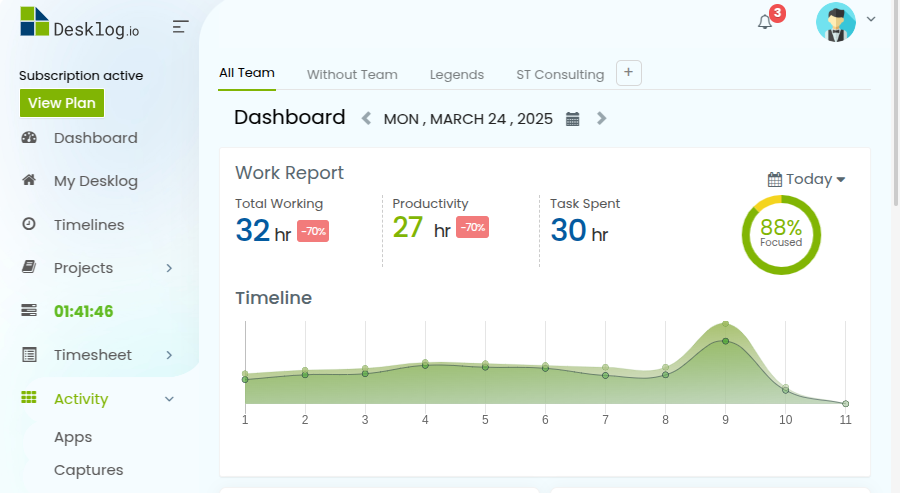
To view the App Usage user list, go to the left menu bar click on “Activity”. Select “Apps” from the list.

Scroll down to find the list of Productive, Neutral and Non-productive Apps. Choose a particular app, and click on the “User Group icon” on the right side.

You can find a list of every user who has used this app, along with the total time they’ve spent on it.