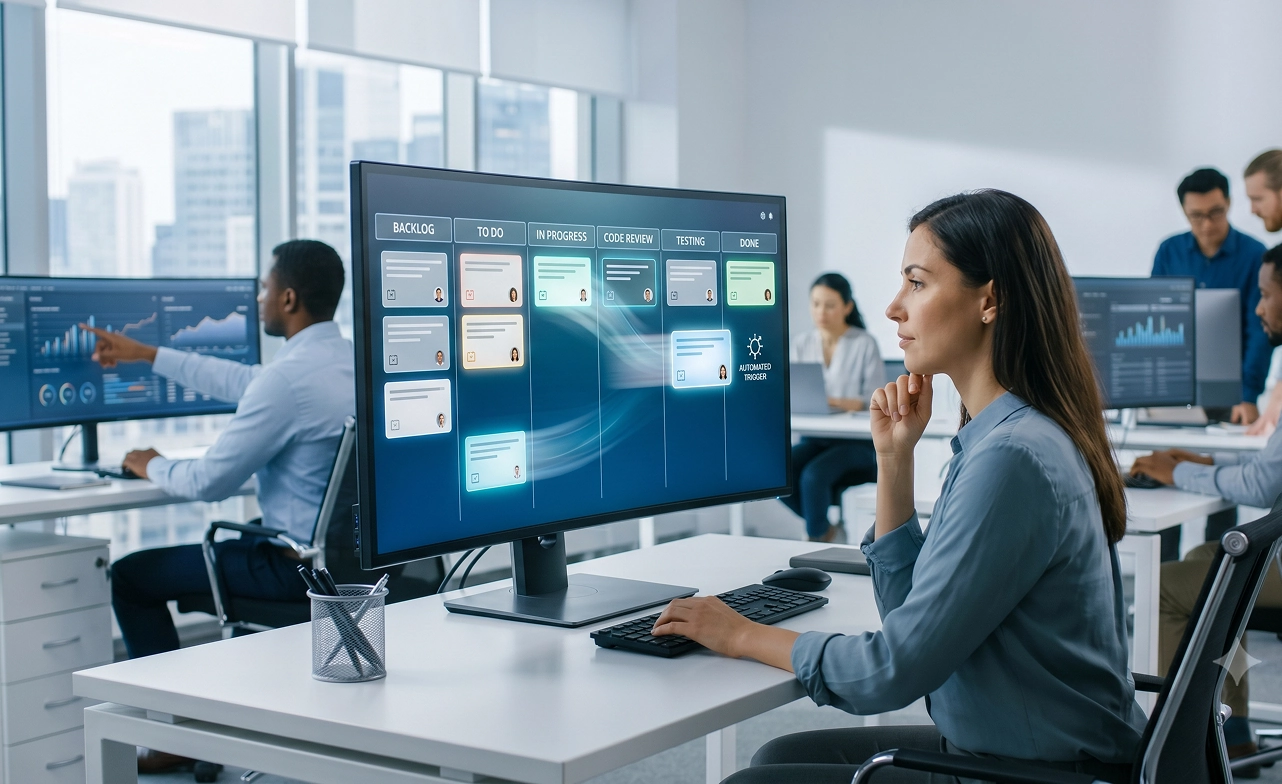
What Is Automated Task Tracking Software? Benefits, Features & Best Practices

Most organizations have no shortage of task lists, project boards, or status updates. The real challenge is gaining visibility into how work actually gets done. Manual tracking methods often lead to inaccurate reporting, missed deadlines, inefficient resource allocation, and countless hours spent chasing updates.
This is where automated time tracking software makes a difference. By automatically capturing work activity, tracking task execution, and generating real-time productivity insights, it helps organizations improve accountability and make better decisions.
In this guide, you'll learn:
- Quick Answer: What Is Automated Task Tracking Software?
- What Is Automated Task Tracking Software?
- Why Manual Task Tracking Fails Teams
- Manual vs Automated Task Tracking
- The Hidden Cost of Manual Task Tracking
- How Automated Task Tracking Software Works
- Key Features to Look for in Task Tracking Software
- Benefits of Automated Task Tracking Software
- Automated Task Tracking for Remote and Hybrid Teams
- Why Desklog Task Tracking Software Is Different
Quick Answer: What Is Automated Task Tracking Software?
Automated task tracking software is a tool that automatically records what tasks employees work on, how long each task takes, and when work is completed.
It captures work activity in real time, generates productivity reports, and provides managers with visibility into team performance, workload distribution and project progress.
What Is Automated Task Tracking Software?
Automated task tracking software combines task management, activity tracking, and automated time tracking to provide a complete picture of how work gets done.
Unlike a traditional task tracker app that only shows task status, automated solutions track:
- Who is working on what
- Time spent on each task
- Task completion rates
- Active vs idle work time
- Project effort allocation
- Team productivity trends
Modern organizations increasingly rely on automated task tracking because manual reporting methods simply don't scale. For growing businesses, remote teams, agencies, and technology companies, task tracking has evolved from simple checklists into workforce intelligence.
Why Manual Task Tracking Fails Teams
Most teams already use spreadsheets, project boards, timesheets, or task management tools to keep work organized. The problem isn't that teams aren't tracking tasks. The problem is that they're tracking outcomes instead of execution.
Manual task tracking typically focuses on whether a task is completed. Employees update statuses, submit timesheets, or mark tasks as "Done." While this provides a basic record of completed work, it offers very little insight into how that work was actually accomplished.
As a result, managers often face challenges such as:
- Missed deadlines despite clear project plans
- Inaccurate workload distribution across team members
- Delayed project delivery due to hidden bottlenecks
- Excessive status meetings to gather progress updates
- Incomplete or inaccurate timesheets
- Limited visibility into employee productivity and task efficiency
When a task is marked complete, important questions often remain unanswered:
- How long did the task actually take?
- Were there interruptions or periods of inactivity?
- Did the task require more effort than initially estimated?
- Was the employee overloaded with other responsibilities?
- Could the task have been completed more efficiently?
This is where automated task tracking software creates a significant advantage. Instead of relying on manual updates and after-the-fact reporting, it continuously captures task activity, work hours, and productivity data in real time.
In short, manual tracking measures completion. Automated task tracking measures execution, and execution is what drives results.
Manual vs Automated Task Tracking
While both manual and automated task tracking aim to help teams monitor work progress, the way they capture and manage data is fundamentally different. Manual tracking relies on employees to log their time, update task statuses, and submit reports, which can lead to inaccuracies and administrative overhead. Automated task tracker app eliminates these challenges by capturing work activity in real time, providing managers with accurate insights and visibility without disrupting employee workflows.
| Feature | Manual Tracking | Automated Task Tracking |
|---|---|---|
| Time Entry | Employee logs manually | Captured automatically |
| Accuracy | Estimated | Real-time |
| Reporting | Manual | Automated |
| Manager Visibility | Delayed | Instant |
| Productivity Insights | Limited | Comprehensive |
| Administrative Work | High | Minimal |
| Workforce Analytics | No | Yes |
Automated task tracking software helps organizations move beyond simple task completion and gain a deeper understanding of productivity, workload distribution, and execution efficiency.
The Hidden Cost of Manual Task Tracking
Consider a team of 25 employees.
If each employee spends just 10 minutes daily updating timesheets and status reports:
- 250 minutes lost per day
- 1,250 minutes lost per week
- 65,000 minutes annually
- More than 1,000 work hours per year
At an average labor cost of $25/hour, that's over $25,000 annually spent on administrative reporting alone.
Automated task tracking software eliminates most of this overhead.
How Automated Task Tracking Software Works
One of the biggest advantages of automated task tracking software is that it eliminates the need for manual time entries, status updates, and reporting. Instead of relying on employees to record their activities, the software automatically captures work data in the background and turns it into actionable productivity insights. Here's how the process typically works:
Step 1: Install a Background Agent
A lightweight application is installed on employee devices. The software runs quietly in the background with minimal impact on system performance, allowing employees to work normally without interruptions.
Step 2: Track Work Activity
The software automatically captures work-related activity, including:
- Active applications
- Browser activity
- Task switching
- Project engagement
- Work sessions
This provides an accurate picture of how employees spend their work hours throughout the day.
Step 3: Categorize Tasks Automatically
Captured activity is automatically assigned to relevant projects, departments, clients, or task categories. This eliminates manual classification and ensures work is tracked accurately.
Step 4: Detect Idle Time
The system identifies periods of inactivity and separates idle time from productive work. This helps organizations gain a clearer understanding of actual work patterns and productivity levels.
Step 5: Generate Productivity Reports
All tracked data is consolidated into easy-to-understand reports and dashboards, giving managers instant access to:
- Real-time dashboards
- Task reports
- Project reports
- Productivity analytics
- Workforce insights
The result is complete visibility into team activity, project progress, and productivity trends without adding extra administrative work for employees.
Key Features to Look for in Task Tracking Software
Not all task tracking tools deliver the same level of visibility and automation. When evaluating the best task tracker app, look for features that reduce manual effort while providing actionable insights into team performance.
Automated Time Tracking
The best automated task tracking software should include automated time tracking that captures work activity in the background, eliminating the need for manual timesheets and ensuring accurate records of employee work hours.
Real-Time Task Tracking
Real-time task tracking provides instant visibility into task progress, helping managers monitor ongoing work, identify bottlenecks, and keep projects moving without constant follow-ups.
Productivity Analytics
Advanced productivity analytics turn raw activity data into meaningful insights, allowing teams to measure and improve efficiency, identify work patterns and uncover opportunities for improvement.
Task Tracking Dashboard
A centralized task tracking dashboard gives managers and employees a complete view of tasks, projects, workloads, and performance metrics from a single interface.
Idle Time Detection
Idle time detection helps distinguish productive work from inactive periods, providing a more accurate picture of employee productivity and work habits.
Project Time Tracking
Built-in project time tracking allows organizations to understand how time is distributed across projects, clients, and departments, making resource planning and budgeting more effective.
Automated Reporting
Automated reporting generates detailed daily, weekly, and project-based reports without manual effort, enabling faster decision-making and improved transparency.
Workforce Intelligence
Modern task tracker software goes beyond task completion by providing workforce intelligence insights that help organizations understand work patterns, optimize workloads, and improve overall team performance.
Integrations with Existing Tools
Smooth integrations with project management and collaboration platforms ensure task tracking data flows smoothly across existing workflows without disrupting team productivity.
Role-Based Access and Permissions
Role-based access controls allow employees, managers, HR teams, and administrators to access the information relevant to their responsibilities while maintaining data security and compliance.
The right task tracking software should not only help teams stay organized but also provide the visibility and intelligence needed to improve productivity, resource planning, and overall business performance.
Benefits of Automated Task Tracking Software
The value of automated task tracking software extends beyond simple task management. By providing real-time visibility into work activity, it helps managers, employees, HR teams, and finance departments make better decisions while reducing manual effort across the organization.
For Managers
Managers gain:
- Real-time visibility
- Better forecasting
- Improved resource allocation
- Data-driven decision-making
For Employees
Employees benefit from:
- Less administrative work
- Reduced reporting burden
- Better workload visibility
- Improved focus
For HR Teams
HR teams gain:
- Accurate attendance logs
- Workforce analytics
- Performance insights
- Compliance support
For Finance Teams
Finance teams receive:
- Accurate project costing
- Better billable hour tracking
- Payroll validation
- Resource planning data
Automated Task Tracking for Remote and Hybrid Teams
When employees work across different locations, schedules, and time zones, managers often struggle to understand how work is progressing without relying on frequent check-ins, status meetings or manual reports. Automated task tracking software bridges this visibility gap by providing real-time insights into work activity. Instead of asking employees for constant updates, managers can access accurate task and productivity data whenever they need it.
Key benefits of task tracker software for remote and hybrid teams include:
- Time-zone-independent tracking that keeps projects moving smoothly across distributed teams.
- Real-time progress visibility into tasks, projects, and workloads without waiting for status reports.
- Fewer meetings and follow-ups because work progress is automatically documented and accessible.
- Improved accountability through objective work data rather than assumptions or online presence.
- Better workload management by identifying overloaded team members and balancing resources effectively.
- Data-driven performance measurement based on actual work completed, time invested, and productivity trends.
- Greater employee autonomy by allowing team members to focus on work instead of reporting what they're doing.
Why Desklog Task Tracking Software Is Different
Most task tracking tools focus on recording activity. Desklog goes a step further by turning work data into actionable workforce intelligence. By combining automated task tracking software, employee productivity tracking, project time tracking, workforce analytics, task management automation, and real-time dashboards, Desklog helps organizations understand not only what work gets completed, but also how work gets completed.
How Desklog Automates Task Tracking
Desklog automates task tracking by capturing work activity in the background and converting it into meaningful productivity insights with the following features:
Automated Work-Hour Tracking
Desklog automatically records active work hours, eliminating the need for manual timers and timesheets while ensuring accurate time data.
Task-Level Productivity Analytics
Go beyond task completion and understand the effort behind every task through productivity metrics, work patterns and efficiency insights.
Kanban Task Management
Manage and visualize workflows using an intuitive Kanban board that helps teams track progress, organize tasks and identify bottlenecks quickly.
Recurring Task Automation
Automate repetitive daily, weekly, or monthly tasks to reduce administrative work and ensure routine activities are completed consistently.
Detailed Reports and Workforce Insights
Generate employee, project, productivity and time-tracking reports instantly. Real-time dashboards and workforce analytics provide complete visibility into team performance and project execution.
With Desklog, organizations gain a complete view of work execution from task assignment and time tracking to productivity analysis and performance reporting all within a single platform.
Track Every Task. Improve Every Outcome.
Stop relying on manual updates and scattered task lists. Desklog helps you assign tasks, track progress and gain real-time visibility into how work gets done.
Try Desklog For FreeFinal Thoughts
Manual task tracking often leads to administrative overhead, inaccurate reporting, and limited visibility into how work gets done. Automated task tracking software eliminates these challenges by automatically capturing work activity, tracking task execution, and generating real-time productivity insights.
By combining task tracking, automated time tracking, reporting, and workforce intelligence, organizations can improve accountability, optimize workloads, and make better decisions based on real data.
Desklog helps make this possible by bringing task tracking, productivity analytics, project time tracking, and workforce intelligence together in a single platform.
FAQ
Meet The Author