
You can view all Company Leaves by selecting the Calendar option under Leaves in the left menu bar.
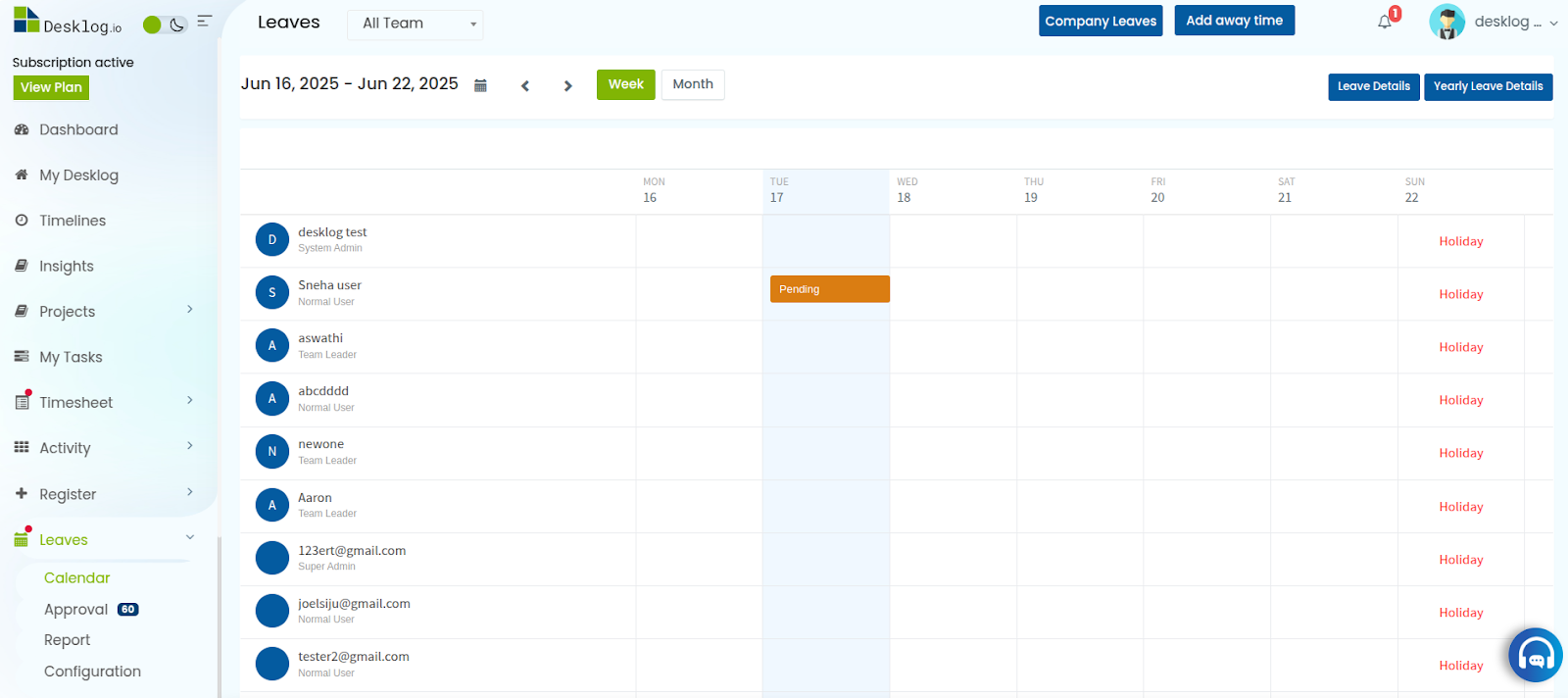
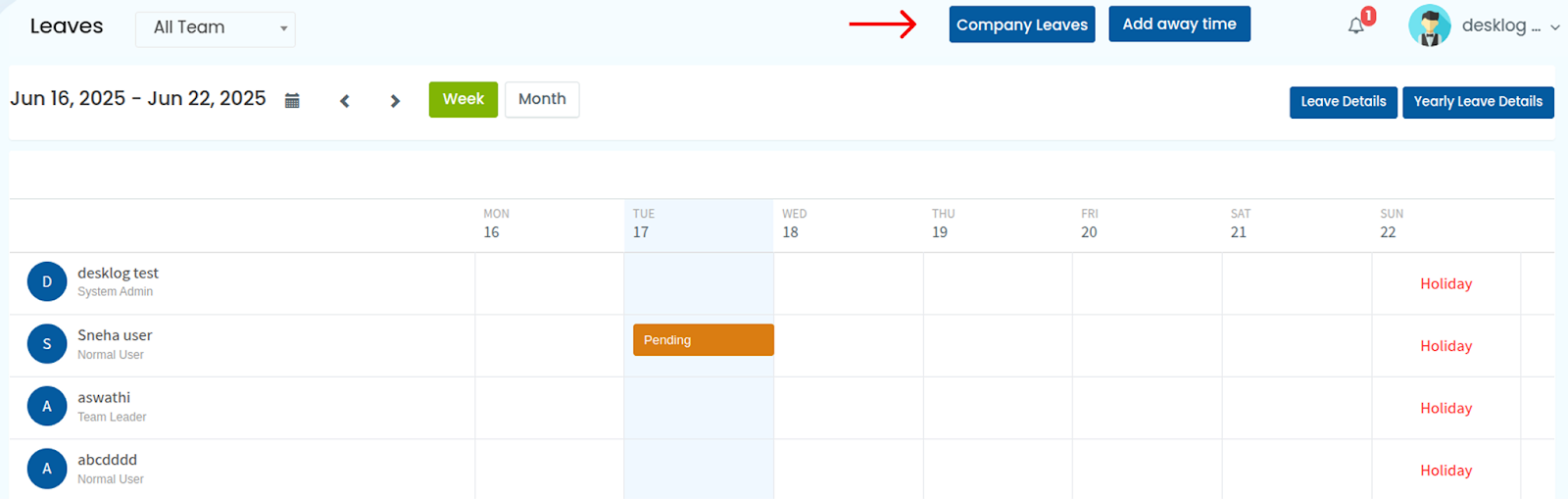
On the top right corner there is a button called; Company leaves, click on it.
You’ll be redirected to a page where you can view all the details of the company leaves. Use the scrollbar to navigate through leave records from previous and upcoming years.
