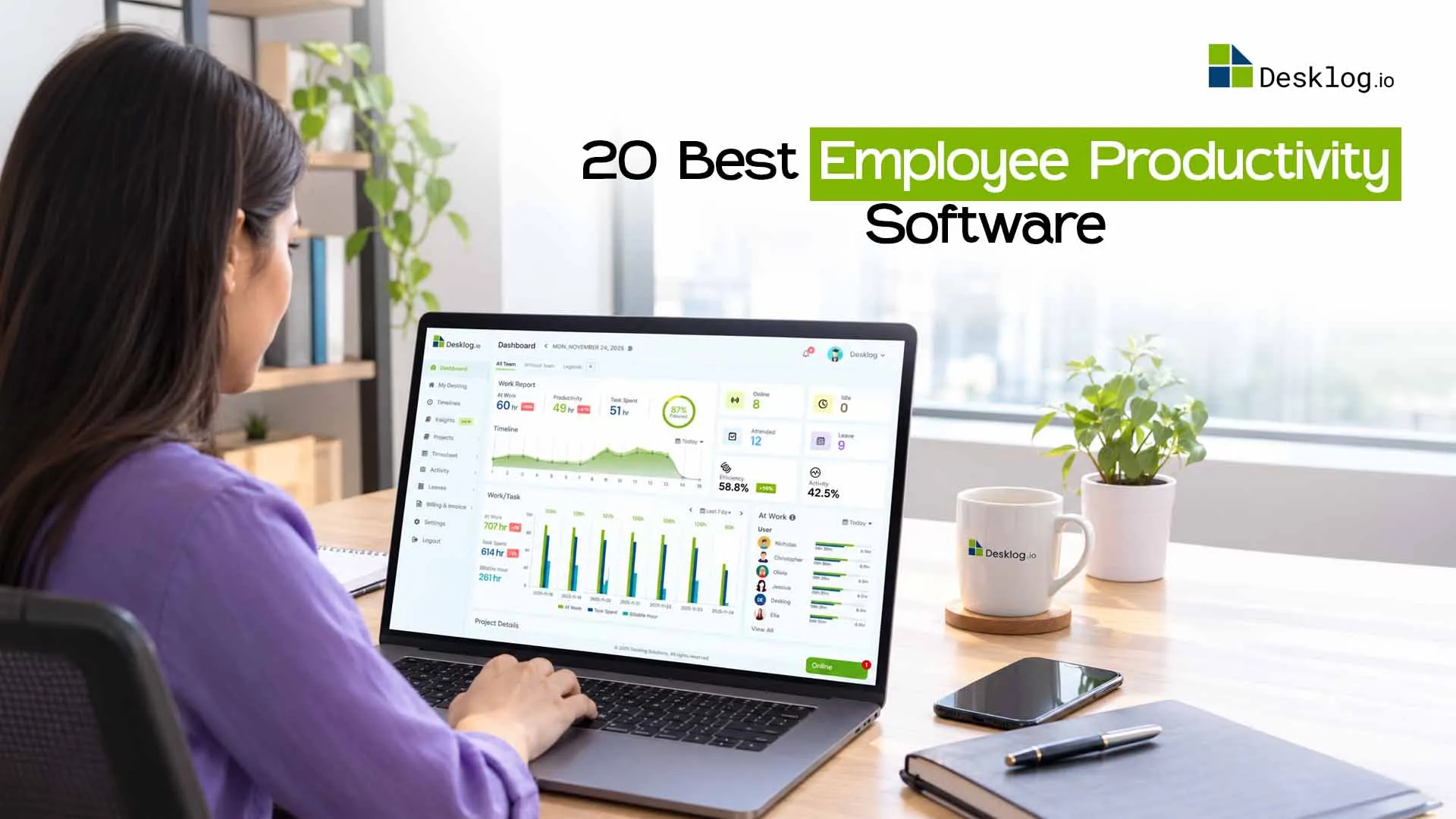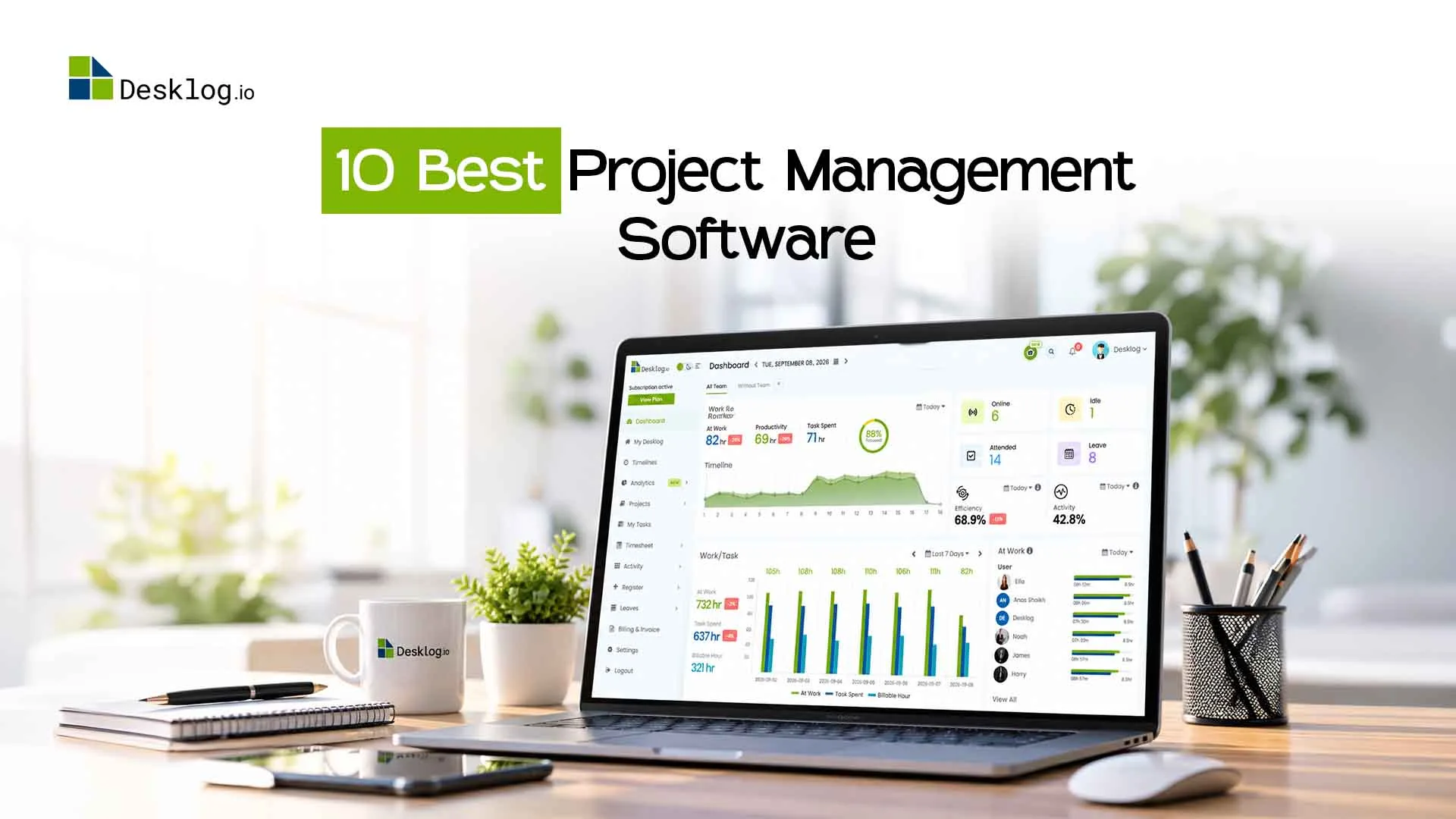
Workforce Management Software That Improves Productivity and Control

Think about a typical manager's morning: checking multiple apps to understand who's doing what, chasing updates on Slack, and updating spreadsheets, yet still unsure if the project is on track.
Employees face the flip side: unclear priorities, no feedback until a quarterly review, and the nagging feeling that their work isn't being seen. Both sides lose.
This isn't a time management problem. It's a visibility problem. When work is scattered across tools, decisions get made on guesswork instead of data. Workforce intelligence software solves this by bringing productivity, time, and project insights into one place.
of employees say unclear priorities hurt their productivity
more likely to stay where output is tracked and recognized fairly
of work time lost to manual tracking and admin overhead
What is workforce management software?
A centralized platform that helps businesses track time, manage tasks, measure productivity, track attendance, and generate performance insights replacing spreadsheets and disconnected apps with a single source of truth.
What Workforce Management Software Actually Does
It's easy to dismiss these tools as just HR or scheduling software. Modern platforms go much further. Here's what they actually cover:
| Capability | What It Solves |
|---|---|
| Time tracking | Replaces manual timesheets with accurate, automatic logs |
| Task & workload visibility | Shows who's working on what, right now |
| Productivity analytics | Measures output, not just hours clocked |
| Attendance & leave tracking | Handles absences and scheduling without manual back-and-forth |
| Reports & insights | Surfaces trends before they become problems |
| Resource forecasting | Helps plan capacity before projects begin, not after they stall |
The shift from scattered tools to one unified system changes how management feels day-to-day. Instead of chasing people for updates, managers check a dashboard. Instead of guessing at performance, there's actual data to point to.
How It Improves Productivity (Without Adding Pressure)
Productivity doesn't come from monitoring people more closely. It comes from removing friction from everyday work. When teams have clearer processes and better visibility into how work is progressing, it becomes much easier to increase productivity while also protecting a healthier work-life balance.
Workforce software improves output in a few very concrete ways:
- Less admin overhead. Automated time logs free up 20–30% of the time employees spend on manual tracking and status reporting.
- Clearer ownership. When tasks have visible owners and deadlines, nothing slips through without being noticed.
- Faster course corrections. Delays that used to surface in retrospectives get flagged in real time, when they can still be fixed.
- Self-accountability. Employees who can see their own productivity data tend to be more motivated without a manager saying a word.
- Fairer performance reviews. Data-backed evaluations replace gut-feel assessments, which builds trust across the whole team.
The key distinction is visibility versus surveillance. Good workforce software gives managers the context they need to understand work patterns and improve employee performance without unnecessary intrusion.
Control Without Micromanagement Here's the Difference
The word "tracking" makes a lot of employees uncomfortable and understandably so. But there's a meaningful difference between a manager who constantly checks in and a system that keeps everyone informed.
| Micromanagement | Workforce Visibility |
|---|---|
| Constant check-in messages | Automated reports replace most check-ins |
| Screenshot monitoring every few minutes | Output and time patterns not keystrokes |
| Judging presence over output | Performance measured by results |
| One-sided visibility manager only | Employees see their own data too |
| Assumes distrust by default | Transparency builds trust both ways |
The goal of workforce software isn't to catch people doing nothing it's to remove the ambiguity that causes friction for everyone. When expectations are clear and performance is visible, managers spend less time policing and more time actually helping.
It Looks Different Depending on Your Team
Workforce management isn't one-size-fits-all. What the software does for a remote startup to manage remote employees looks very different from what it does for a hospital or a retail chain.
Remote & Hybrid Teams
Async time tracking, time zone visibility, and output-based reviews replace the office signals that distributed teams lose. Tools like Desklog and Rippling handle this well, both support flexible logging and give managers a clear picture of distributed work without requiring everyone to be online at the same time.
Growing Startups
Scaling from 10 to 50 people breaks informal systems fast. Workforce software creates the structure before things fall apart, not after. Desklog, Rippling and Zoho People both scale cleanly as headcount grows, with automation that reduces HR admin without needing a dedicated HR team.
Hourly & Deskless Workers
Shift scheduling, clock-in/out accuracy, and compliance with fair scheduling laws matter here. Desklog delivers all of this with a mobile-friendly experience built for retail, hospitality, and healthcare, the same ground that When I Work, Deputy, and Homebase cover, but within a single unified platform rather than a standalone scheduling-only tool.
Large Enterprises
Multi-country payroll, compliance, and predictive scheduling across thousands of employees require a different class of tool. Desklog brings enterprise-grade workforce visibility, deep reporting, compliance tracking, and audit-ready data at a price that makes it accessible to large teams without the bloated cost. More features, less spend: capabilities that platforms like UKG Pro, Workday, and ADP Workforce Now charge a premium for.
The Main Workforce Management Tools Available Today
The market has options for every company size and use case. Here's how the most prominent platforms break down:
| Tool | Best For | What It Does |
|---|---|---|
| Desklog | SMBs, Remote teams, Large enterprises, Freelancers | Automated time tracking and productivity visibility without invasive monitoring. Project tracking, clean reporting, non-intrusive activity logs, and easy shift scheduling. A strong fit for enterprises, small and growing teams that want clear data without complexity. |
| Rippling | Startups & scale-ups | Combines HR, IT, and payroll in one automation-heavy platform. Great for fast-scaling companies that want to automate onboarding, device management, and payroll alongside workforce tracking. |
| ADP Workforce Now | Mid-market | A mature HCM platform covering payroll, time tracking, scheduling, and compliance. Reliable for mid-to-large organizations, especially in regulated industries that need FLSA compliance and audit trails. |
| UKG Pro | Enterprise | Deep customization, ML-driven scheduling, and multi-country payroll. Purpose-built for large global enterprises that need strong compliance features and predictive workforce planning. |
| Zoho People | All-in-one HR | Covers employee database, time tracking, leave management, performance evaluation, and onboarding in one system. A solid pick for companies already in the Zoho ecosystem. |
| When I Work | Deskless & hourly | Shift scheduling and time tracking built for hourly workforces retail, hospitality, healthcare. Simple mobile-first interface with quick setup and low cost. |
| Workday | Large enterprise | Adaptive architecture for skills-based rostering, workforce analytics, and financial planning. Built for large organizations that need deep integration between HR, finance, and operations. |
| Deputy | Multi-location | Strong scheduling and compliance features for multi-location businesses. Handles predictive scheduling laws and Fair Workweek compliance across sites without heavy IT overhead. |
| BambooHR | People-first SMBs | HR software with strong employee self-service, onboarding workflows, and time-off tracking. Best for SMBs that want to prioritize the employee experience alongside workforce management. |
| Homebase | Small hourly teams | Free tier available, with scheduling, time clocks, and team messaging for small hourly teams. Popular in food service and retail where simplicity and cost matter most. |
How To Use Workforce Software to Scale Without the Chaos
There's a well-known inflection point in company growth where things that worked at 10 people start breaking at 30. Communication gets lossy, accountability gets murky, and delivery becomes unpredictable. Most managers think it's a people problem it's usually a systems problem.
Workforce management software provides the operational backbone that makes growth sustainable. Here's how scaling teams typically roll it out:
Start with Time Tracking
Begin by tracking how time is actually spent across tasks and projects. This creates a reliable baseline that shows where work hours are going and highlights inefficiencies that are often hidden in daily routines. Many teams discover that certain activities consume more time than expected, making time tracking the first step toward better productivity decisions.
Add Workload Visibility
Once time data becomes consistent, connect it to tasks, projects, and team members. This reveals the real distribution of work across the team. Managers can quickly identify employees who are overloaded as well as those with available capacity, allowing workloads to be balanced more effectively.
Use Data for Resource Planning
Historical time and workload distribution data help teams plan future projects more accurately. Instead of relying on rough estimates, managers can review past patterns to understand how much capacity the team actually has. This prevents overcommitting to projects and helps allocate resources before problems appear.
Build Data-Driven Performance Reviews
Integrate time and productivity insights into performance review cycles. When reviews are supported by consistent data instead of recent memory, the process becomes clearer and more objective. This makes reviews faster to conduct and builds greater trust among employees.
What are the Benefits of Workforce Management Software?
The business impact of workforce software isn't abstract. Teams that adopt it consistently describe the same before-and-after shift across a few key areas:
Common Mistakes Businesses Make With Workforce Tools
Even well-chosen software fails to deliver value if it's implemented or used poorly. The most common mistakes are predictable and avoidable.
Over-tracking everything
Logging every click creates noise, not insight. Track what informs decisions not what fills a dashboard. The goal is a useful signal, not complete surveillance.
Ignoring the data
Tools only work if someone acts on what they surface. Build a rhythm of weekly review rather than checking the dashboard only when something goes wrong.
Poor onboarding
If employees don't understand why the tool exists or what it means for them, resistance is inevitable. Explain the purpose upfront adoption is far smoother when intent is transparent.
Adding yet another disconnected tool
Solving fragmentation by adding another app makes it worse. Workforce software delivers the most value when it's the central system, not one of twelve tabs open on a manager's browser.
What to Look for in Workforce Management Software
Past the feature checklists, the most important questions are simpler than they look:
- Will your team actually use it? If adoption requires extensive training, it won't stick. Ease of use isn't a nice-to-have.
- Does it show data in real time? Delayed reports are only marginally better than no reports at all.
- Can employees see their own data? Two-way transparency builds trust. One-sided monitoring doesn't.
- Does it scale with headcount? A tool that works at 10 people should still work at 100 without becoming unwieldy.
- Does it integrate with what you already use? Payroll, project management, communication tools it should connect, not sit in isolation.
- How does it handle data privacy? Especially important for distributed or international teams with GDPR or state-level privacy obligations.
Clarity Is the Foundation
Workforce management software doesn't manufacture productivity it removes the friction that prevents it. When people know what's expected, can see how they're doing, and trust that their work is measured fairly, they do better work.
That's not a technology story. It's a visibility story. The right software just makes the visibility possible.
Final Thought
Start simple. Pick time tracking. Build from there. The teams that get the most out of workforce software aren't the ones who implement every feature on day one they're the ones who use the data consistently and let insight drive the next step.
Frequently Asked Questions
Clear answers to help you choose, implement, and get real value from workforce management software.
Meet The Author