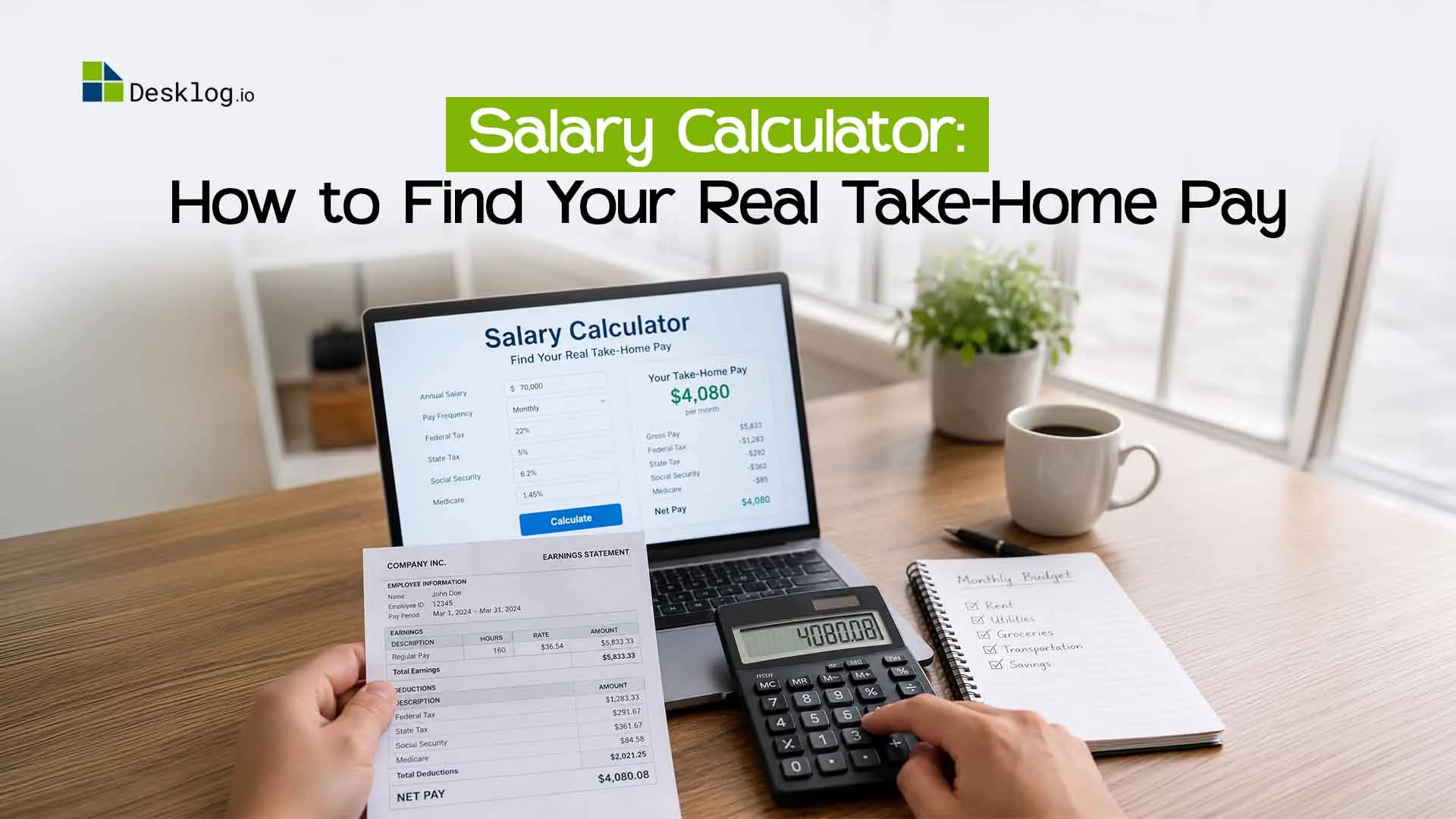

A salary calculator turns the number on your offer letter into the amount that actually lands in your bank account. It takes your gross pay, subtracts taxes and other deductions, and shows your net salary by year, month, week or hour. Most people look only at the headline figure and are surprised when the first payslip is much smaller. This guide explains how the calculation works, walks through a real example, and shows where people usually go wrong, so you can plan your money with confidence.
What Is a Salary Calculator?
A salary calculator estimates how much you earn and how much you keep after deductions. You enter your pay, your work schedule and a few details like tax and benefits, and it gives you a clear breakdown. Employees use it to compare job offers. Employers and HR teams use it to check pay structures before they finalise an offer. It saves you from doing slow manual math, and it lowers the chance of errors that cause disputes later.
How Does a Salary Calculator Work?
Every salary calculator follows the same basic logic. It starts with your total pay before anything is removed, applies the deductions that apply to you, and shows what remains. The accuracy depends on the details you enter, so rough inputs give rough answers. Think of the result as a close estimate rather than an exact payslip, because tax rules differ by country and sometimes by city or state.
The inputs you need
- Gross pay (annual, monthly or hourly)
- Hours worked per week
- Pay frequency (weekly, bi-weekly, monthly)
- Tax details and filing status
- Retirement, insurance and other deductions
- Overtime or bonus, if any
The basic formula
Net salary = Gross salary − (Taxes + Mandatory deductions + Voluntary deductions)
Gross Salary vs Net Salary: What’s the Difference?
Gross salary is the total amount your employer agrees to pay you before anything is taken out. Net salary is what you actually receive after taxes, retirement contributions, insurance premiums, and other deductions. The gap between the two can be big, which is why two jobs with the same gross pay can feel very different month to month. Always compare offers using net pay, because that is the money you can spend, save and invest.
How to Calculate Your Salary Step by Step
You can do this by hand if you want to understand what the tool is doing. Take your annual gross pay, list every deduction, subtract them, and then divide by the number of pay periods. Doing it once manually makes it much easier to spot mistakes on your payslip. Here is a simple example with round numbers.
Example:
| Item | Amount (yearly) |
|---|---|
| Gross salary | 60,000 |
| Income tax | 8,000 |
| Retirement contribution | 3,000 |
| Health insurance | 1,800 |
| Total deductions | 12,800 |
| Net salary | 47,200 |
| Monthly take-home | about 3,933 |
Converting Hourly Pay to Weekly, Monthly and Annual Salary
If you’re paid by the hour, the quickest way to see your yearly income is hourly rate × hours per week × 52 weeks. Divide that by 12 for a monthly figure. This works well for full-time roles, but it gets less accurate when your hours change from week to week. For variable schedules, you’ll want to use your real logged hours instead of an assumed 40.
| Hourly rate | Weekly (40 hrs) | Monthly | Annual |
|---|---|---|---|
| 15 | 600 | 2,600 | 31,200 |
| 25 | 1,000 | 4,333 | 83,200* |
| 40 | 1,600 | 6,933 | 83,200 |
Correction for clarity: an hourly rate of 25 gives an annual figure of 52,000.
Why Your Work Hours Decide Your Pay
Your salary is only as accurate as the hours behind it. A missed hour here and a rounded-off shift there add up to real money over a year, especially for hourly staff, contractors and shift workers. This is where a proper work hours calculator helps, because it totals your daily hours, breaks, and overtime without guesswork. Once your hours are right, the pay figure that comes out of any salary calculation becomes far more reliable.
From Salary to Payroll: What Employers Need to Check
Employees look at take-home pay, but employers have a bigger picture. They need to account for taxes, contributions, leave, overtime and sometimes employer-side costs on top of the salary itself. A payroll calculator makes this easier by handling the full pay run instead of one person’s estimate. If you manage a team, running these numbers before payday helps you catch errors early and keeps your staff’s trust.
Know Your Real Take-Home Pay
Turn accurate work hours into accurate pay, all in one workflow.
Try Free Payroll CalculatorWho Should Use a Salary Calculator?
Almost anyone who earns or pays money can get value from one. The use case changes depending on who you are, but the goal stays the same: no surprises on payday.
Employees and job seekers
Use it to compare offers on a like-for-like basis. A higher gross number doesn’t always mean higher take-home pay, so check the net before you accept.
Freelancers and contractors
Use it to set a fair hourly rate. Remember to account for self-employment tax, unpaid leave and gaps between projects.
HR teams and business owners
Use it to test salary bands, plan budgets and explain pay to new hires in clear terms.
Common Mistakes People Make When Calculating Salary
The most frequent mistake is treating gross pay as spendable income. The second is forgetting about deductions that change during the year, like bonuses that push you into a higher tax band. People also assume every month has the same number of working days, which isn’t true. Finally, many skip overtime or unpaid breaks, which makes the estimate too high or too low. Double-check each input before you trust the result.
How Desklog Helps With Accurate Pay Data
A calculation is only useful when the data going in is right. At Desklog Time Tracking software, we work on time tracking and workforce visibility, so we see how often pay problems start with unclear or missing hours rather than with the math itself. When attendance, working hours and productivity are recorded properly, payroll becomes quicker and arguments over timesheets drop. Pair accurate time data with the calculators above, and your pay numbers stay consistent from the first day of the month to the last.
Ready to Get Your Pay Numbers Right?
Accurate pay begins with accurate time tracking. Calculate your total hours and get a clearer picture of your earnings.
Want to track work hours automatically
Start Free with DesklogConclusion
A good salary calculator gives you a realistic view of your income before the money arrives. Know the difference between gross and net, convert your pay across time periods, and always check your hours. Employers should confirm the full payroll picture, not just the base salary. Spend a few minutes running your numbers, and you’ll make better decisions about jobs, budgets and savings.