
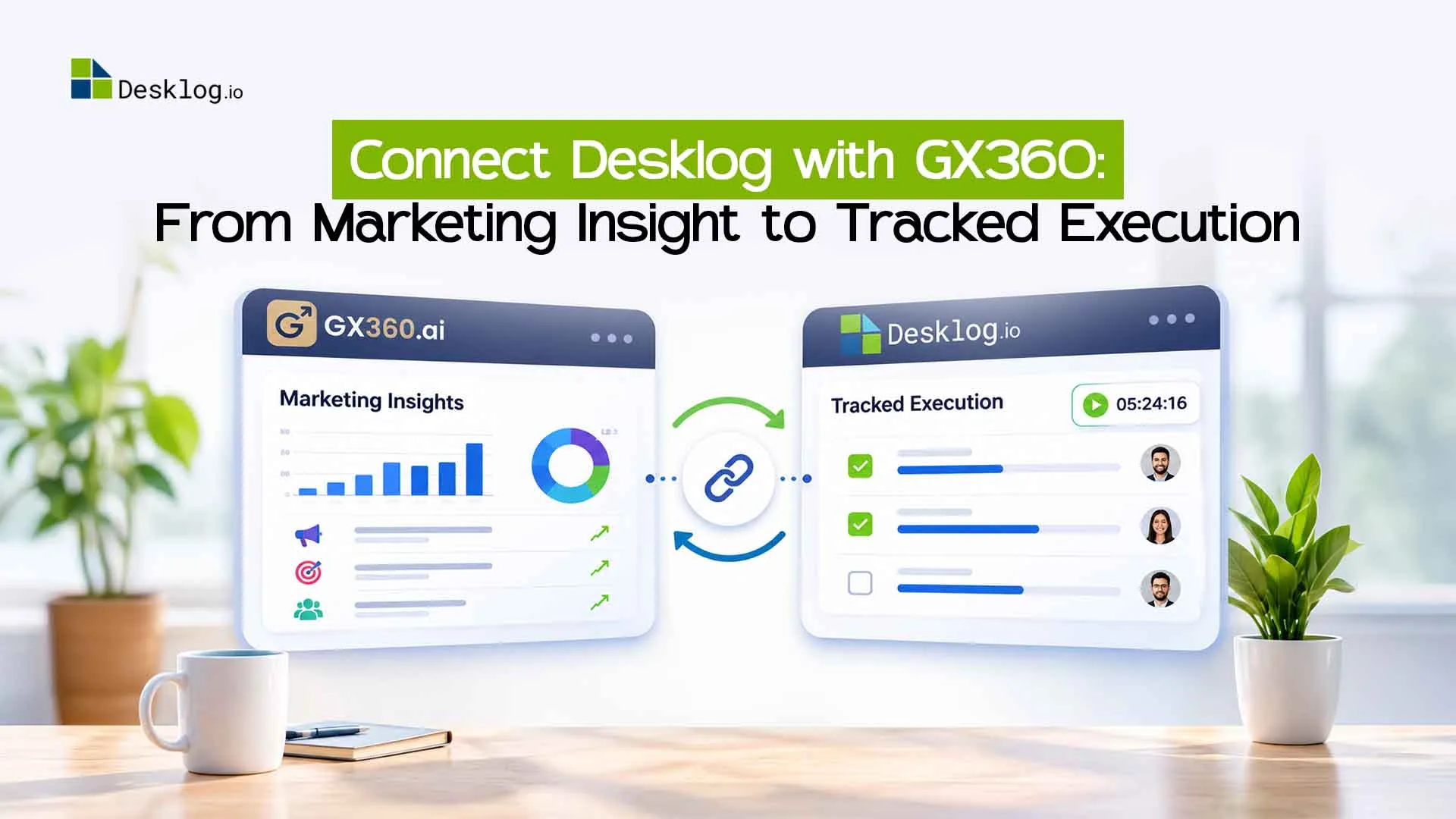

Most marketing teams don’t struggle to find problems. They struggle with what comes after. An SEO audit finds 40 issues, a competitor scan surfaces 12 opportunities, and then everything lands in a spreadsheet and slowly goes stale.
Desklog now connects with GX360, an AI marketing intelligence tool, so every finding becomes a task your team can assign, track, and complete.
What Is GX360?
GX360 brings your SEO, content, competitor, advertising, and AI-search data into one workspace. Instead of logging into a dozen tools, you see what’s happening, what needs fixing, and what to do next.
What you can do with GX360:
- SEO audits: crawl your site, find issues, and get prioritized fix plans.
- Keyword research and rank tracking: discover opportunities and monitor positions over time.
- Competitor tracking: watch competitor pages, content changes, keyword gaps, and backlinks.
- Content planning: turn gaps and opportunities into a content plan with briefs and drafts.
- Ads management: review Google Ads and Meta Ads performance and draft changes for approval.
- AI visibility: see whether AI assistants mention your brand when people ask relevant questions.
Why teams use it:
- One place for all your marketing data instead of scattered dashboards.
- Clear priorities, because every finding comes with a reason and a next step.
- Less manual reporting, since data collection and analysis are automated.
GX360 Bots: Your Always-On Marketing Team
GX360 doesn’t just show dashboards. Its AI bots do the groundwork for you, on a schedule or on demand.
- Audit your site for broken links, missing titles and meta descriptions, orphan pages, schema problems, and robots.txt or sitemap issues.
- Research keywords and group them into topic clusters and a content plan.
- Monitor competitors by scanning their pages and flagging changes and gaps.
- Check AI visibility by testing whether AI assistants mention your brand.
- Draft the work, such as blog posts, page edits, review replies, social posts, and ad changes.
- Plan your week with a sprint plan built from your latest data.
The bots never act on their own. Anything outward-facing, like an ad change, a published post, or a new ticket, goes to a person for approval first.
Connect Your Data Sources
Bots are only as good as their data. GX360 connects to the platforms you already use, so every recommendation is based on your real numbers.
| Connection | What GX360 does with it |
|---|---|
| Google Search Console | Pulls clicks, impressions, CTR, positions, and queries. Finds ranking drops and quick-win keywords. |
| Google Analytics (GA4) | Shows which pages and channels drive traffic and conversions. |
| Google Ads | Reviews spend, conversions, CPA, ROAS, keywords, and search terms. Flags wasted spend and drafts changes for approval. |
| Meta Ads | Reviews campaigns, ad sets, creatives, and audiences, and helps design A/B tests. |
| Microsoft Ads and LinkedIn | Brings other ad channels into the same view. |
| Bing Webmaster Tools | Tracks Bing performance and supports page submissions. |
| Google Business Profile | Tracks local visibility, ratings, and reviews, and drafts review replies. |
| CRM | Connects leads and pipeline data to show which marketing drives revenue. |
| Social accounts | Plans, drafts, and schedules posts, and tracks results. |
| Desklog | Turns approved work into tracked tickets and sprints. |
The result is one connected picture, from the search a customer made, to the page they landed on, to the ad that reached them, to the lead that came in.
How the Desklog and GX360 Pipeline Works
GX360 tells you what to do. Desklog time tracking software makes sure it gets done.
- Connect your data: link Search Console, Analytics, Google Ads, and your other platforms.
- GX360 bots analyze your website, competitors, search performance, and ads.
- Work items are created: SEO fixes, content tasks, ad changes, and offsite actions.
- You review and approve what’s worth doing. GX360 previews exactly what will be sent before anything is created.
- Desklog tickets are created from approved items, with the context attached.
- Your team delivers through sprints, assignments, and project views in Desklog.
No copy-pasting findings into tickets. No “where did that audit go?” moments.
Benefits of Connecting Desklog with GX360
Insight becomes action fast
Audit findings turn into trackable tickets in a few clicks.
Real data, not guesses
Tasks come from your own Search Console, Analytics, and Ads numbers.
You stay in control
Nothing is sent to Desklog until you approve it.
Full context on every task
Your team sees the issue, the reason, and the expected impact.
Clear accountability
Every task has an owner, a status, and a timeline.
Sprint-ready marketing
Plan weekly marketing work the way a dev team plans engineering work.
Measurable progress
Track what was found, what was fixed, and what moved the needle.
Special Offer: Get Desklog Free with GX360
Your GX360 purchase also includes:
- Desklog Sprint: plan and run sprints for your marketing and SEO work.
- Project Tracking: monitor progress across projects and teams.
- Plus the full Desklog toolkit: assignments, time tracking, and team productivity reporting, linked to GX360 from day one.
Purchase GX360 and get Desklog free.*
GX360 finds the work, Desklog tracks it, and your team delivers it.
Get GX360*Terms and conditions apply.
Who Is This For?
Digital marketing agencies
Managing multiple client sites that need clear task tracking.
In-house marketing teams
Who want audits and strategy to become real deliverables.
SEO and content teams
Juggling dozens of fixes and content pieces.
Business owners
Who want visibility into what’s being worked on and why.
Get Started
- Get GX360
- Connect Search Console, Analytics, Google Ads, and your other platforms.
- Claim your free Desklog access and link it to GX360.
- Let the bots run, approve your first work items, and start your first sprint.
Stop collecting insights. Start shipping results.
Connect Desklog with GX360 and turn every marketing finding into tracked, assigned, completed work.
Get GX360