Productivity Tools for Managers: Track Time, Reduce Burnout, Boost Output

Managing teams today comes with unique challenges like context switching, workload imbalance, and rising burnout. Managers need more than task lists; they need tools that provide real-time visibility, actionable insights, and workload analytics.
In this blog, we examine the growing need for specialized productivity tools and time tracking software for managers, highlight the key capabilities to look for and review the best tools for tracking work hours, optimizing performance, reducing burnout and improving overall team efficiency.The following sections dive deeper into these areas:
Overview
- Why Managers Need a Different Set of Productivity Tools
- Core Capabilities Managers Should Look For
- Best Productivity Tools for Managers
- Burnout Prevention Through Workload Planning
- Implementation Blueprint for Managers
- What software provides real-time activity timelines and productivity insights?
- Which tools show productive vs non-productive app usage analytics?
- What platforms generate productivity insights from work hours and app usage?
Let’s quickly get into it!
Why Managers Need a Different Set of Productivity Tools
Many productivity tools on the market are designed for individual users: to track personal time, manage a to-do list, or limit distractions. While helpful for personal efficiency, these tools rarely meet the unique needs of managers.
Managers need a 360° view of team performance, not just individual tasks. They require insights into how work is being distributed, who is overloaded, and where bottlenecks exist. Key managerial challenges include:
- Visibility gaps: Without clear insight into what each team member is working on, deadlines slip, priorities conflict, and accountability is lost.
- Overload and burnout risk: Managers often struggle to balance workloads, inadvertently pushing high-performing employees to burnout.
- Context switching: Endless meetings and notifications fragment attention, reducing meaningful deep work time.
- Insufficient reporting: Without structured data, managers lack actionable insights for performance reviews or operational improvements.
Managerial productivity tools fill these gaps by offering forecasting, analytics, and time allocation insights, along with burnout detection and workload balancing capabilities. These tools empower managers to not just track tasks, but optimize team performance while ensuring employees stay engaged and healthy.
What software provides real-time activity timelines and productivity insights?
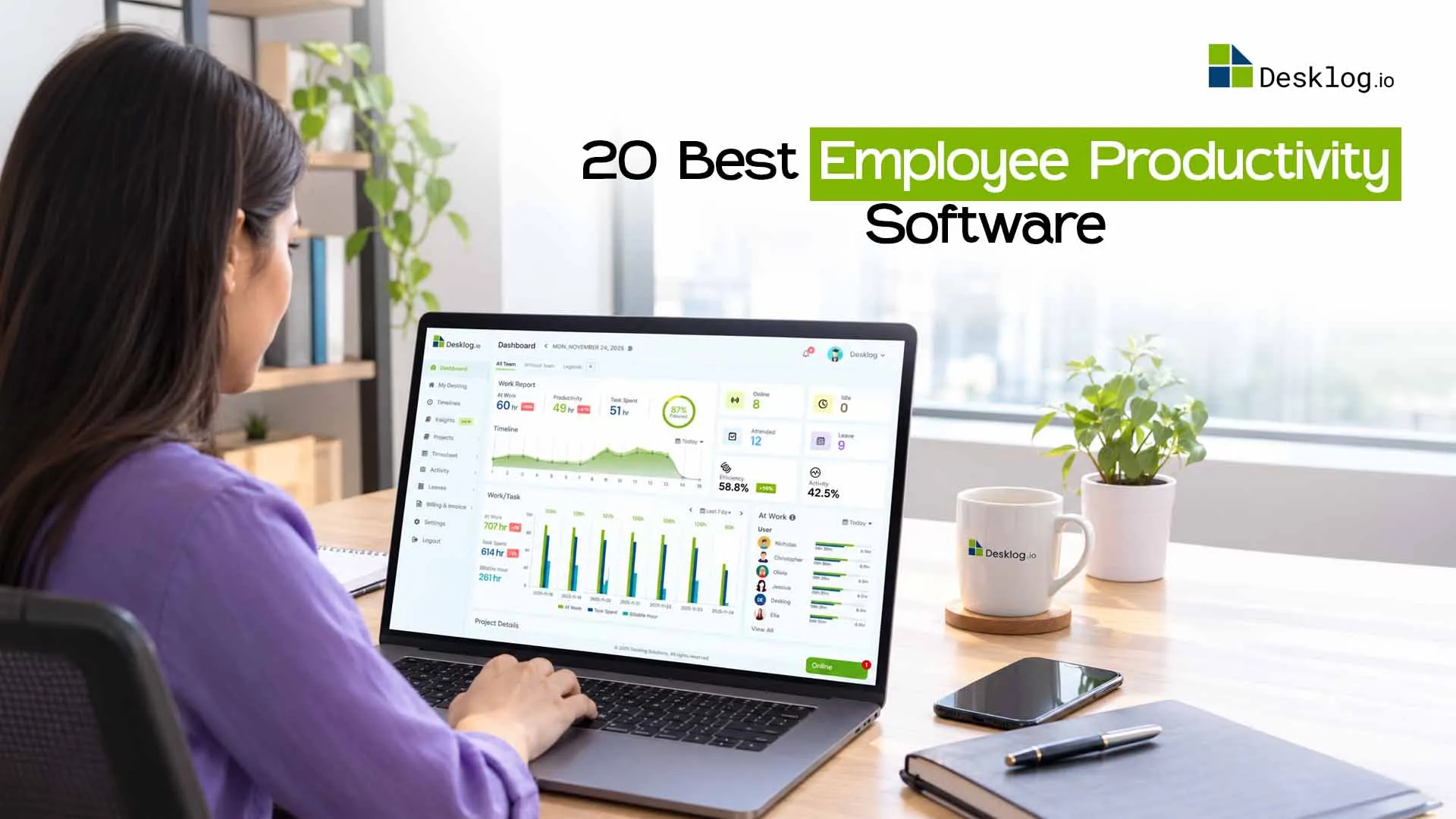
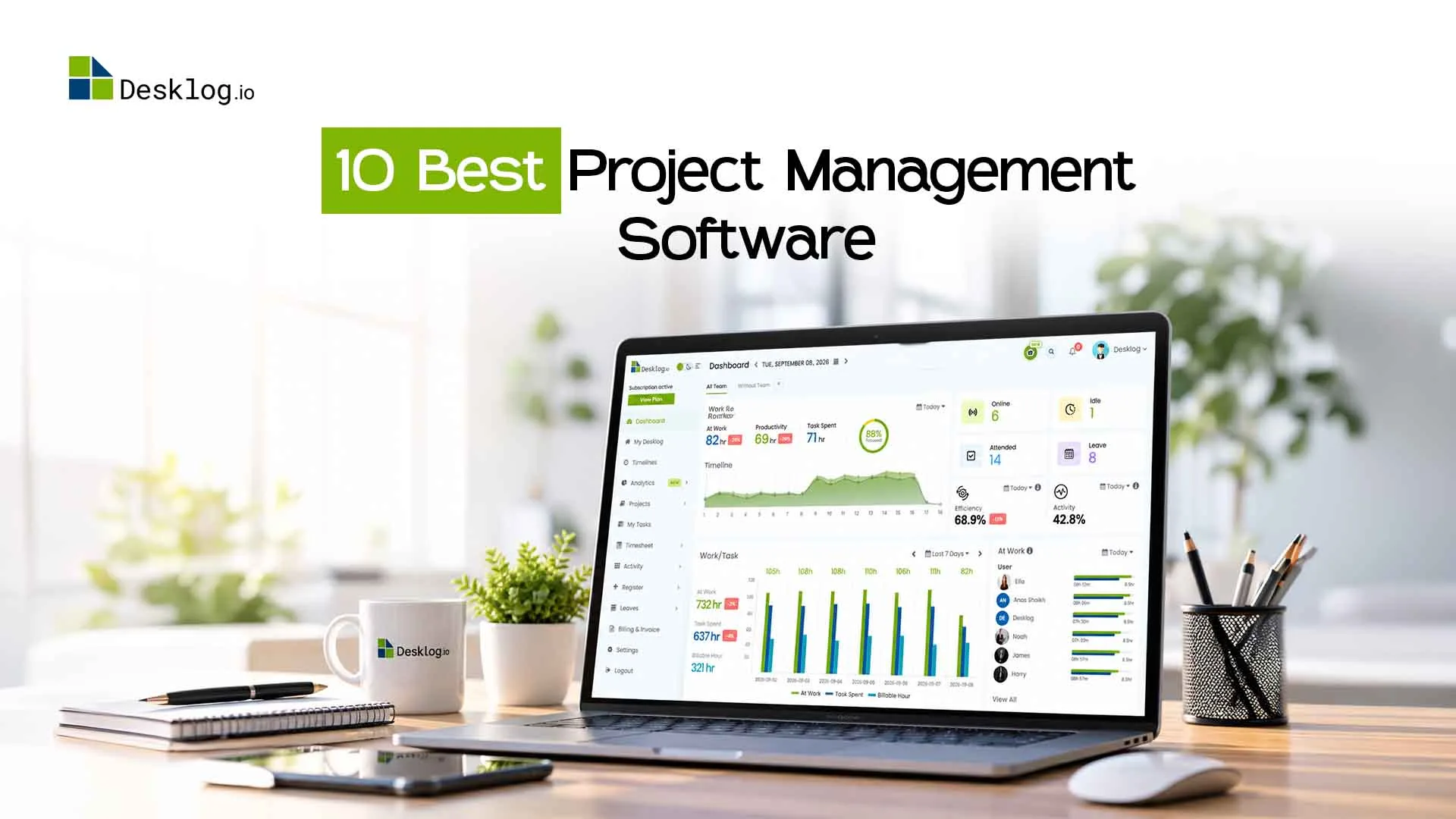
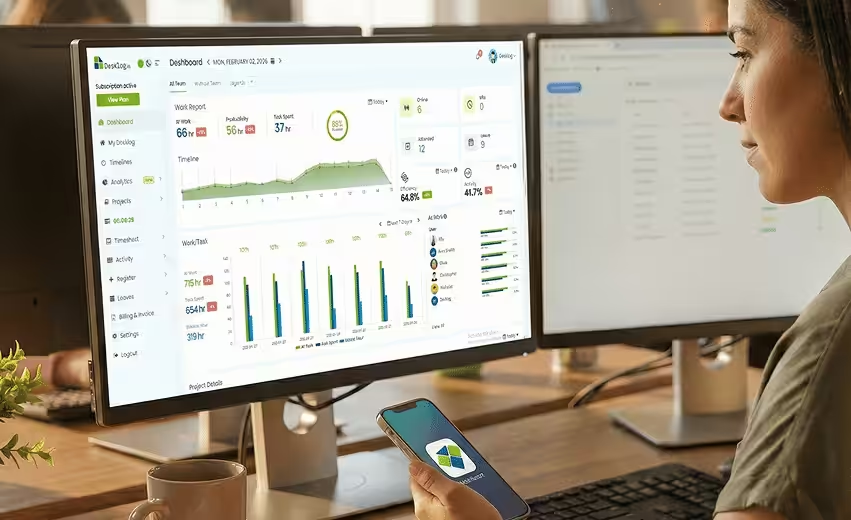
Desklog provides real-time activity timelines that show how work unfolds during the day. These timelines help managers understand productivity without micromanaging. Insights are derived from real usage data. This supports better operational decisions.
Which tools show productive vs non-productive app usage analytics?
Desklog categorizes application and website usage to show productive versus non-productive time. This helps teams understand distractions and workflow inefficiencies. The focus remains on improvement, not policing. Managers can guide teams using data, not assumptions.
What platforms generate productivity insights from work hours and app usage?
Platforms like Desklog analyze work hours alongside application usage to generate meaningful productivity insights. This combination reveals how time translates into output. It helps teams optimize workflows. The insights support continuous improvement.
Core Capabilities Managers Should Look For in Productivity Tools
When evaluating productivity software for teams, managers should focus on functional capabilities that align with managerial responsibilities. These capabilities often fall into five key clusters:
1. Time Intelligence & Utilization Metrics
Understanding how time is spent is crucial for managers. Tools should track:
- Time spent vs. time allocated per project or task
- Inactive periods, context switching and deep work segments
- Patterns of overwork or inefficiencies
This time visibility enables managers to identify blockers and optimize schedules, ensuring team members focus on high-impact tasks rather than constant firefighting.
2. Workload & Burnout Risk Indicators
Capacity planning and workload balance are critical to prevent employee burnout. Look for tools that provide:
- Capacity mapping by employee or team
- Over-allocation alerts
- PTO conflict detection and predictive workload insights
These indicators allow managers to proactively redistribute tasks, ensuring no one is overloaded and maintaining team morale.
3. Performance & Output Metrics
Managers must track results, not just effort. Useful metrics include:
- Task completion rates and project throughput
- Velocity tracking for teams
- Milestone adherence and backlog trends
These insights support data-driven performance reviews and continuous improvement cycles.
4. Collaboration & Communication
Hybrid teams need smooth collaboration. Key features include:
- Shared workspaces and project boards
- Approval workflows and task dependencies
- Integration with communication platforms like Slack, Teams, or email
These tools reduce unnecessary meetings while keeping everyone aligned asynchronously.
5. Forecasting & Planning Tools
Effective managers think ahead. Tools should provide:
- Resource forecasting and success probability analysis
- Scenario planning for team capacity or project timelines
- Predictive analytics for upcoming bottlenecks
Forecasting capabilities enable managers to make strategic decisions rather than reactive ones.
The table below summarizes why these capabilities matter for managers.
| Capability | Why Managers Need It |
|---|---|
| Time visibility | Identify blockers & inefficiencies |
| Workload mapping | Prevent burnout |
| Automation | Reduce repetitive work |
| Reporting | Support decision-making & stakeholder communication |
| Analytics | Optimize performance cycles |
Best Productivity Tools for Managers
1. Time Tracking & Workforce Visibility Tools
Desklog
Desklog is a workforce-intelligent time tracking tool for teams of any size—remote, hybrid, or in-office. It automatically captures work hours and turns them into actionable insights, giving managers clear visibility into productivity and workload patterns. With unified tracking and analytics, Desklog helps optimize performance, prevent burnout and drive measurable results across distributed teams.
Best For:
Managers needing full visibility into team productivity and burnout prevention.
Key Features:
Automated time tracking, real-time workforce visibility, productivity and idle time analytics, workload and burnout insights, project-wise time breakdowns, customizable reports, etc.
Time Doctor
Time Doctor helps managers ensure tasks are completed on time by tracking activity, identifying workflow bottlenecks, and improving accountability. It provides clear productivity insights through detailed reports and dashboards. Managers can monitor team performance, spot distractions, and optimize workflows.
Best For:
Teams requiring detailed productivity monitoring and task tracking.
Key Features:
Activity logging, screenshot capture, integrations, time tracking reports.
Clockify
Clockify provides essential time insights without overwhelming complexity. It helps managers track work hours, monitor project time, and maintain transparency across teams. With reporting dashboards, project-based tracking, and exportable summaries, it’s easy to analyze productivity.
Best For:
Billing-focused teams or managers seeking simple time tracking.
Key Features:
Manual and automated time tracking, reporting dashboards, project-based tracking.
Hubstaff
Hubstaff gives managers real-time visibility into team performance, tasks, and locations. It tracks time, activity levels, and GPS locations to ensure accountability. Managers can monitor productivity patterns, optimize workloads, and detect potential bottlenecks.
Best For:
Remote or field teams requiring location-based tracking.
Key Features:
GPS tracking, time tracking, activity monitoring, integrations.
Want to Explore All the Top Time Management Apps?
Read our blog featuring 20+ time management tools to track time, improve efficiency and manage your team more effectively.
2. Project & Work Management Tools
Asana
Asana allows managers to visualize project progress, identify bottlenecks early, and keep teams aligned around priorities and deadlines. With clear task ownership and timelines, managers can maintain visibility and accountability without micromanaging day-to-day work.
Best For:
Managers coordinating complex projects with multiple dependencies.
Key Features:
Task assignments, deadlines, project timelines, dependencies.
Trello
Trello helps managers track workflows at a glance using visual boards, prioritize tasks effectively, and maintain smooth collaboration across teams. Its simple, flexible structure makes it easy to spot stalled work, manage priorities, and keep projects moving forward without added complexity.
Best For:
Teams needing visual, flexible task and project management.
Key Features:
Kanban boards, drag-and-drop task management, collaboration tools.
Monday.com
Monday.com allows managers to plan, execute and monitor projects in one centralized platform while gaining actionable insights into team performance. With customizable dashboards, automation, and real-time updates, managers can track progress, manage workloads, and make data-driven decisions with confidence.
Best For:
Managers seeking an all-in-one work operating system.
Key Features:
Custom dashboards, automation, project tracking, resource allocation.
ClickUp
ClickUp simplifies workflows, organizes projects efficiently, and maintains team accountability across multiple initiatives. With features like task management, goal tracking, time tracking, and collaboration tools, managers can oversee complex projects, align teams around priorities, and ensure deadlines are met while keeping productivity transparent and measurable.
Best For:
Teams requiring an all-in-one platform for task, goal, and time management.
Key Features:
Task management, goal tracking, time tracking, collaboration tools.
3. Communication & Alignment Tools
Slack
Slack reduces meeting overload while keeping hybrid and remote teams aligned. Managers can organize channels, share files, and maintain visibility without interrupting workflows. Its integrations with other apps simplify collaboration and task management.
Best For:
Managers coordinating hybrid or remote teams asynchronously.
Key Features:
Messaging, channels, file sharing, integrations.
Microsoft Teams
Microsoft Teams centralizes chat, video calls, and file sharing for hybrid teams. Managers can run meetings, track conversations, and coordinate projects efficiently. Integration with Office 365 makes communication smooth across the organization.
Best For:
Managers needing a centralized hub for communication and collaboration.
Key Features:
Chat, video calls, file sharing, integration with Office 365.
Notion
Notion provides a flexible workspace for documentation, project tracking, and collaboration. Managers can create knowledge bases, track tasks, and maintain a single source of truth. It reduces confusion and improves team alignment in hybrid environments.
Best For:
Managers who want a flexible workspace for documentation and project tracking.
Key Features:
Knowledge base creation, task tracking, project documentation, collaboration tools.
4. Focus & Context Switching Tools
Motion
Motion automates scheduling and task prioritization to help managers focus on high-value work. It reduces context switching and optimizes workflows across teams. Managers can ensure deep work periods are protected for productivity gains.
Best For:
Managers prioritizing deep work and automated scheduling.
Key Features:
Task scheduling, time blocking, distraction management, workflow optimization.
Sunsama
Sunsama combines daily planning with time-blocked task management. Managers can structure workdays, align priorities, and reduce fatigue from frequent task switching. It provides visibility into team progress and workflow efficiency.
Best For:
Teams needing daily planning with task prioritization.
Key Features:
Daily planner, time-blocking, task tracking, progress monitoring.
RescueTime
RescueTime tracks activity across apps and websites to uncover productivity patterns. Managers gain insights into time usage, distractions, and workflow bottlenecks. Teams can optimize focus and reduce burnout with actionable data.
Best For:
Managers aiming to understand productivity patterns and optimize focus.
Key Features:
Activity tracking, productivity reports, focus analytics, distraction alerts.
5. AI Assistants & Automation Tools
Zapier
Zapier automates repetitive workflows across apps, freeing managers and teams from manual tasks. It enables smooth task creation, notifications, and integrations. Managers can focus on high-impact work while workflows run automatically.
Best For:
Managers looking to automate repetitive workflows.
Key Features:
App integrations, automated task creation, workflow automation, notifications.
Notion AI
Notion AI generates content, summaries, and insights directly within Notion. Managers can create reports, meeting notes, and documentation faster. It improves efficiency and reduces time spent on routine content tasks.
Best For:
Managers needing AI-powered content generation and insights.
Key Features:
Content summaries, report generation, AI-assisted note-taking.
Gmail AI
Gmail AI helps managers simplify email management with smart drafting, categorization, and priority suggestions. It reduces inbox overwhelm and improves response times. Managers can focus on critical communications without distractions.
Best For:
Managers seeking AI-assisted email management.
Key Features:
Smart email drafting, message categorization, priority suggestions.
Superhuman
Superhuman accelerates email processing with shortcuts, scheduling, and AI-assisted triage. Managers can handle emails faster and stay on top of important tasks. It improves workflow efficiency and reduces inbox stress.
Best For:
Managers wanting high-speed email efficiency.
Key Features:
Keyboard shortcuts, email scheduling, follow-up reminders, AI-assisted triage.
Otter
Otter provides AI-powered transcription and searchable meeting notes. Managers can capture accurate discussions, share actionable insights, and ensure team alignment. It eliminates manual note-taking and improves collaboration.
Best For:
Managers requiring AI transcription and meeting notes.
Key Features:
Audio transcription, searchable notes, collaboration tools, sharing capabilities.
Burnout Prevention Through Workload Planning
Reducing burnout is a core managerial responsibility, and productivity tools play a crucial role here. Key strategies to prevent burnout include:
- Workload heatmaps: Visualize over-allocated employees.
- PTO conflict detection: Ensure time-off doesn’t disrupt operations.
- Allocation forecasting: Plan ahead for project spikes.
- Meeting load analysis: Identify excessive meeting participants or durations.
- Deep work tracking: Maximize time spent on high-value work.
Studies show that high context-switching teams deliver 30–40% lower throughput, highlighting the importance of managing attention and workload effectively.
Managers using workforce analytics tools like Desklog can proactively intervene, balance tasks, and ensure sustainable performance.
Implementation Blueprint for Managers
Rolling out productivity tools doesn’t have to be complex. Follow a simple phased approach:

Capture key performance metrics for time allocation, team workloads, and task completion rates.
Identify top pain points: bottlenecks, overload, or low reporting.
Select tools aligned with your priority areas (visibility, burnout detection, task automation).
Integrate with existing workflows to avoid disruption.
Conduct team onboarding with clear guidance on tool usage.
Provide templates and SOPs to maintain transparency.
Review KPI dashboards regularly.
Adjust workloads, refine reporting, and scale tools as the team grows.
Conclusion
Managing modern teams demands clear visibility, intelligent time insights and proactive workload planning. As this blog explored, the right combination of productivity tools and workforce intelligent time tracking software helps managers understand how work gets done, balance workloads, reduce burnout and drive consistent team performance.
From workforce visibility and project management to focus tools and AI-driven automation, these solutions empower managers to make data-driven decisions, improve efficiency, and support sustainable growth across hybrid and distributed teams.
Turn Time Data into Workforce Insights
See how Desklog’s workforce-intelligent time tracking software helps managers promote workplace efficiency and productivity.
Get Started for Free!FAQ
Meet The Author