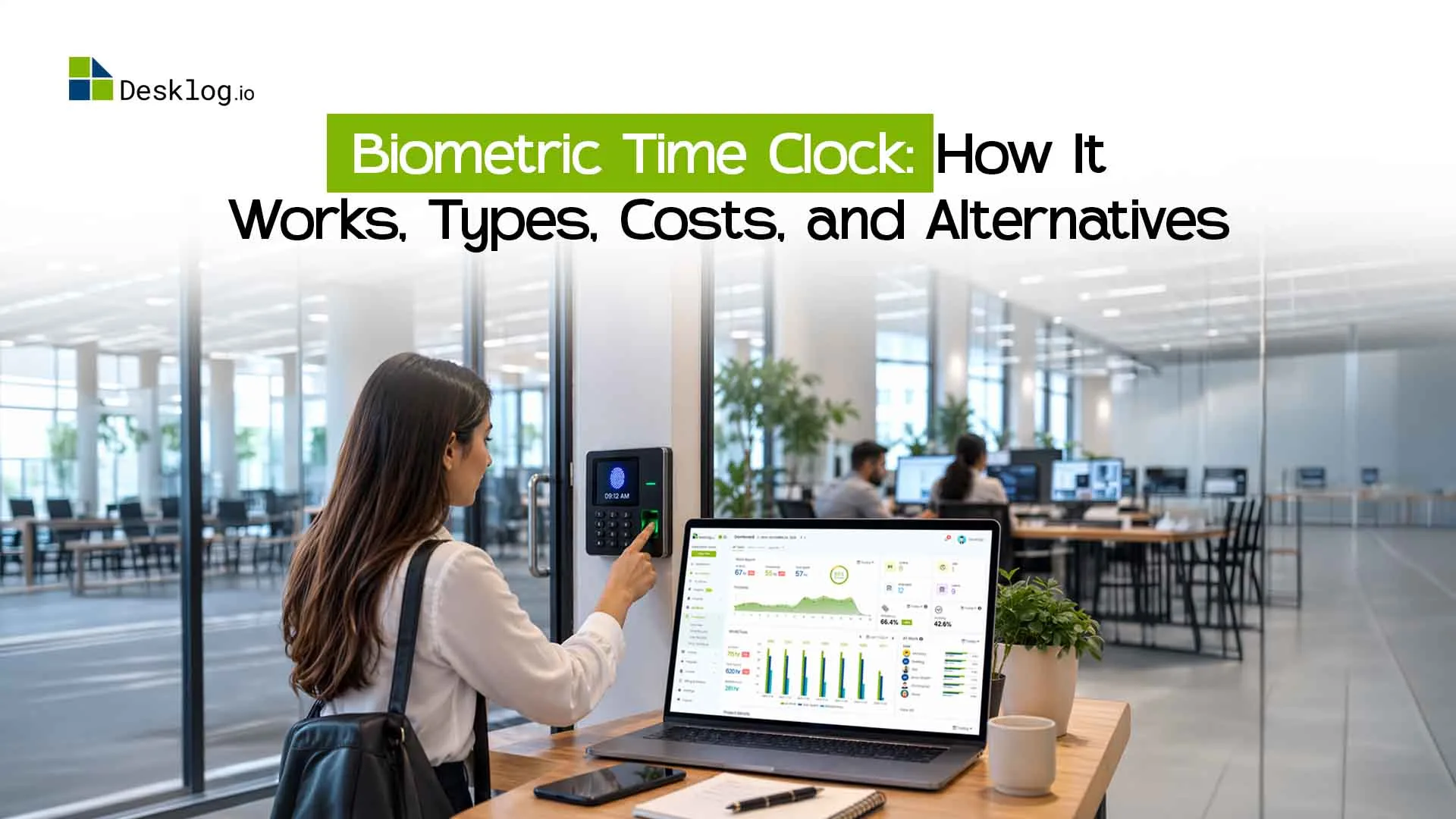

A biometric time clock confirms an employee's identity with a fingerprint, face, iris, or palm scan before it records a clock-in or clock-out. Its main purpose is to stop buddy punching, where one employee clocks in for another.
Biometric clocks suit teams that work on-site at one or a few fixed locations. For remote, hybrid, or field teams, they are costly and hard to use. This guide explains how they work, what they cost, which types exist, and which alternatives fit better.
What Is a Biometric Time Clock?
A biometric time clock is an attendance device that identifies employees by a unique physical trait and logs the exact time of each clock-in and clock-out. Common identifiers are
- Fingerprints
- Facial recognition
- Iris recognition
- Palm or hand geometry
- Voice recognition (rare in workplaces)
Most systems can send attendance data to payroll or workforce software, so you don't need to enter hours and overtime by hand.
How Does a Biometric Time Clock Work?
Enrollment
The employee's fingerprint, face, or palm is scanned once and converted into a digital template.
Verification
At clock-in, the device takes a new scan and compares it with the stored template.
Recording
If the two match, the system logs the time.
Syncing
The record is stored on the device or sent to attendance or payroll software.
Traditional Time Clock vs. Biometric Time Clock: Which Is Better?
Traditional attendance methods include paper registers, punch cards, PIN-based systems, and employee ID cards. They can work for smaller teams but often rely on manual processes.
Biometric systems provide stronger identity verification, making them useful for preventing buddy punching and maintaining accurate attendance records. However, they require dedicated hardware, installation, maintenance, and careful handling of biometric data.
For modern companies with remote or hybrid employees, online time tracking software offers greater flexibility, allowing employees to record time from approved devices without being tied to a physical clock. The better option depends on your workforce, workplace setup, privacy requirements, and attendance needs.
Types of Biometric Time Clocks
Biometric time clocks are available in several forms, with each using a different method to identify employees.
Fingerprint Time Clocks
Fingerprint scanners are among the most common biometric attendance systems. Employees place a finger on a scanner, which compares the captured fingerprint pattern with the employee's registered biometric template.
They can be suitable for offices, factories, warehouses, and other fixed workplaces.
Facial Recognition Time Clocks
Facial recognition systems use cameras to identify employees based on facial characteristics. Employees typically do not need to touch the device, which can make the clock-in process convenient.
However, lighting conditions, camera quality, privacy concerns, and recognition accuracy should be considered before implementation.
Iris Recognition Systems
Iris recognition identifies patterns in the colored part of the eye. It can provide highly specific identification, but these systems are generally less common in everyday office attendance environments because of their cost and specialized hardware requirements.
Palm or Hand Recognition
Some systems use the shape or biometric characteristics of a person's hand or palm. These solutions can be useful in environments that require contactless identification.
Biometric Time Clock Types Compared
| Type | How it verifies | Cost per device* | Strengths | Weaknesses | Best for |
|---|---|---|---|---|---|
| Fingerprint | Scans fingerprint ridges | ~100–500 | Affordable, widely available | Worn or dirty fingers fail; shared touch surface | Offices, factories, warehouses |
| Facial recognition | Camera maps facial features. | ~200–1,000+ | Contactless, fast | Sensitive to lighting and camera quality; higher privacy concern | Office entrances, clean environments |
| Iris recognition | Scans eye patterns | ~$1,000+ | Very precise | Costly, specialized hardware | High-security sites |
| Palm/hand | Reads palm or hand shape | ~500–1,500+ | Contactless options | Less common, pricier | Healthcare, hygiene-sensitive sites |
| PIN/card kiosk | Code or ID card | ~50–300 | Cheapest | Easy to share, so buddy punching stays possible | Small on-site teams |
| Online time tracking | Login, automatic tracking, optional location | Software subscription, no device | Works anywhere, scales easily | Needs a computer or phone | Remote, hybrid, field teams |
*Approximate market ranges. Prices vary by brand, region, and features.
Total cost
The device is only part of the bill. Installation, software licensing, maintenance, replacements, and enrolling every new hire all add up. Cloud time tracking replaces most of that with a per-user monthly fee.
Benefits of Biometric Time Clocks
It reduces buddy punching
A card or PIN can be handed to a colleague, but a fingerprint can't. The American Payroll Association is widely cited as estimating that time theft, including buddy punching, costs employers roughly 1.5% to 5% of gross payroll and that it affects about three in four U.S. businesses.
It improves accuracy
It removes handwritten sheets and manual entry errors.
It speeds up payroll
Verified clock data feeds overtime, late arrival, and attendance calculations for payroll integration.
It gives managers a clear on-site record
This helps with audits and shift planning.
What to Look For in a Biometric Time Clock
Recognition accuracy
Few failed scans in real workplace conditions.
Payroll integration
Hours and overtime should sync without manual entry.
Real-time data
Managers should see missing clock-ins and late arrivals as they happen.
Security
Know where templates are stored, who can access them, and how long they're kept.
Ease of use
Slow or failed scans create queues at shift start.
Scalability
A device that works for 20 people may not work for several sites.
Biometric Time Clock Alternatives
If you don't need dedicated hardware, or some of your people work outside the office, these options work well:
Geofenced mobile clock-in
Employees clock in from their phone, and clock-ins are limited to an approved location, such as a job site or office. Best for field and hybrid teams.
Selfie verification
The employee takes a photo at clock-in, and a manager can review it. It's cheaper than biometric hardware, but it can still count as biometric data under some laws, so check your local rules.
QR code or NFC clock-in
Employees scan a code or tag at the site. It's quick and cheap, but codes can be shared, so pair it with a login or location check.
Web timer or desktop clock-in
Employees clock in through a time tracking app on their work computer. Best for office and remote knowledge workers.
Automatic time tracking
Software records work time in the background, so there is no punch to fake in the first place.
How to choose
- Same site every day, with buddy punching as a real problem: fingerprint or facial recognition.
- Remote or hybrid employee: web timer or desktop clock-in with automatic tracking.
- Field or multi-site team: geofenced mobile clock-in.
- Very small team on a tight budget: QR, PIN, or a simple online tracker.
Why Online Time Tracking Often Works Better
With a physical clock, you buy, install, and maintain a device at every location. With online employee time tracking, employees can record time from a computer or phone, while managers can see everything in one dashboard.
It also goes beyond simply showing who clocked in. Employee time tracking can show how time is spent across projects and tasks, which matters for client billing, workload planning, and identifying overtime early. For distributed teams, that can be both more cost-effective and more useful than relying on a scanner mounted on a wall.
Biometric Privacy: What to Keep in Mind
A password can be changed after a leak, but a fingerprint or face can't. That makes biometric data a serious responsibility. Before you roll out a biometric system, know what is stored (a template or an image), where it's stored, who can access it, and how long it's kept. Explain to employees why it's collected, and check the privacy rules in every region where you have staff.
How Desklog Helps
Desklog is a time tracking and project management platform that replaces physical clock-in hardware with one online system.
Automatic time tracking
Time is captured in the background, with a daily work timeline that separates work time, idle time, and private time.
Attendance management
Clock-in and clock-out are recorded, so managers see who is working and when.
Project and task tracking
Track hours by project, task, and subtask, with automated timesheets for payroll and client billing.
Offline tracking
Time is captured even without internet and syncs when the connection returns.
Activity insights
Idle time detection plus app and URL usage show how working time is spent.
Geo tracking and mobile access
Support for distributed and field teams.
Works across devices
Windows, Mac, and Linux.
Already have a biometric device?
Desklog can sync attendance from your existing biometric system, either through a Desklog Biometric Service or through its public API. When an employee checks in on the device, the Desklog web timer starts automatically, and it stops at check-out. Setup is handled with the Desklog team, so start with the biometric integration setup guide.
The Future of Biometric Attendance and AI
AI is improving facial recognition accuracy, liveness detection (telling a real face from a photo), and alerts for unusual clock-in times or places. But better technology doesn't remove privacy and consent duties. As attendance data connects more closely with scheduling, project, and productivity data, many companies will move from single-purpose clocks toward connected workforce platforms.
Conclusion
A biometric time clock is a solid choice for on-site teams where buddy punching is a real cost. It is a weak fit for remote, hybrid, and multi-location teams, and it brings hardware costs and privacy duties. For most modern teams, online time tracking is more flexible, cheaper to scale, and shows more about how work gets done. If you'd like to try it, you can start Desklog free for 14 days.
Track time without the hardware.
Desklog gives you automatic time tracking, attendance, and project timesheets in one place. Already have a biometric device? Desklog can sync with it too. No credit card required.
Start your free 14-day trial Book a demo