Advanced Attendance Management System: A Complete Guide

What if unnoticed attendance gaps were quietly costing your business money? An advanced attendance management software solution delivers accurate, real-time time & attendance tracking, helping organizations manage shifts, reduce payroll errors, and ensure compliance while turning attendance data into measurable productivity gains.
Why Do Modern Attendance Systems Matter?
Modern businesses can no longer rely on manual registers or outdated punch systems to manage dynamic workforces. As teams become hybrid and distributed, accuracy, automation, and integration are no longer optional — they are essential.
Accuracy Through Automation
Modern systems eliminate manual errors, buddy punching, and spreadsheet miscalculations. The core benefits of attendance automation include precise time logs, real-time updates, and dependable records that reduce disputes and administrative workload.
Stronger Compliance Control
Automated attendance tools help organizations stay aligned with labor laws, overtime rules, and company policies. Built-in compliance tracking reduces legal risks and ensures accurate documentation during audits.
Flawless Payroll Integration
With direct payroll integration, attendance data flows automatically into salary processing systems. This minimizes payroll errors, speeds up calculations, and ensures employees are paid correctly and on time.
Proven Efficiency Gains
Workforce automation tools significantly improve operational efficiency and reduce human error — key drivers for scaling modern businesses. A connected ecosystem transforms attendance data into strategic operational intelligence.
Connected Workforce Ecosystem
Solutions like Desklog enable smooth integration between attendance management, HR, reports, project time tracking, project billing & invoicing, and employee wellness, transforming attendance data into strategic operational intelligence.
Core Features to Evaluate
The effectiveness of an attendance system depends on how well its core features support accuracy, automation, and workforce control. Below are the key capabilities every organization should assess before implementation.
-
Biometric & Mobile Clock-In
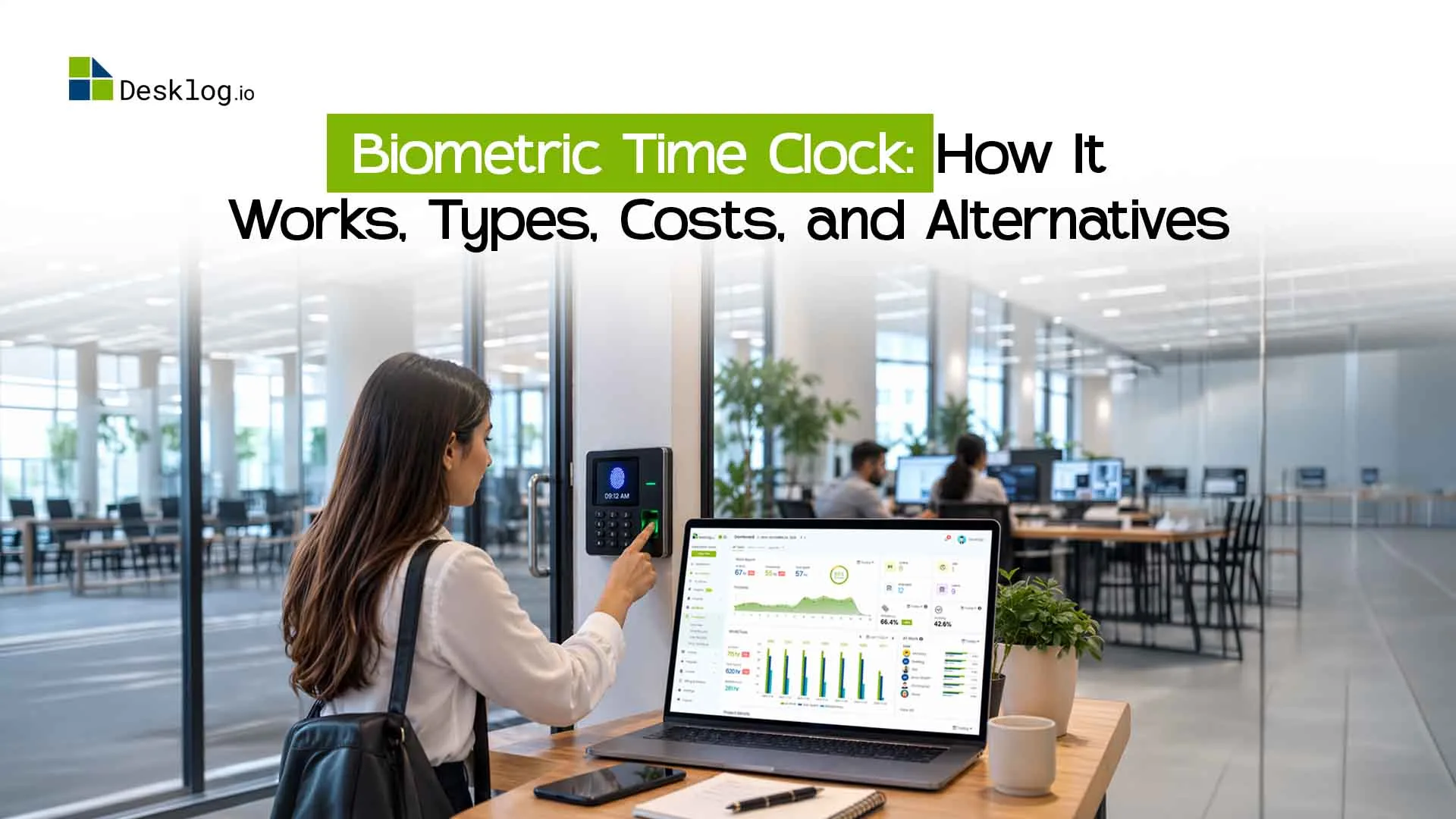
A dependable biometric attendance system ensures accurate identity verification through fingerprint or facial recognition, preventing buddy punching and manual manipulation. When combined with mobile clock-in, employees can securely record attendance from approved devices.
This dual approach supports office, hybrid, and field teams while maintaining data integrity and real-time visibility.
-
Geo Tracking
Geo tracking uses GPS technology to verify employee locations during clock-ins or work activities. It ensures employees are present at approved locations such as offices, project sites, or client locations, preventing unauthorized remote check-ins.
This improves attendance accuracy and strengthens accountability, especially for field teams and mobile workforces.
-
Shift Rules & Policy Automation
Modern systems should support flexible shift management, including shift creation, rotating schedules, grace periods, and automated overtime calculations. Policy-based automation ensures attendance rules are applied consistently across departments without manual HR intervention.
This reduces disputes, standardizes compliance, and improves administrative efficiency.
-
Payroll Integration
A strong attendance payroll integration includes automatic calculation of payable hours, overtime, and deductions, with direct synchronization to payroll software. This eliminates manual data transfers and reduces salary errors.
Flawless payroll integration improves processing speed, financial accuracy, and employee trust.
-
Audit Logs & Compliance Tracking
Advanced audit logs record every attendance update, correction, or approval within the system. These logs provide full transparency and create a reliable compliance trail for audits or dispute resolution.
Detailed tracking protects the organization legally while ensuring accountability at every level.
-
Real-Time Reporting & Analytics
Advanced attendance platforms provide live dashboards and actionable insights into employee absenteeism, late trends, and workforce availability. Real-time reporting enables managers to make proactive decisions based on accurate data.
This transforms attendance tracking from a routine HR task into a strategic performance tool.
For broader comparisons, explore the 10 best attendance apps guide for practical benchmarks.
Interactive Feature Filter
Use this checklist-style filter to evaluate which features align best with your operational and compliance needs.
| Feature | Required | Optional | Not Needed |
|---|---|---|---|
| Biometric Authentication | |||
| Mobile App Clock-In | |||
| Geofence Location Control | |||
| Custom Shift Rule Engine | |||
| Automated Payroll Sync | |||
| Audit Trail & Activity Logs | |||
| Real-Time Reports & Analytics |
Real Benchmarking: 5 Metrics
Feature lists don't reveal real performance. True evaluation requires measurable comparisons based on operational impact. These five benchmarking metrics help organizations assess reliability, scalability, and long-term value using practical performance indicators.
-
Accuracy
Accuracy is the foundation of payroll and compliance. An effective attendance accuracy benchmark measures time-capture precision, duplicate prevention, biometric reliability, and correction transparency. Even minor inconsistencies can lead to payroll disputes and compliance risks. High-performing systems maintain consistent data across devices, shifts, and locations with built-in validation controls.
-
Integration Depth
Integration depth reflects how well the system connects with payroll, HR, and project tools. Basic systems export reports, while advanced platforms provide real-time API synchronization. Strong integration eliminates manual data transfers, reduces errors, and ensures attendance records align seamlessly with payroll and financial systems.
-
Mobile UX
Mobile experience directly impacts adoption. Evaluation should include clock-in speed, GPS accuracy, offline functionality, and user interface simplicity. A simplified mobile interface ensures employees can record attendance quickly and accurately, especially in field and remote environments.
-
Setup Time
The implementation time attendance system metric measures deployment speed, from shift configuration to payroll connectivity. Systems with guided onboarding and pre-set templates reduce rollout delays and minimize operational disruption, accelerating time to ROI.
-
Cost of Ownership
Cost of ownership includes subscription fees, hardware, maintenance, training, and administrative effort. A well-balanced system lowers long-term operational costs through automation while maintaining performance and scalability.
Interactive Benchmark Table
| Metric | Platform A | Platform B | Platform C |
|---|---|---|---|
| Accuracy Rate (%) | |||
| Integration Level | Advanced | Moderate | Basic |
| Mobile UX Score (10) | 9.1 | 7.8 | 8.4 |
| Setup Time (Days) | 5 | 12 | 8 |
| Annual Ownership Cost | Medium | Low | High |
This benchmarking approach provides measurable, decision-ready insights — bridging the gap between marketing claims and real operational performance.
Compare & Choose The Best Attendance Software
Choosing the right tool requires more than comparing features. A smart attendance software comparison evaluates pricing, integrations, scalability, and long-term impact using a structured decision matrix.
Define priorities first — mobile and geofencing for distributed teams, compliance and integrations for enterprises. A proper attendance software pricing comparison should include subscription costs, setup fees, and ongoing expenses. Strong integrations are critical; platforms like Desklog show how attendance, productivity, and reporting can work together in one unified system.
When building your evaluation model, focus on four weighted criteria:
A practical attendance software pricing comparison should include free plans, per-user monthly costs, and feature depth at each tier.
Decision Matrix (Expert Comparison Snapshot)
| Criteria | Desklog | Clockify | Time Doctor | Jibble | My Hours |
|---|---|---|---|---|---|
| Automated Time Tracking | ✔ Advanced | ✔ Basic | ✔ Advanced | ✔ Basic | ✔ Basic |
| Attendance & Leave Tracking | ✔ Yes | Limited | Limited | ✔ Yes | Limited |
| Productivity Insights | ✔ Deep Analytics | Moderate | Monitoring-Focused | Basic | Basic |
| Payroll & Billing Features | ✔ Billing + P&L Calculator | Billing | Payroll Integration | Limited | Billing |
| Free Plan Availability | ✔ Yes | ✔ Yes | ✖ No | ✔ Yes | ✔ Yes |
| Starting Paid Plan | $3.5/User | $6.99/User | $8/User | $5.99/User | $9/User |
| Enterprise Scalability | ✔ Strong | Moderate | Strong | Moderate | Moderate |
How to Choose?
-
Automated productivity insights + full ecosystem
If your priority is automated productivity insights with attendance, billing, and workforce management in one ecosystem, Desklog offers a balanced, cost-effective structure with enterprise scalability.
-
Generous free plan with flexible manual tracking
Clockify or Jibble may suit smaller teams that need a free plan and basic time tracking without heavy complexity.
-
Heavy employee monitoring + payroll-linked tracking
Time Doctor may align better for organizations that prioritize detailed employee monitoring and direct payroll integration.
-
Billing simplicity + general time tracking
My Hours provides a clean interface with strong invoicing capabilities for teams focused on billing simplicity.
Using a structured decision matrix removes bias and ensures the selected solution aligns with operational complexity, growth plans, and budget sustainability.
Attendance System Migration & Implementation Roadmap
A structured rollout ensures your attendance platform delivers value from day one. Without a clear roadmap, even the best tools fail due to poor adoption and data inconsistencies. This playbook outlines a practical framework for smooth attendance system migration and long-term operational success.
Pre-Implement Checklist
Start with a detailed attendance implementation checklist to avoid disruption.
Before You Begin
- Define attendance policies (shift rules, overtime, leave types)
- Audit existing data sources (spreadsheets, biometric logs, legacy software)
- Identify integration points (payroll, HRMS, project tools)
- Assign internal stakeholders (HR, IT, operations)
- Set measurable success metrics (accuracy rate, payroll error reduction)
Clarity at this stage reduces configuration errors and shortens deployment time. Teams that skip pre-implementation planning frequently encounter data inconsistencies, integration failures, and delayed rollouts.
Migration Steps
A successful attendance system migration follows a phased structure:
-
1 Export Legacy Data
Export legacy attendance data into standardized CSV format.
-
2 Clean & Validate Records
Remove duplicates, correct inconsistencies, and standardize field formats.
-
3 Map Data Fields
Map old data fields to new system fields to ensure accurate record transfer.
-
4 Import Profiles & Rules
Import employee profiles, shift rules, and leave balances into the new system.
-
5 Verify Integrations
Verify payroll and reporting integrations. Always maintain backup copies before final migration to prevent data loss.
Always maintain backup copies before final migration to prevent data loss.
Sample CSV Structure
Below is a simplified employee attendance import format:
Testing & Rollout Plan
Before company-wide activation, conduct a pilot test with one department. Validate attendance accuracy, payroll sync, reporting outputs, and mobile functionality. Collect feedback, adjust configurations, and finalize policies.
A phased 30-day rollout typically includes:
A controlled rollout minimizes resistance, ensures data accuracy, and accelerates ROI — turning implementation into a strategic upgrade rather than a system replacement.
ROI & Pricing
A modern system delivers measurable attendance software ROI by reducing payroll errors, minimizing time theft, and cutting manual HR workload.
Industry insights show that automation can reduce attendance administration time by up to 70%, while even small payroll accuracy improvements can generate 5–10% labor cost savings annually. These efficiencies quickly offset subscription expenses.
When reviewing attendance software pricing, look beyond monthly fees. Most cloud solutions range between $2–$10 per user per month, but total cost should include setup, integrations, and support.
The real value lies in reduced overtime leakage, faster payroll cycles, and improved compliance accuracy.
Overtime & Savings Calculator (Interactive)
Embed an interactive calculator that estimates:
- Current overtime costs
- Payroll error percentage
- Administrative hours saved
- Projected annual savings
- Set measurable success metrics (accuracy rate, payroll error reduction)
By visualizing these inputs against subscription costs, organizations can forecast ROI and typically recover their investment within the first year.
How Organizations Improved Workforce Performance with Attendance Management Software
Heckyl Technologies — Financial Analytics & Data Solutions
Company: Heckyl Technologies (Financial analytics & data solutions)
Use Case: Attendance and productivity tracking across hybrid teams.
As Heckyl expanded globally, tracking employee attendance and daily work patterns became increasingly complex. Manual supervision and self-reported timesheets limited visibility, especially across remote and in-office teams.
By implementing an advanced attendance management system, the company automated time tracking, monitored app and URL usage, and introduced real-time dashboards for IT administrators.
Key Outcomes:
"Desklog is extremely easy to use and convenient for management to monitor and supervise employees." — Umesh Prajapati
By implementing a structured attendance management system, Heckyl Technologies transformed workforce supervision from a manual, time-consuming task into a streamlined, data-driven process — ensuring consistent attendance visibility and scalable team performance as the company continues to grow.
Read Full Case StudyFocuz Line Shipping Co. Ltd. – Strengthening Attendance Accountability Across Locations
company: Focuz Line Shipping Co. Ltd. (Global shipping & logistics).
Use Case: Multi-location attendance and work-hour tracking.
Managing employees across multiple regions and time zones made attendance tracking challenging. Without a centralized system, monitoring working hours and idle time lacked accuracy.
By adopting a comprehensive attendance management solution, the company automated time logging, active vs. idle hours tracked, and generated detailed performance reports to improve transparency.
Key Outcomes:
"Desklog's reports have made it easy to make data-driven decisions about appraisals and employee reviews." — Nizamudeen Ismail
With a centralized attendance management solution in place, Focuz Line Shipping strengthened accountability across regions, improved time-tracking accuracy, and established a transparent foundation for smarter workforce and performance management decisions.
Read Full Case StudyConclusion
Choosing the right attendance management system is critical for improving workforce accuracy, reducing payroll errors, and ensuring compliance. From biometric verification and payroll integration to secure data handling and leave management, modern solutions offer far more than basic time tracking.
By understanding key features, costs, implementation timelines, and integration capabilities, businesses can confidently select a system that supports operational efficiency, transparency, and long-term growth.
Accurate Attendance → Automated Payroll → Compliance Confidence → Measurable Workforce Growth
Transform your attendance data into measurable business performance!
Try Desklog for Free Now!FAQs
Meet The Author