
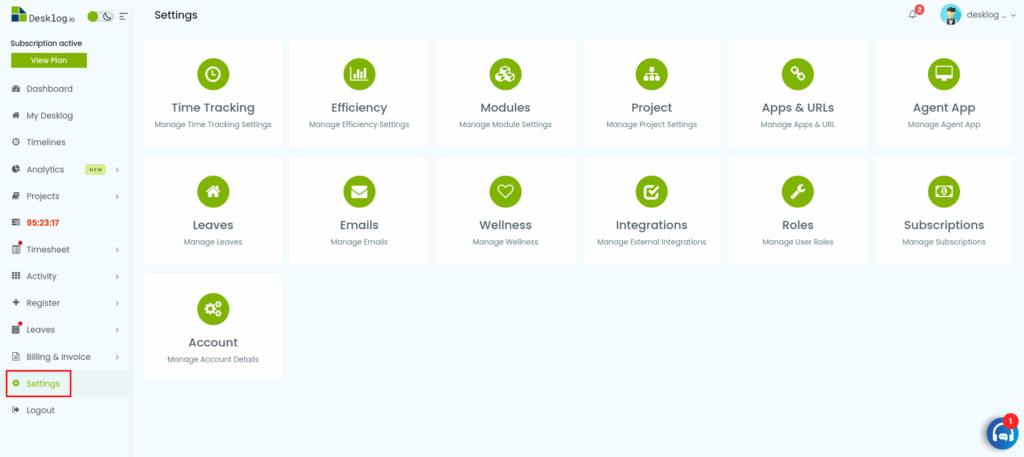
Step 1: Go to Settings from the admin left panel.
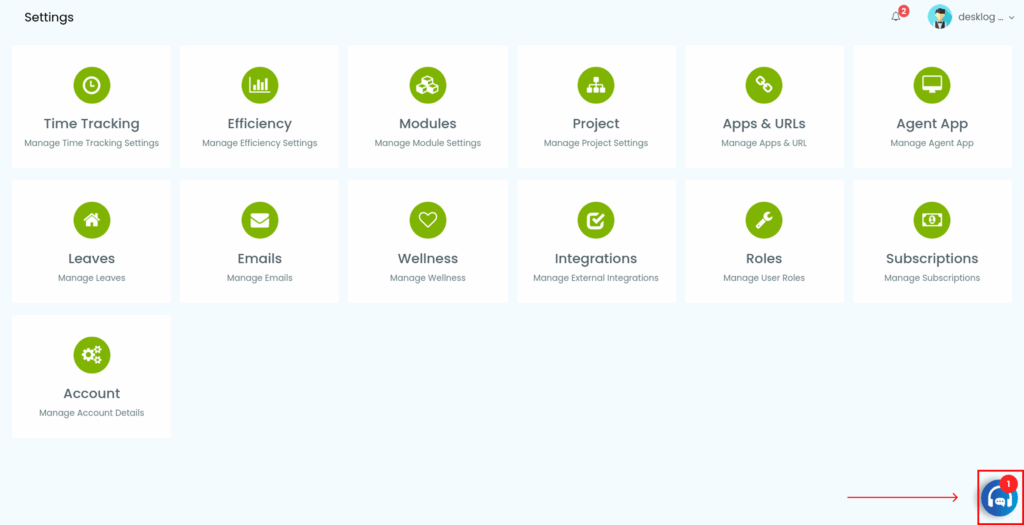
Step 2: Click the Ticket icon at the bottom-right corner of the screen.
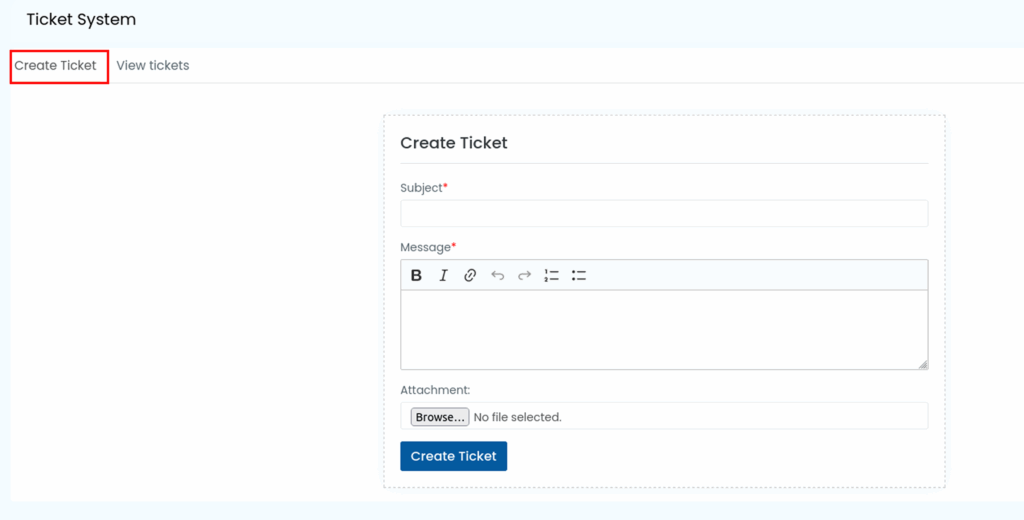
Step 3: Select Create Ticket to open the ticket submission form.
Step 4: Enter a clear Subject describing the issue.
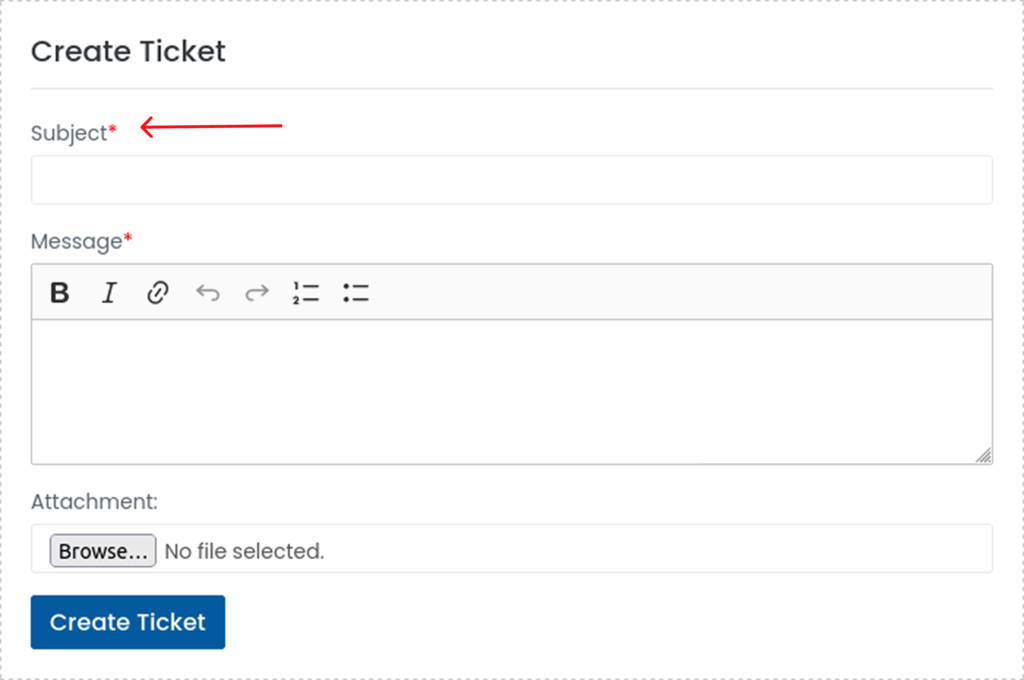
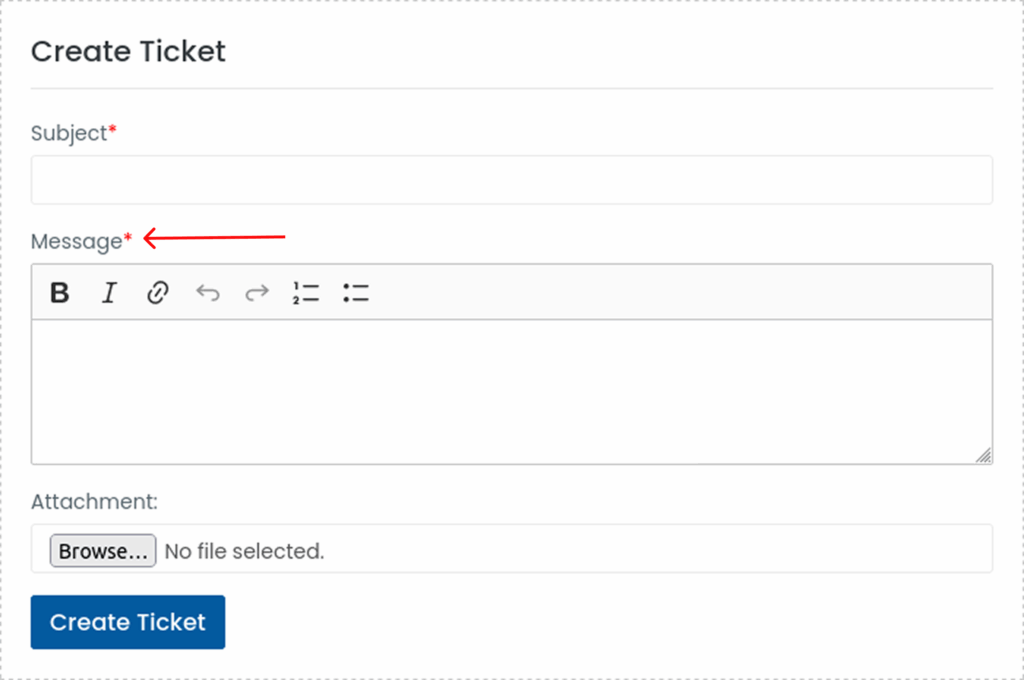
Step 5: Provide a detailed Message explaining the problem.
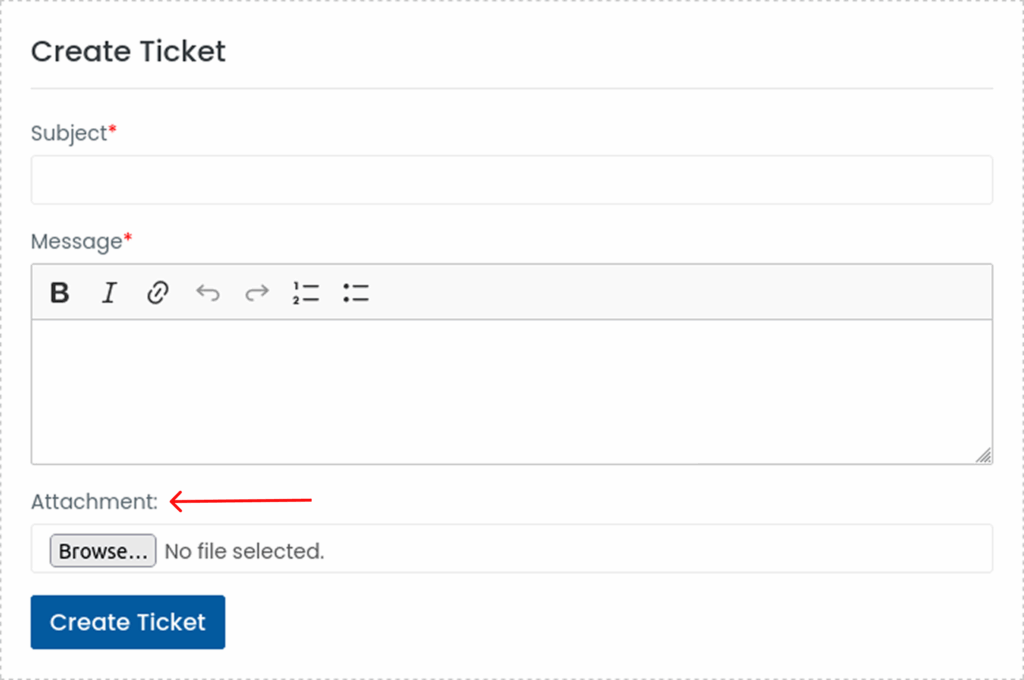
Step 6: Upload any supporting Screenshots or attachments as proof.
Step 7: Once all details are added, click Create Ticket to submit your request.
Support will review and respond promptly.