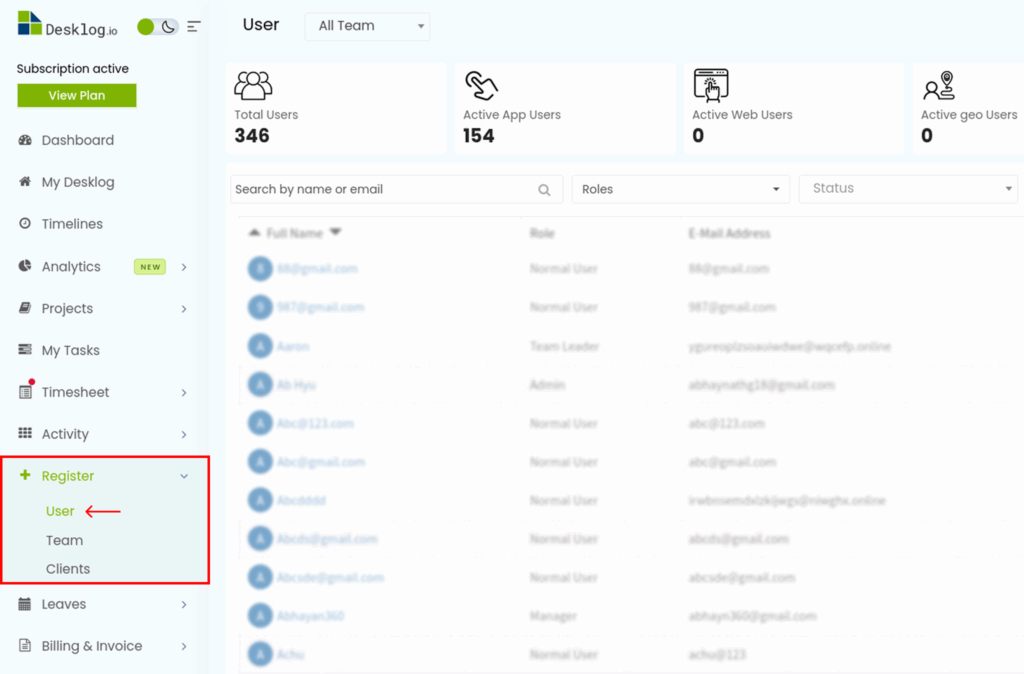
- From the Admin left panel, click Register, then select User.
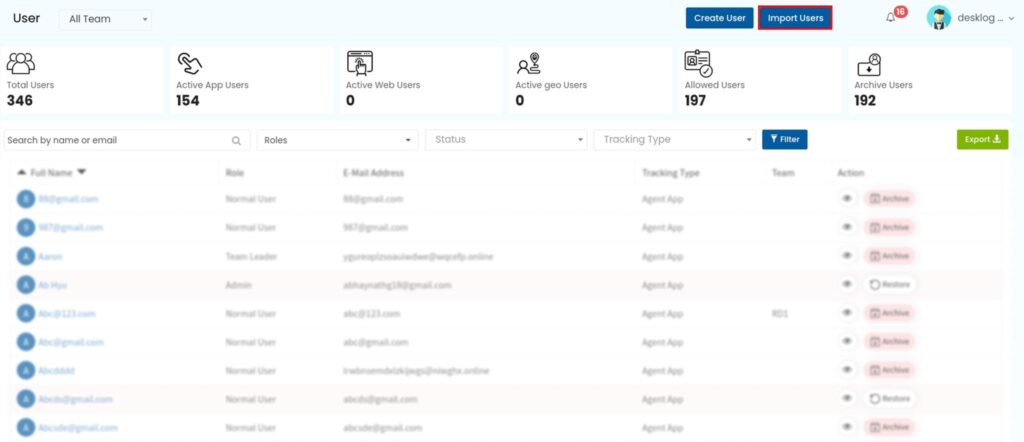
- Click the Import Users button in the top-right corner of the screen.
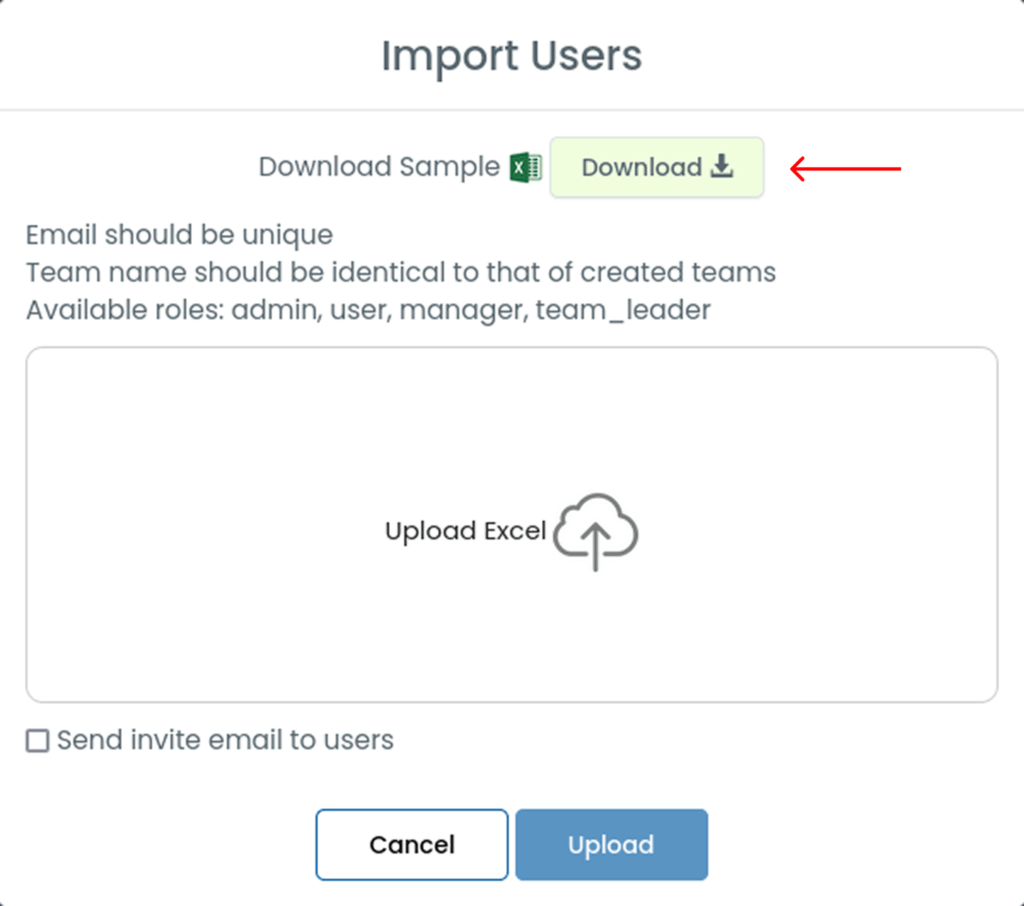
- Download the sample Excel sheet and fill in the details as per the guidelines:
- Email must be unique
- Team name must exactly match an existing team
- Supported roles: Admin, User, Manager, Team Leader
- Upload the completed Excel file in the provided space.
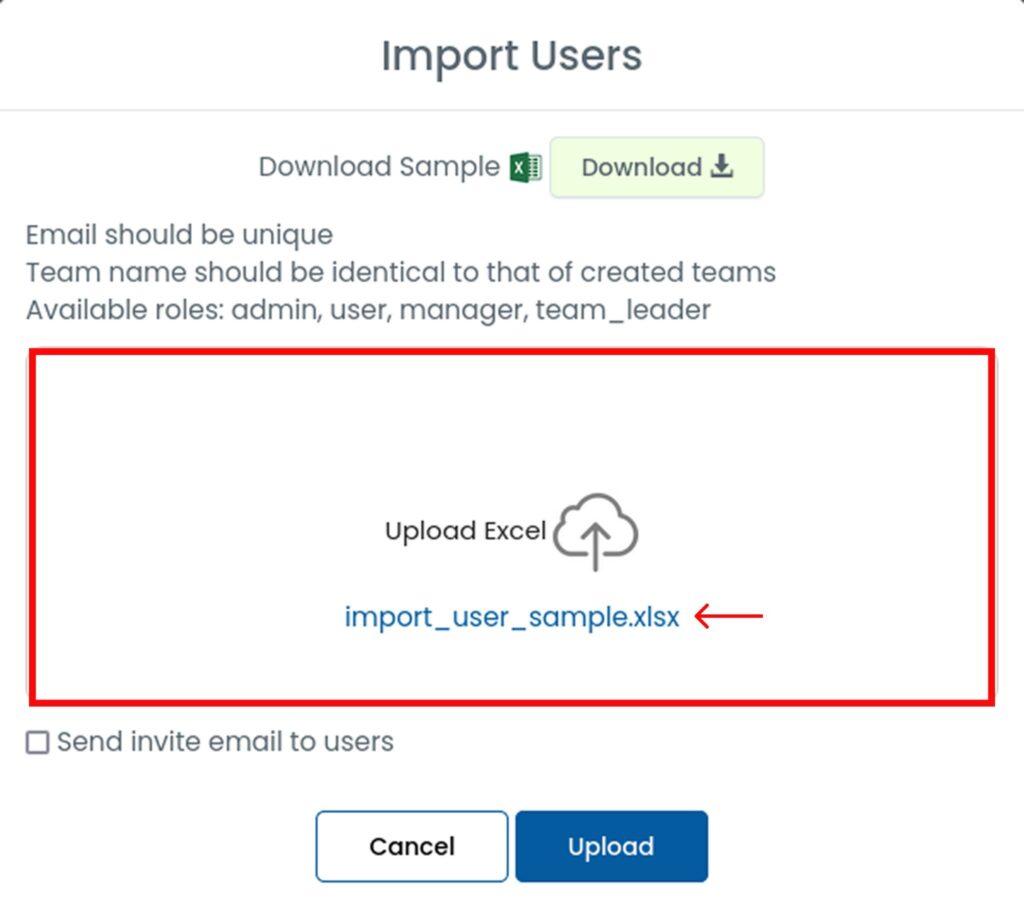
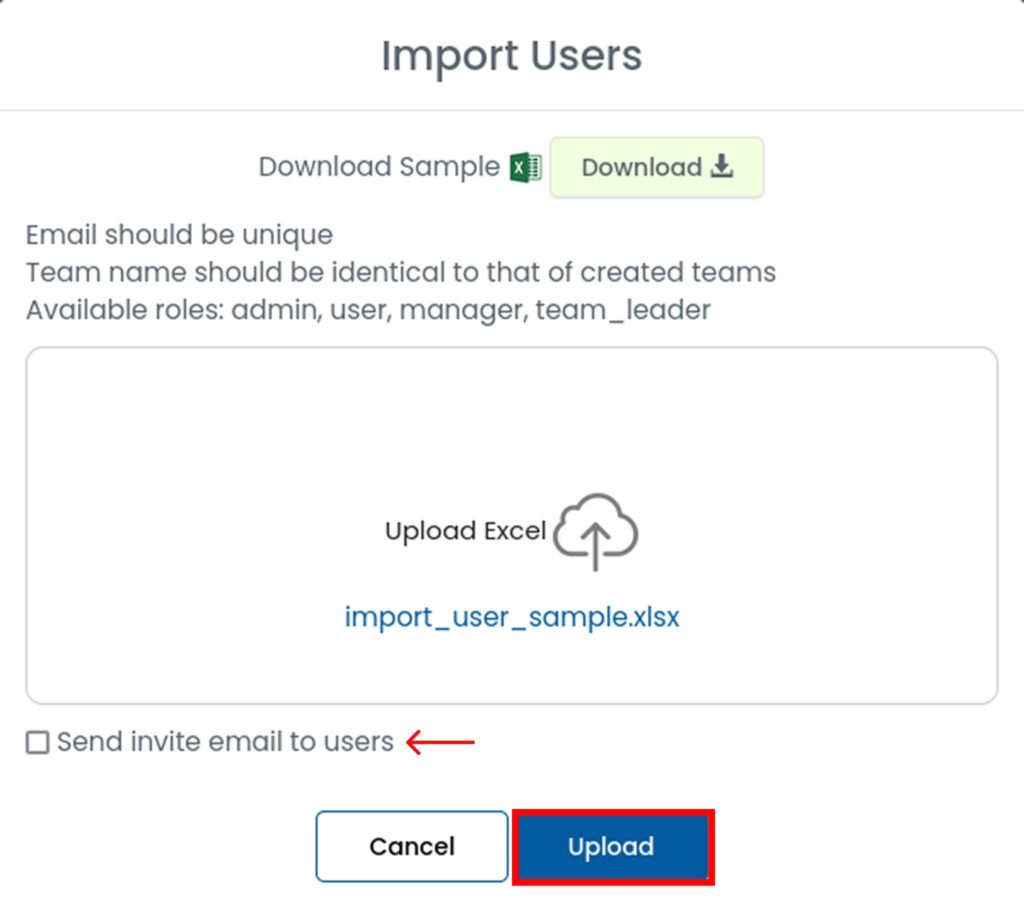
- Select the checkbox (optional) to send email invitations, then click Upload.