
Follow these steps to enable App and URL tracking for your organization:
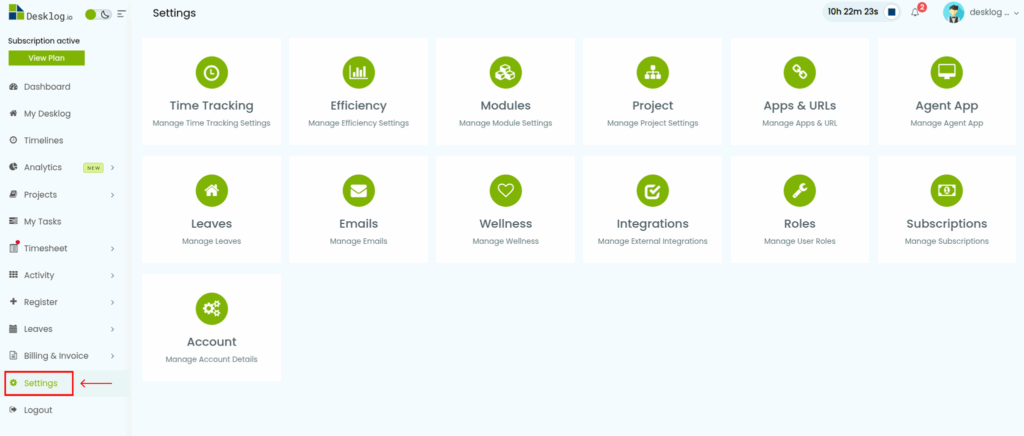
- From the Admin left panel, go to Settings.
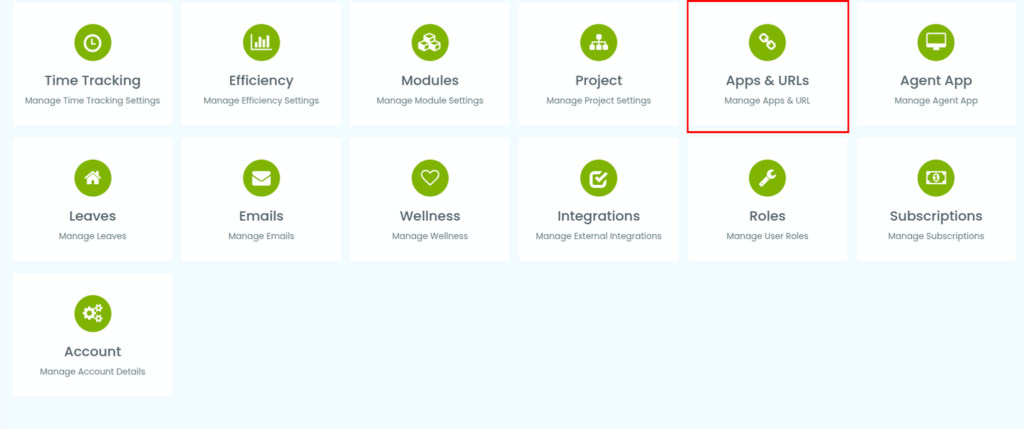
- Click App/URLs from the list of options.
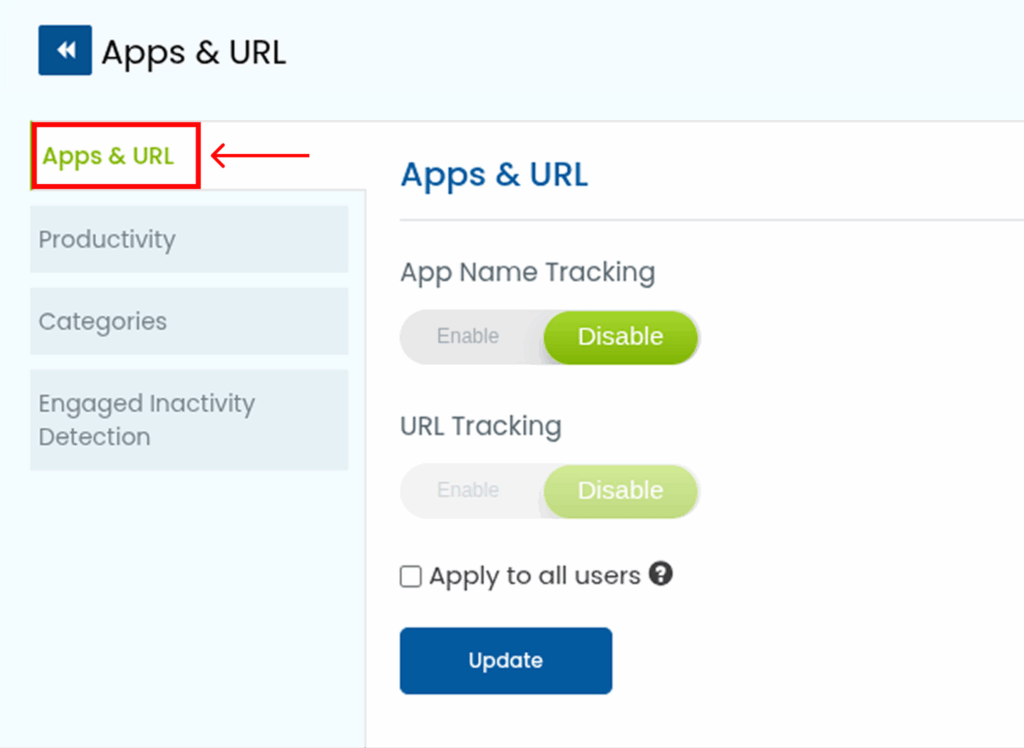
- On the App/URLs page, locate the App/URL Tracking section.
- Turn on both toggle buttons to enable tracking.
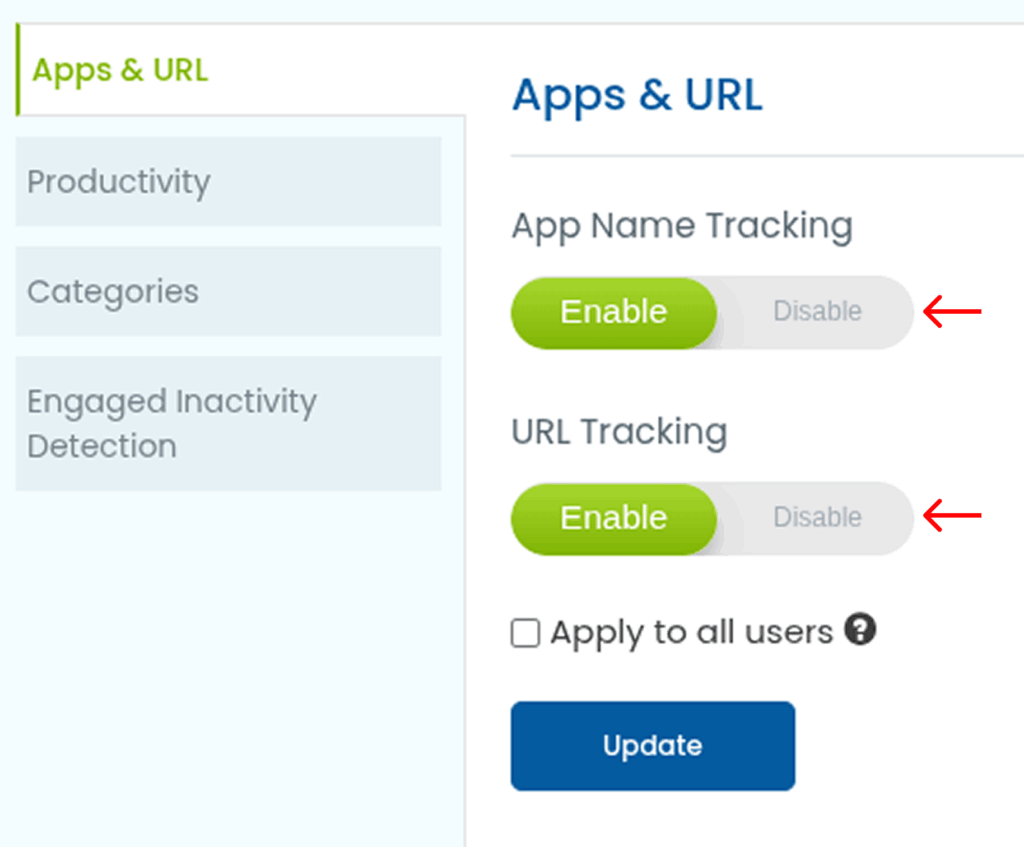
- (Optional) Select the checkbox if you want these settings to apply to all users.
- Click Update to save your changes.