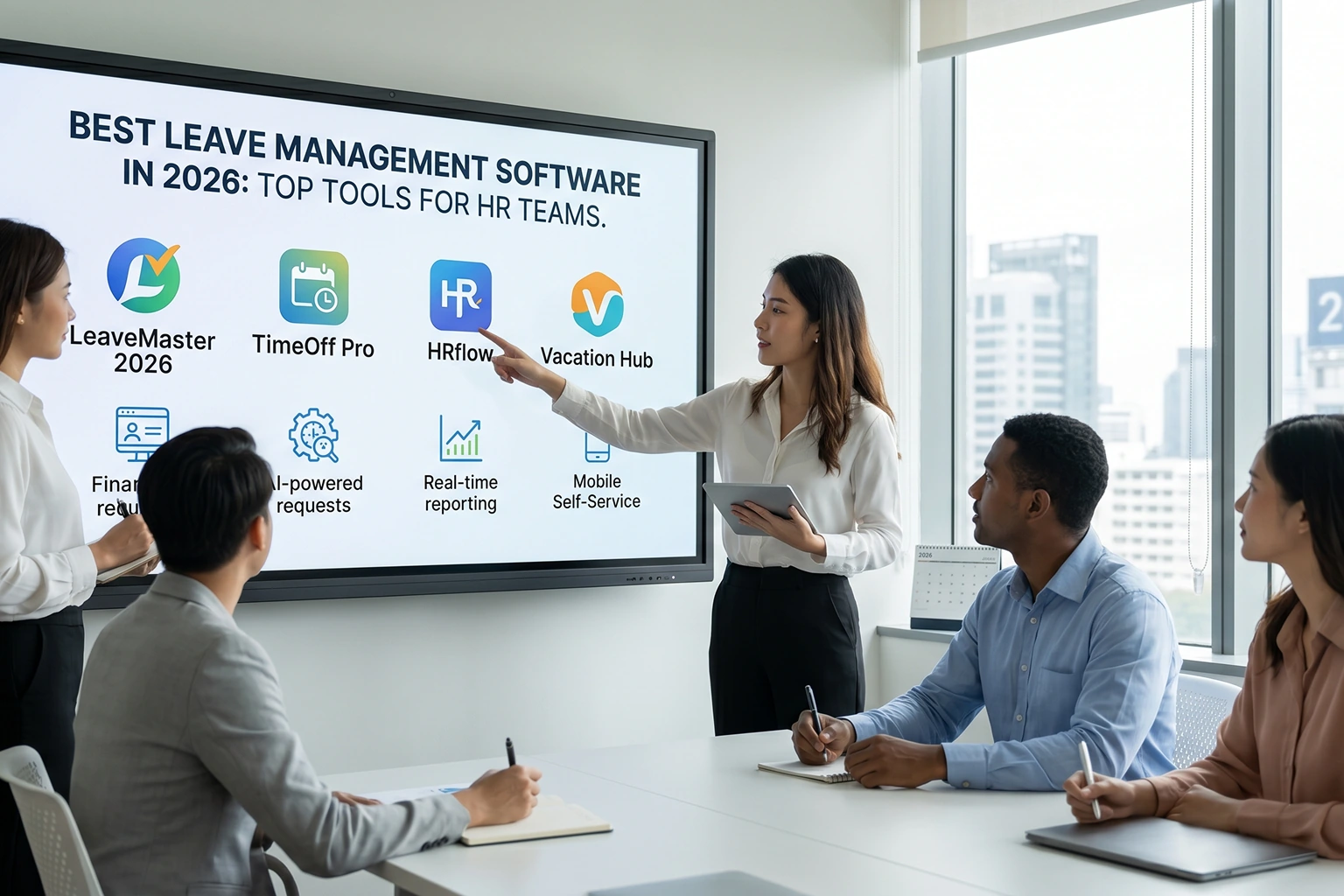

Choosing the best leave management software can be difficult because every organization handles employee time off differently. Some teams need simple requests and approvals, while others need accrual rules, payroll connections, attendance integration, or global leave policies.
We compared 10 leave management platforms based on policy flexibility, approval workflows, employee self-service, reporting, integrations, pricing, and workforce fit to help you narrow down the right option for your business.
Best Leave Management Software: Quick Comparison
Different leave platforms solve different problems. Dedicated tools often prioritize simplicity, while broader HR platforms connect leave with employee records, payroll, attendance, or global workforce management.
Use this comparison as a starting point, then review the individual tools below based on the way your organization manages time off.
| Software | Best For | Standout Capability | Price* |
|---|---|---|---|
| Desklog | Remote, hybrid, and growing teams | Leave + attendance + workforce visibility | Leave on Enterprise plan |
| BambooHR | SMBs wanting leave inside HR software | Time off + employee records + HR workflows | From $10/user/month |
| Zoho People | Cost-conscious HR teams | Leave + HR management | From $1.25/user/month |
| Calamari | Global teams with complex leave policies | Flexible multi-country leave rules | From $2/user/month annually |
| Vacation Tracker | Teams wanting dedicated leave automation | Leave policies, approvals, and calendars | From $1/user/month annually, minimum applies |
| Timetastic | Teams wanting simple absence management | Easy shared leave calendar | From $1.50/user/month |
| Deel | International and distributed teams | Global HR + time off + compliance workflows | HR Core from $5/user/month |
| Factorial | Growing companies needing all-in-one HR | Time off + HR + time management | From $8/user/month |
| LeaveBoard | Small businesses needing straightforward leave tracking | Dedicated leave planning | Free up to 9 employees |
| Jibble | Teams combining attendance and PTO | Time off + attendance + accrual tracking | Free plan available |
Pricing reflects publicly available vendor information reviewed in September 2026. Plans, minimum charges, billing periods, and included functionality can change.
Editorial disclosure: Desklog publishes this guide and is one of the platforms included. We compare products based on documented capabilities, public pricing, workforce fit, integrations, and practical use cases rather than assigning proprietary star ratings.
How We Compared These Leave Management Tools
The most useful leave platform is not necessarily the product with the longest feature list. What matters is whether the software can support your company's leave policies without creating more administrative work.
We focused on the functions HR teams and managers are most likely to use every day, from requests and approvals to leave balances, reporting, payroll, and attendance.
Leave Policy Flexibility
Companies may manage annual leave, sick leave, parental leave, unpaid leave, compensatory time, bereavement leave, or custom policies. We looked at whether each platform allows businesses to configure multiple leave types, entitlement rules, accruals, carry-forward rules, and employee eligibility.
Approval Workflows
A leave request should reach the right manager without HR manually forwarding emails or updating spreadsheets. We considered employee self-service, manager approvals, multi-level workflows, notifications, request status, and administrative controls.
Leave Balances and Accruals
Employees should be able to understand how much time off they have available without contacting HR. We looked for automatic balances, accrual rules, entitlements, carry-forward options, adjustments, and clear leave histories.
Team Calendar and Availability
Managers need to see upcoming absences before approving additional requests. Shared calendars, department views, holiday calendars, and availability information can help prevent understaffing and scheduling conflicts.
Attendance Integration
Approved leave should ideally connect with attendance records rather than requiring HR to correct absences manually. Platforms that combine leave with attendance or time tracking can create a more consistent workforce record.
Payroll Readiness
Paid and unpaid leave can affect payroll calculations. We considered payroll integrations, export options, paid versus unpaid time off, and how easily approved leave can feed into payroll workflows.
Reporting
Good leave reporting should help businesses understand more than individual requests. We looked for information such as leave balances, absence patterns, upcoming leave, policy usage, employee availability, and team-level reports.
Integrations
Leave software rarely operates alone. Useful integrations may include payroll, HR systems, calendars, Slack, Microsoft Teams, accounting tools, and workforce-management software.
1. Desklog
Desklog
Best For: Connecting leave with attendance and workforce insights.Desklog combines leave management with attendance tracking, automated timesheets, work-hour management, project tracking, and workforce productivity insights.
Its leave functionality is particularly useful for organizations that want approved employee time off to exist alongside attendance and working-hour data instead of managing the two separately.
Key Features
- Leave requests and approvals
- Leave configuration
- Paid and unpaid leave management
- Leave history
- Company leave settings
- Absence calendar
- Automated timesheets
- Clock-in and clock-out
- Shift management
- Geolocation tracking
- Work-hour tracking
- Project and task tracking
- Real-time dashboards
- Connects leave and attendance
- Paid and unpaid leave support
- Includes absence calendar
- Automated timesheets
- Useful for remote and hybrid teams
- Broader productivity and project insights
- Desklog is strongest when leave needs to connect with attendance, work hours, projects, and workforce visibility
- Businesses mainly looking for recruitment, benefits administration, or a full HRIS may prefer a broader HR-focused platform
Need Leave and Attendance in One Platform?
See how Desklog connects approved time off with attendance, automated timesheets, and workforce visibility.
Start Free Trial2. BambooHR
BambooHR
Best For: Leave management inside a broader HR platform.BambooHR combines employee time-off management with employee records, hiring, onboarding, reporting, and other HR workflows.
Its time-off tools include employee requests, manager approvals, balances, accruals, custom policies, mobile access, and a shared "Who's Out" calendar.
Key Features
- Time-off requests
- Manager approvals
- PTO balances
- Accrual tracking
- Unlimited custom policies
- Time-off calendar
- Mobile access
- HR reporting
- Employee records
- HR workflows
- Mature HR platform
- Strong employee self-service
- Custom leave policies
- Clear team calendar
- Leave and employee records together
- Useful reporting
- Businesses that only need a lightweight leave tracker may pay for HR capabilities they do not need
- BambooHR becomes more valuable when leave management is part of a broader HR transformation
3. Zoho People
Zoho People
Best For: Affordable HR and leave management.Zoho People provides time-off management inside a broader employee-management platform.
Its entry-level paid plan includes leave management, employee database management, documents, HR reporting, onboarding, and offboarding.
Key Features
- Employee leave requests
- Leave policies
- Leave balances
- Approval workflows
- HR reports
- Employee records
- Onboarding and offboarding
- Attendance on higher plans
- Timesheets on higher plans
- Roster management
- Low entry price
- Leave included in core HR plan
- Good upgrade path
- Large Zoho ecosystem
- HR reports included
- Attendance available on higher plans
- Businesses only interested in leave may find the surrounding HR functionality unnecessary
- The platform provides the most value when a company uses additional Zoho or HR features alongside leave
4. Calamari
Calamari
Best For: Flexible and multi-country leave policies.Calamari focuses heavily on leave and absence management, making it suitable for organizations with more complex policies.
Its Time Off module supports unlimited absence types, accrual rules, automatic carry-over, different contract policies, multi-country rules, and automatic leave-balance calculations.
Key Features
- Unlimited absence types
- Accrual rules
- Automatic carry-over
- Employee eligibility rules
- Multi-country policies
- Leave balances
- Approval workflows
- Absence calendar
- Payroll integrations
- Different policies by contract type
- Highly configurable policies
- Multi-country support
- Strong accrual management
- Automatic carry-over
- Unlimited absence types
- Dedicated leave focus
- Organizations with very simple leave requirements may not need its level of policy configuration
- Its biggest advantage appears when leave rules differ by country, contract type, or employee group
Looking for More Than Policy Configuration?
See how Desklog combines leave management, attendance tracking, and work-hour visibility in one platform.
Get Started Now Explore Desklog5. Vacation Tracker
Vacation Tracker
Best For: Dedicated leave automation.Vacation Tracker is built specifically around managing employee time off rather than trying to cover every HR process.
Its current plans include leave policies, holidays, request workflows, balance reporting, approval controls, calendar integrations, and automation features.
Key Features
- Leave requests
- Leave approvals
- Leave balances
- Unlimited leave policies
- Holiday management
- Location-based policies
- Department management
- Request reports
- Calendar synchronization
- Leave automations
- ADP and Zapier integrations
- API access
- Dedicated leave-management focus
- Multiple leave policies
- Strong automation
- Calendar integrations
- Multi-location support
- Useful reporting
- Minimum subscription charges mean very small teams should calculate total cost rather than comparing only the per-user price
- Businesses wanting full payroll or broader HR management may also require another system
6. Timetastic
Timetastic
Best For: Simple leave and absence tracking.Timetastic is designed to replace spreadsheets and manual holiday-request processes with a simple shared leave calendar.
Its Business plan includes leave approvals, holiday allowance records, unlimited departments, mobile and desktop apps, and a shared view of who is away.
Key Features
- Holiday requests
- Leave approvals
- Absence tracking
- Shared calendar
- Holiday allowances
- Unlimited departments
- Mobile app
- Desktop app
- Absence trends on higher plan
- Company-wide absence reports
- Simple interface
- Affordable
- Shared absence calendar
- Straightforward approvals
- Mobile and desktop apps
- Easy for small teams to adopt
- Organizations with advanced HR, payroll, or complicated multinational policy requirements may outgrow a leave-focused system
- Its simplicity is a strength for smaller teams but may be limiting for complex organizations
7. Deel
Deel
Best For: Global and distributed workforces.Deel provides time-off management within a broader global HR platform designed for distributed workforces.
Its HR Core offering includes worker profiles, time off, approvals, workflows, people analytics, and global HR functionality.
Key Features
- Time-off policies
- Time-off requests
- Approval workflows
- Worker profiles
- HR workflows
- Global HR management
- People analytics
- Slack and Teams approvals
- Payroll ecosystem
- International workforce management
- Designed around international workforces
- Time off connected to global HR
- Approval workflows
- Payroll ecosystem
- Slack and Teams capabilities
- Scales into broader global employment needs
- Deel is much broader than a dedicated leave tracker
- Smaller local businesses that only need vacation approvals may find simpler products easier and more economical
8. Factorial
Factorial
Best For: Growing businesses wanting all-in-one HR.Factorial provides time-off management as part of a wider HR and business-management platform.
Its time-off tools include unlimited policies, custom absence types, validations, calendars, and related time-management functionality.
Key Features
- Time-off requests
- Unlimited leave policies
- Custom absence types
- Leave validations
- Employee directory
- Time tracking
- Shift management
- Documents
- HR workflows
- Reporting
- Broad HR functionality
- Unlimited time-off policies
- Custom absence types
- Leave and time tracking together
- Shift management available
- Good consolidation option
- Final pricing depends on the modules selected, so businesses should compare the full package rather than only the headline starting price
- Teams needing only basic leave tracking may prefer a smaller dedicated product
9. LeaveBoard
LeaveBoard
Best For: Small businesses wanting straightforward leave tracking.LeaveBoard provides leave and HR functionality with a particularly accessible option for very small teams.
Its free plan includes time-off tracking, leave policies, absence calendars, HR reporting, and employee-directory functionality for up to nine employees.
Key Features
- Leave requests
- Time-off tracking
- Leave policies
- Absence calendar
- Employee directory
- HR reports
- Leave balances
- Advanced policies on paid plan
- HR dashboard
- Free for very small teams
- Affordable paid option
- Simple absence calendar
- Leave policies included
- HR reports
- Straightforward setup
- Larger organizations requiring advanced payroll, complex multinational policies, or enterprise HR features may need a more comprehensive platform
- LeaveBoard is strongest when simplicity and low cost are priorities
10. Jibble
Jibble
Best For: Combining leave with attendance tracking.Jibble combines PTO management with employee time and attendance, making it particularly useful for businesses that want leave records to connect with timesheets.
Its time-off tools support paid and unpaid policies, accrual schedules, employee balances, manager approvals, multi-level approvals, and a shared calendar.
Key Features
- Paid and unpaid time off
- Leave requests
- Leave approvals
- Multi-level approvals
- Leave balances
- Accrual schedules
- Time-off calendar
- Public holidays
- Attendance tracking
- Timesheets
- Payroll-related time calculations
- Free starting option
- Leave and attendance together
- Flexible accrual policies
- Multi-level approvals
- Employee time-off calendar
- Paid and unpaid policies
- Organizations looking for a complete HRIS may need additional HR software
- Jibble is particularly useful when attendance and leave are more important than broader employee lifecycle management
Which Leave Management Software Fits Your Team?
Different organizations should prioritize different features. A global business managing several leave jurisdictions has different requirements from a 20-person company trying to replace spreadsheets.
The categories below can help narrow the shortlist based on the problem you actually need to solve.
For Remote and Hybrid Teams
Consider Desklog, Calamari, or Vacation Tracker. Desklog connects leave with attendance and work-hour information, while Calamari and Vacation Tracker provide strong policy and absence-management capabilities.
For Small Businesses
Consider LeaveBoard, Timetastic, Zoho People, or Jibble. These options provide relatively accessible starting prices or free plans and do not require enterprise-scale HR implementation.
For Global Teams
Consider Deel or Calamari. Deel combines time off with international HR infrastructure, while Calamari supports multi-country absence policies and flexible policy configuration.
For Leave and Attendance Together
Consider Desklog or Jibble. Both connect leave information with employee attendance and working-time records rather than treating time off as an isolated process.
For Broader HR Management
Consider BambooHR, Zoho People, Factorial, or Deel. These platforms provide leave management alongside employee records and wider HR workflows.
For Simple Leave Tracking
Consider Timetastic, LeaveBoard, or Vacation Tracker. Their value comes from focusing heavily on time-off requests, availability, balances, and calendars without requiring a complex HR rollout.
How to Choose the Right Leave Management Tool
Start with your leave policies before comparing software.
If your policies are unclear, implementing software will simply automate an unclear process.
1. List Your Leave Types
Document every type of time off your organization provides. These may include:
- Annual leave
- Sick leave
- Parental leave
- Unpaid leave
- Bereavement leave
- Compensatory leave
- Study leave
- Custom company leave
2. Define Your Accrual Rules
Determine how employees earn leave and when balances reset. Check whether you require monthly accruals, annual allowances, prorating, carry-forward rules, expiry dates, or adjustments based on tenure.
3. Map the Approval Process
Decide who should approve each type of request. Some organizations need one manager approval, while others require multiple approval levels depending on the employee, department, or type of leave.
4. Decide What Employees Should See
Employee self-service can reduce routine HR questions. Employees should ideally be able to view their balances, request time off, track approval status, and see relevant upcoming absences without contacting HR.
5. Check Attendance Integration
If your organization already tracks attendance, decide how approved leave should affect absence records. Integrating these workflows can reduce situations where an approved vacation incorrectly appears as an employee absence.
6. Check Payroll Requirements
Identify whether leave affects payroll in your organization. Paid leave, unpaid leave, encashment, and other policies may require data to flow into payroll or be exported for payroll processing.
7. Review Integrations
Check the tools your leave platform needs to communicate with. Common requirements include:
- Payroll
- Attendance software
- HR systems
- Google Calendar
- Outlook Calendar
- Slack
- Microsoft Teams
- Accounting platforms
8. Consider Global Requirements
Leave laws and statutory entitlements differ between countries. Organizations employing people internationally should evaluate whether a platform can support different policies, public holidays, currencies, languages, locations, and local employment requirements.
9. Test Real Scenarios
Run a pilot before migrating the entire organization. Test situations such as new employees, half-day leave, unpaid leave, overlapping team absences, rejected requests, carry-forward, policy changes, and employees leaving the company.
Dedicated Leave Software vs All-in-One HR Software
Dedicated leave tools focus primarily on time-off requests, balances, policies, calendars, and approvals.
Products such as Timetastic, Calamari, Vacation Tracker, and LeaveBoard can work well when leave administration is the main problem being solved.
All-in-one HR platforms provide leave alongside employee records, onboarding, attendance, payroll, performance management, or other HR functions.
BambooHR, Zoho People, Deel, and Factorial are examples of platforms where leave management forms part of a much broader HR ecosystem.
Leave Management Software vs Attendance Software
Leave management software primarily answers questions about approved employee time off.
It helps businesses manage who requested leave, who approved it, how much entitlement remains, and when employees are expected to be away.
Attendance software focuses more heavily on actual employee presence and working time.
It typically tracks clock-ins, clock-outs, working hours, lateness, absences, shifts, and attendance records.
For organizations that need both, using connected systems—or a platform such as Desklog that combines leave and attendance—can reduce duplicate data entry and conflicting employee records.
Ready to Connect Leave, Attendance, and Work Hours?
Desklog brings leave requests, approvals, absence calendars, automated timesheets, and workforce insights together in one platform.
Get Started NowFinal Thoughts
The best leave management software depends on how complicated your policies are, how many employees you manage, and whether leave needs to connect with attendance, payroll, or wider HR processes.
A small business replacing spreadsheets may prioritize simplicity and price, while an international employer may care more about multi-country policies, global HR infrastructure, and complex approval rules.
Desklog is particularly relevant when leave needs to work alongside attendance, work hours, timesheets, and workforce insights. Calamari provides strong policy flexibility, while Vacation Tracker and Timetastic emphasize dedicated leave workflows.
BambooHR, Zoho People, Factorial, and Deel are better suited to businesses wanting leave inside a broader HR ecosystem, while LeaveBoard and Jibble provide accessible options for smaller or attendance-focused teams.
The right approach is to shortlist two or three platforms that match your workforce and test them against your actual leave policies before making a long-term decision.