
When a user stops working but remains logged in, Desklog may record extended idle time until the end of the day.
By enabling the option to mark extended idle as private, this idle duration is automatically converted to Private time.
How to Mark Extended Idle Time as Private
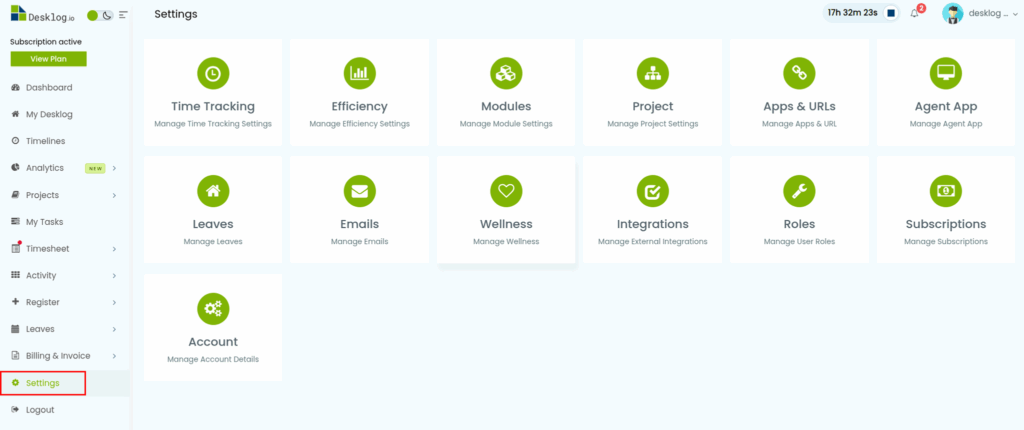
- From the Admin left panel, click Settings.
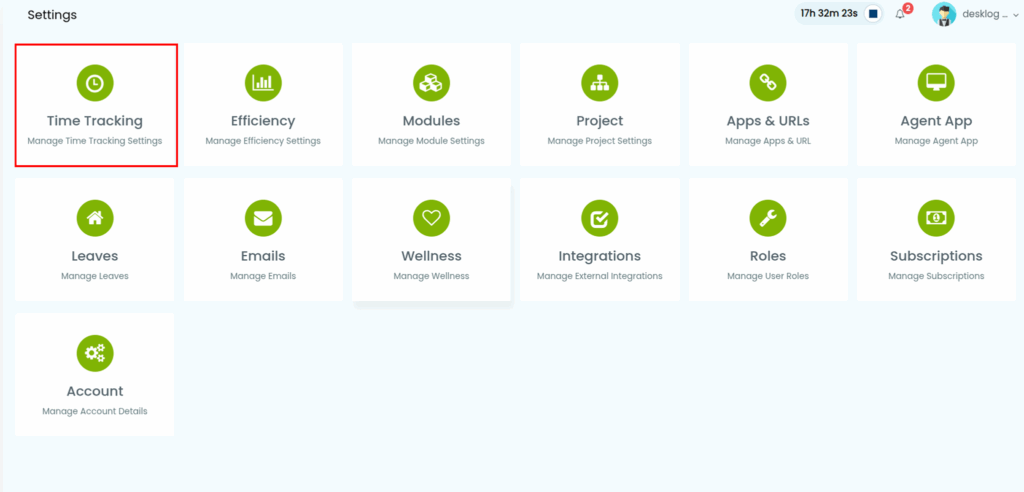
- From the options that appear, select Time Tracking.
- From the list of settings, click Time Requests.
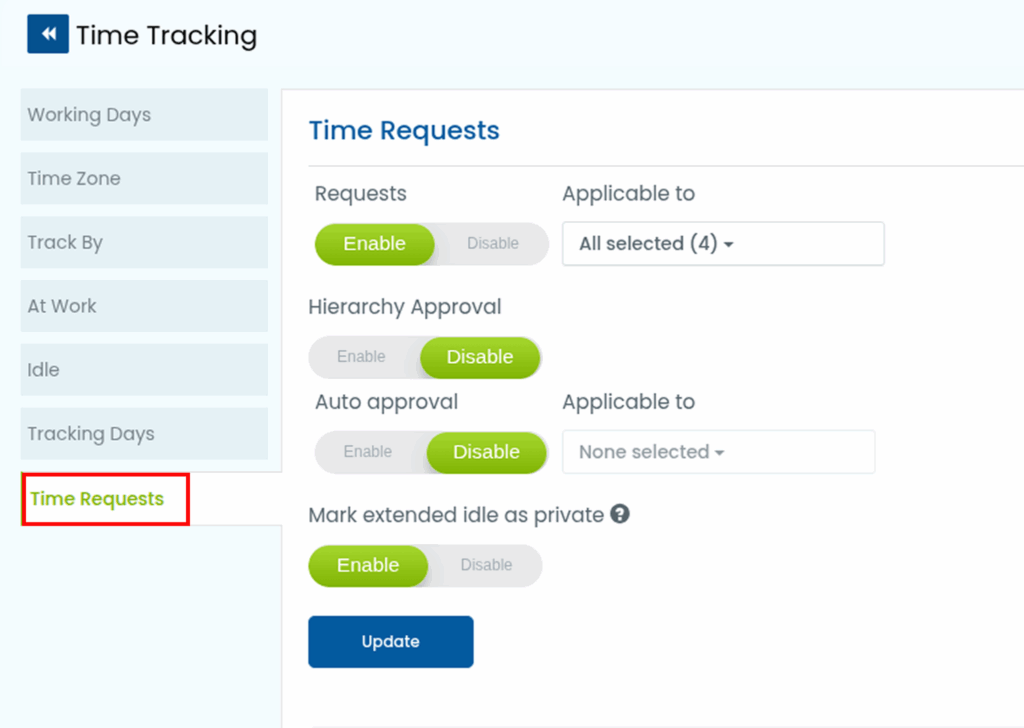
- Enable the toggle Mark extended idle as private.
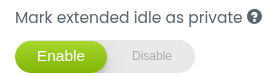
Once enabled, any extended idle time recorded until the end of the day will be automatically marked as Private.