
CREATE TEAM
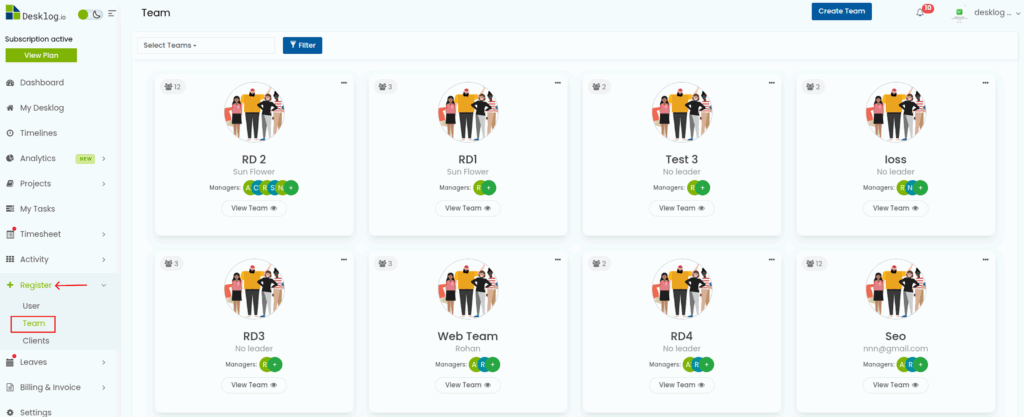
From the dashboard, navigate to ‘Register’ and choose ‘Team.’
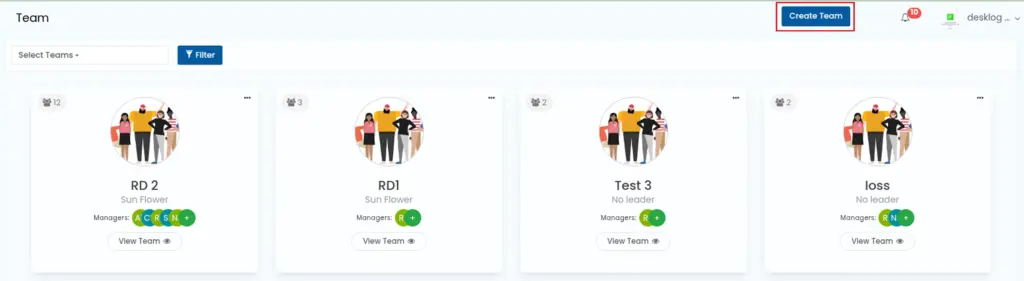
Click on the button ‘Create Team’.
When you click on the button, a table will appear with the following fields:
- Team Name
- Select Leader (optional)
- Select Members
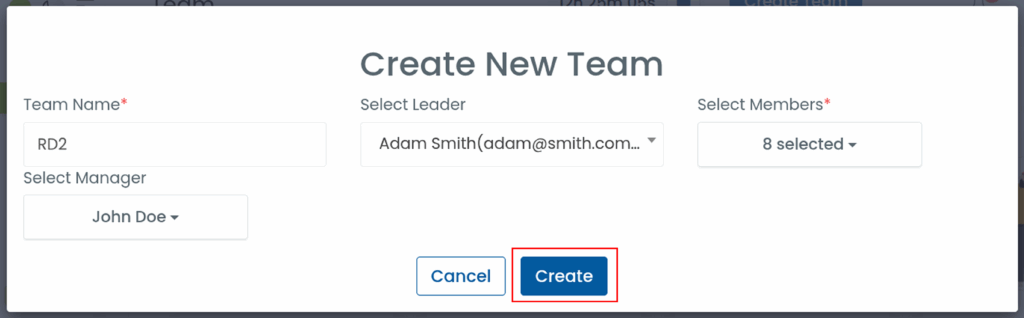
Once you’ve filled in the details, click the ‘Create’ button.
Note: Only users who have been invited previously can be added to the team.