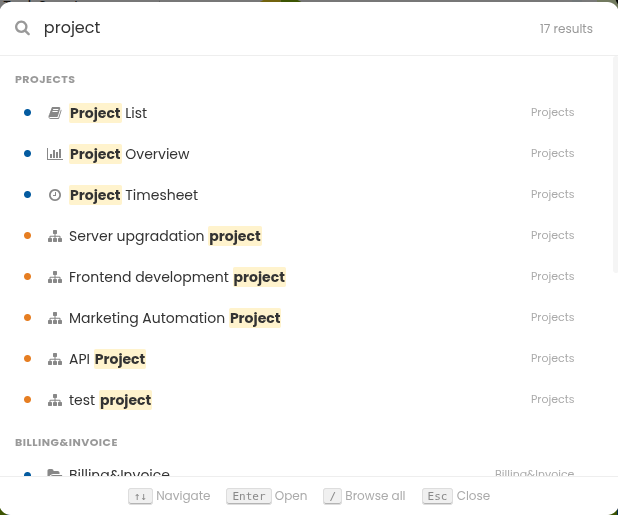
The Global Search feature helps you quickly access settings, features, projects, and tasks with ease.
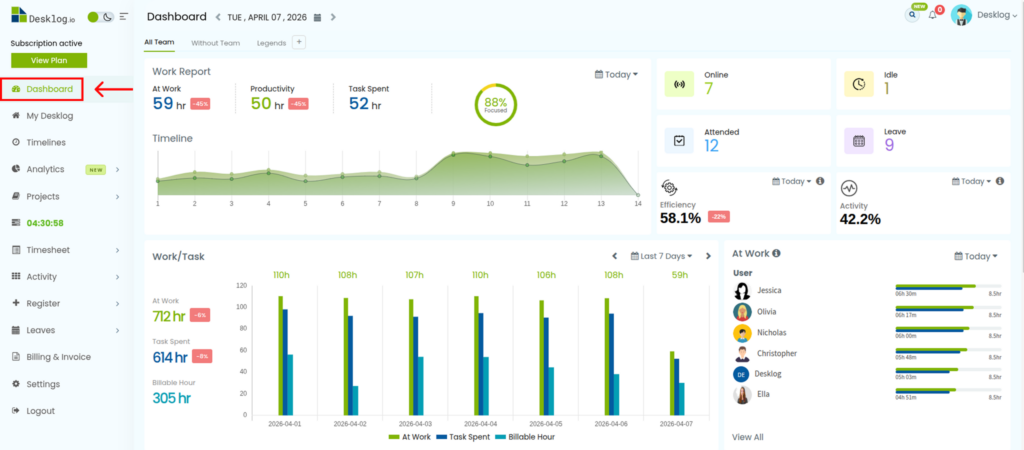
Step 1: Open the Desklog Dashboard.
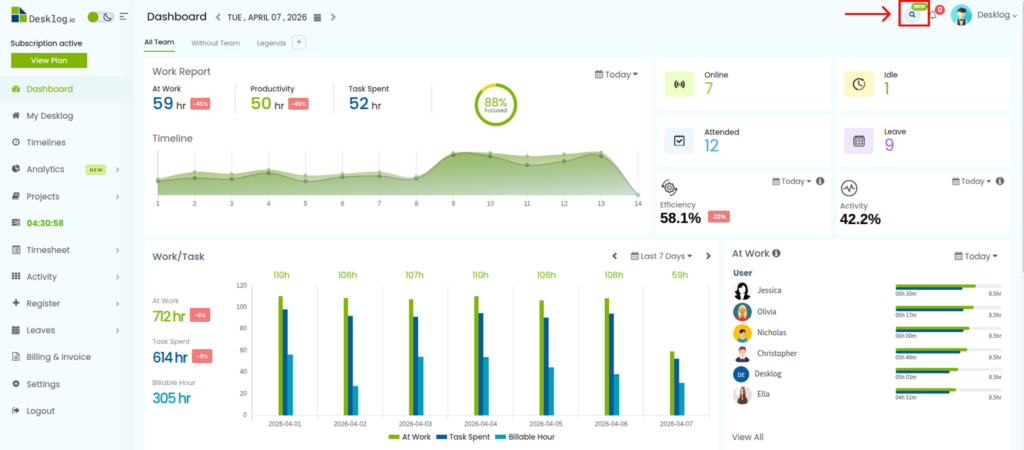
Step 2: Navigate to the top-right corner of the screen and click on the search icon.
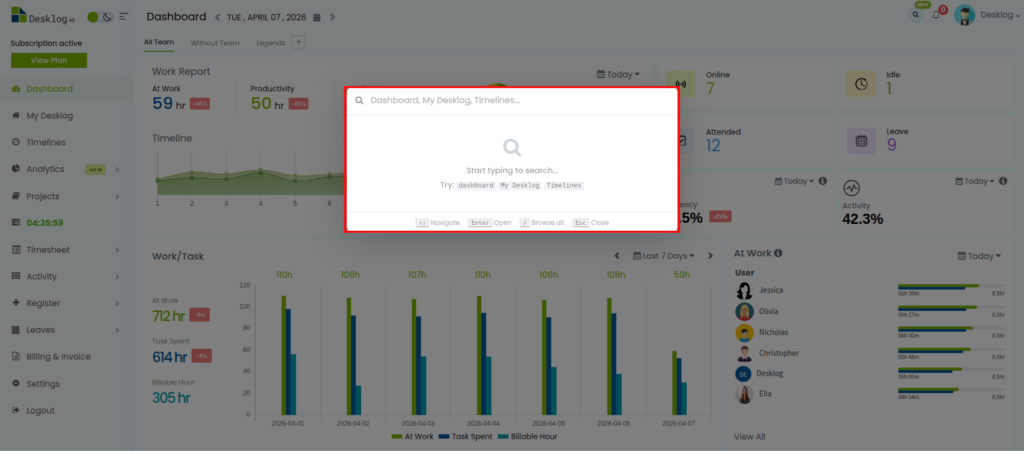
Step 4: This will open a pop up. In the search field, type the feature, setting, project, or task you’re looking for.
Step 5: Select the desired option from the results to navigate to it instantly.