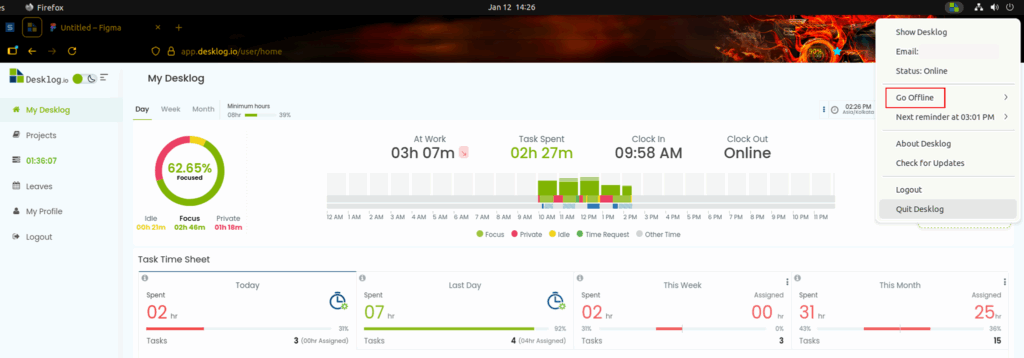
To set private time in Desklog, open the Desklog Agent App from your system tray. From the dropdown menu, select the Go Offline option.
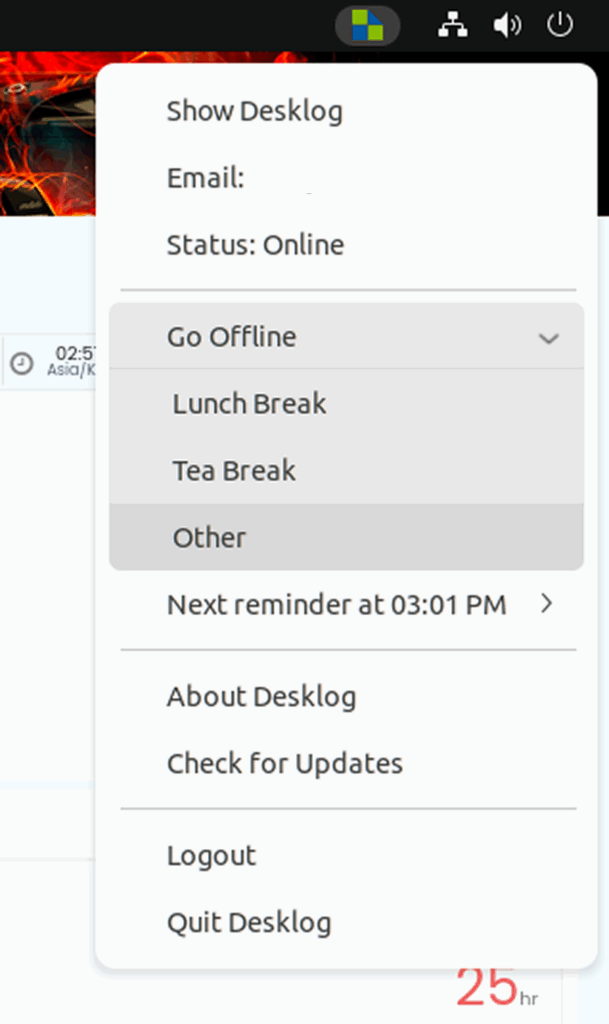
Once selected, you will see options such as Lunch Break, Tea Break, and Other.
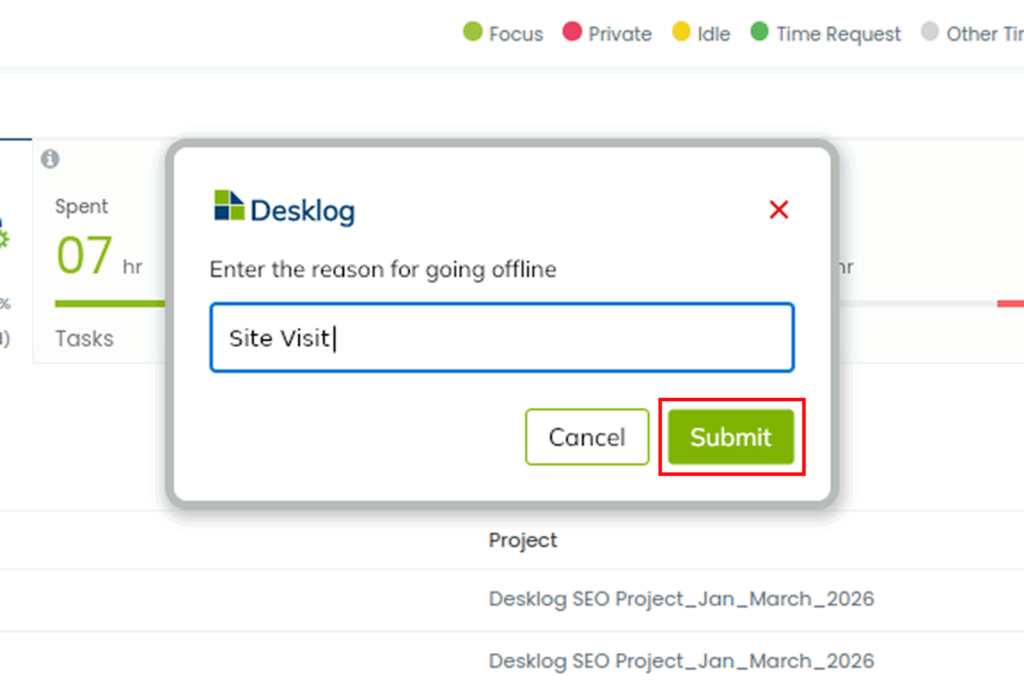
The Other option allows you to add any type of break apart from the predefined ones. Click on Other, enter the reason for going offline, and then click the Submit button.