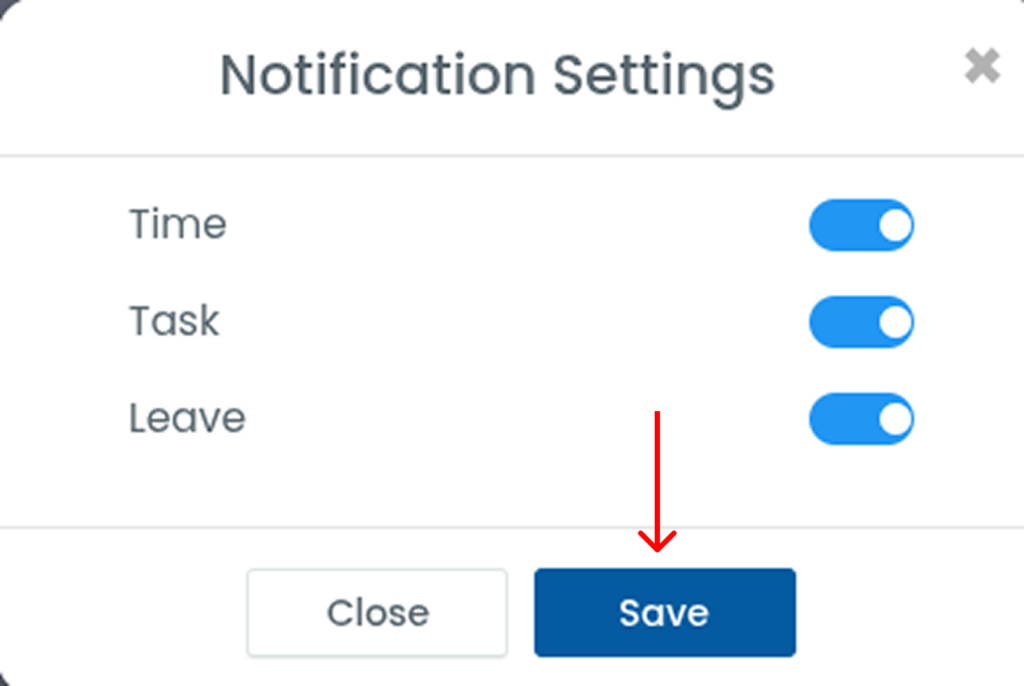
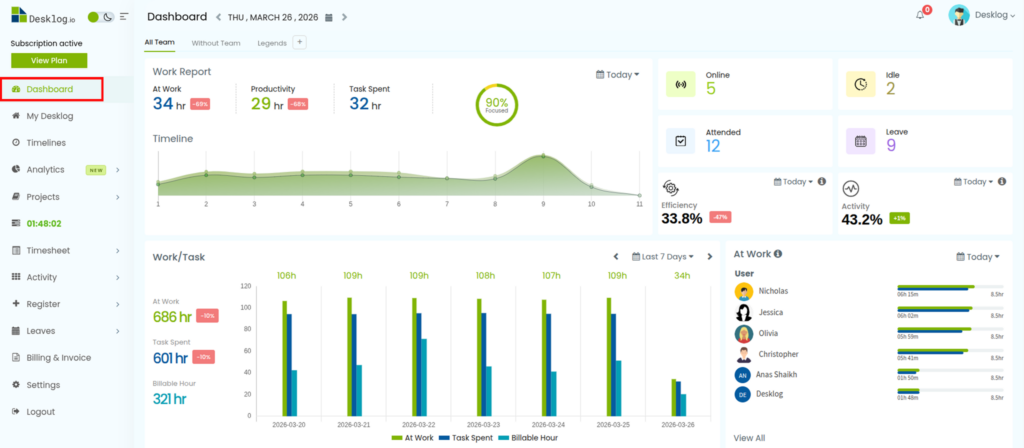
Step 1: From the left panel, click on Admin Dashboard.
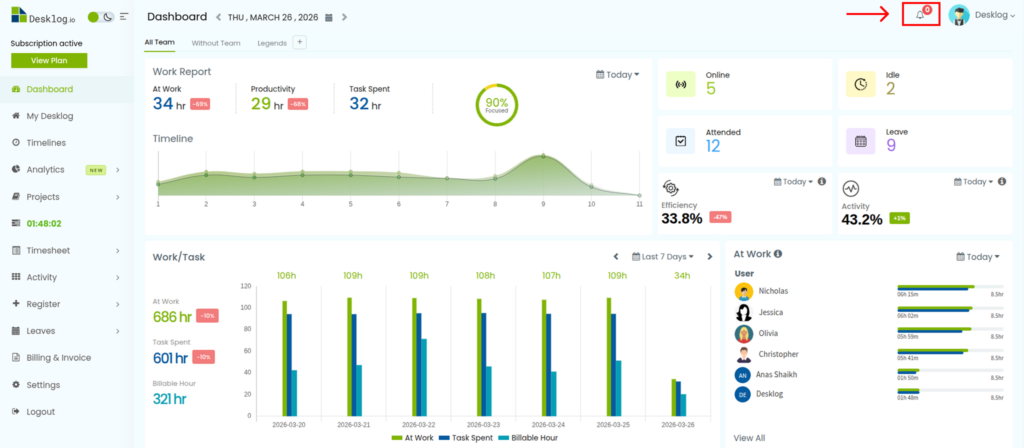
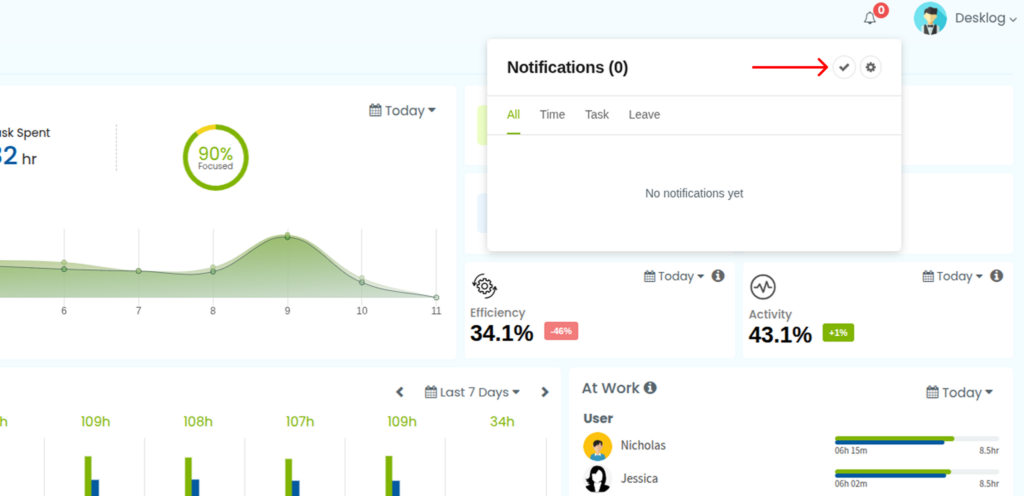
Step 2: In the dashboard view, go to the top-right corner and click the notification bell icon.
Step 3: A notifications pop-up will appear, showing separate sections for Time, Task, and Leave notifications.
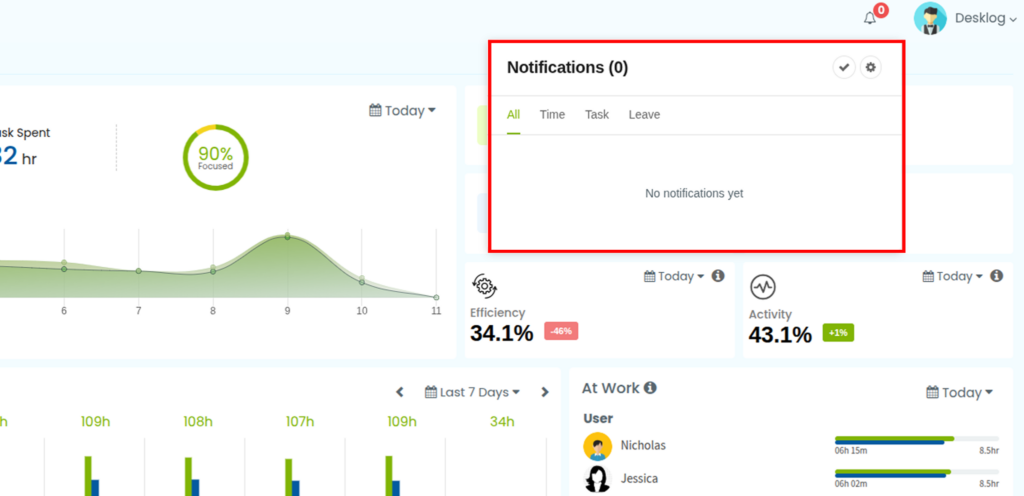
Step 4: Click the check icon to clear all notifications.
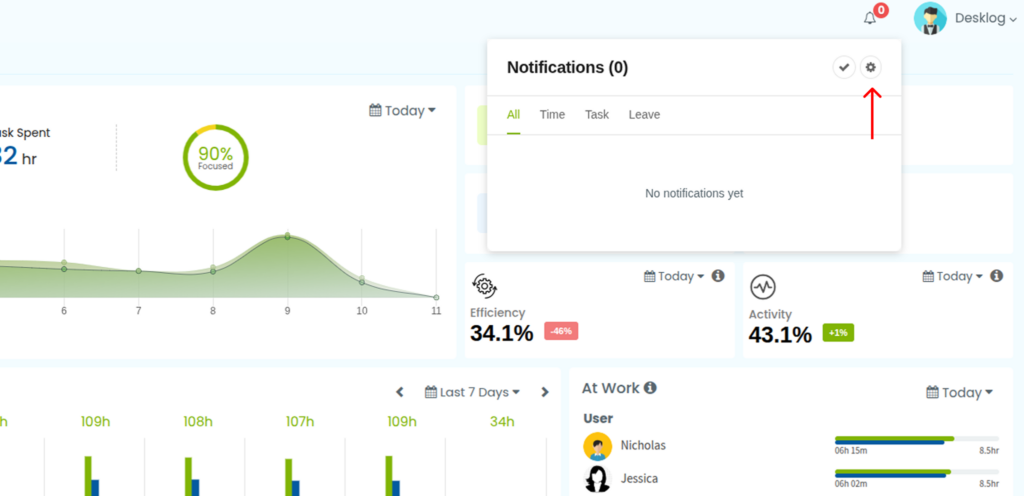
Step 5: Click the settings icon to customize which notifications appear in the pop-up.
Step 6: In the settings window, toggle the options for Time, Task, and Leave based on your preferences.
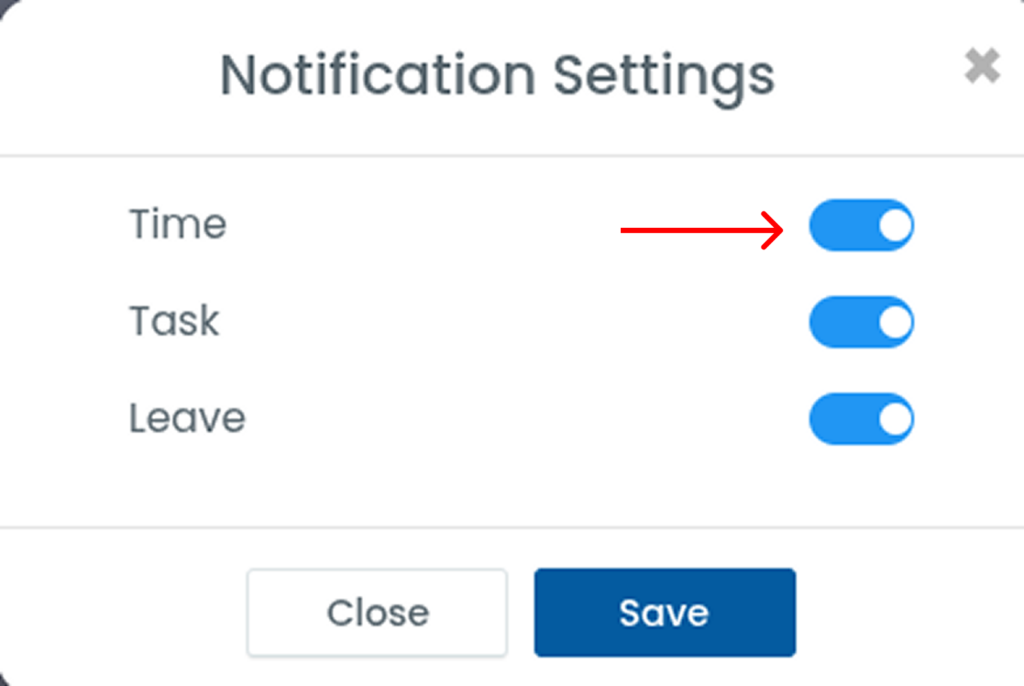
Step 7: Once done, click Save to apply the changes.