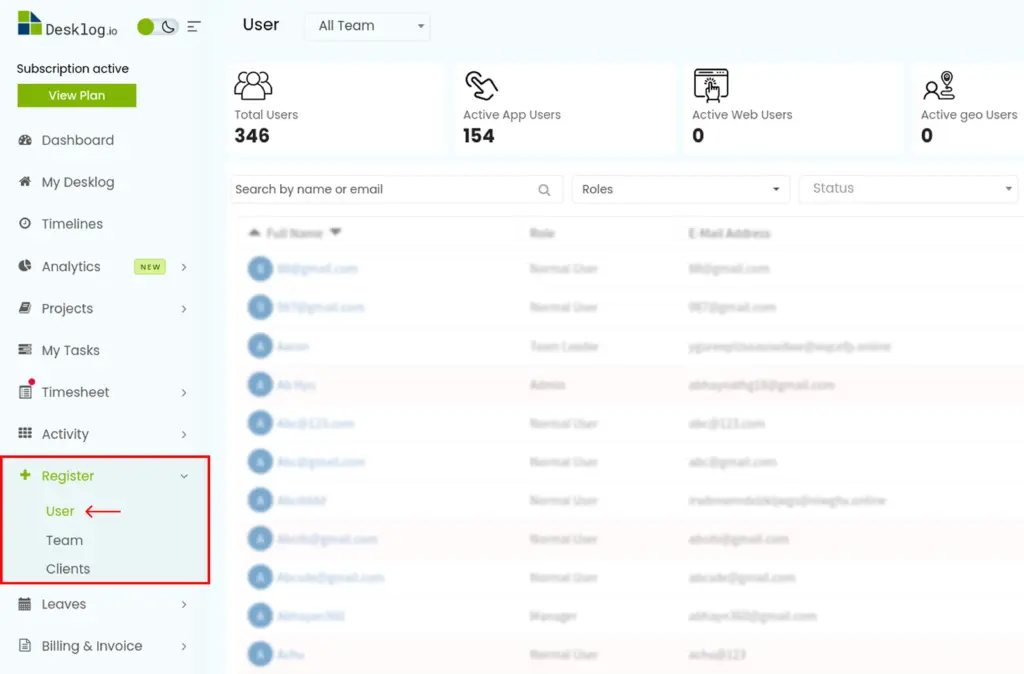
Step 1 : In the admin left panel, click on Register and then click on User.
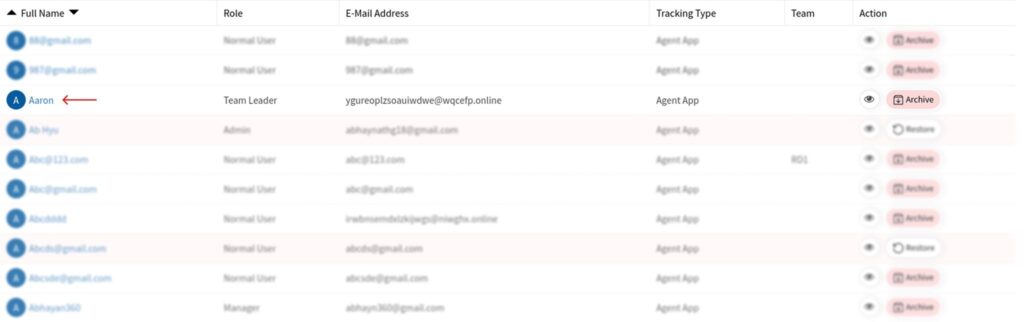
Step 2 : From the list of users, click the specific user you wish to turn on the idle notifications of.
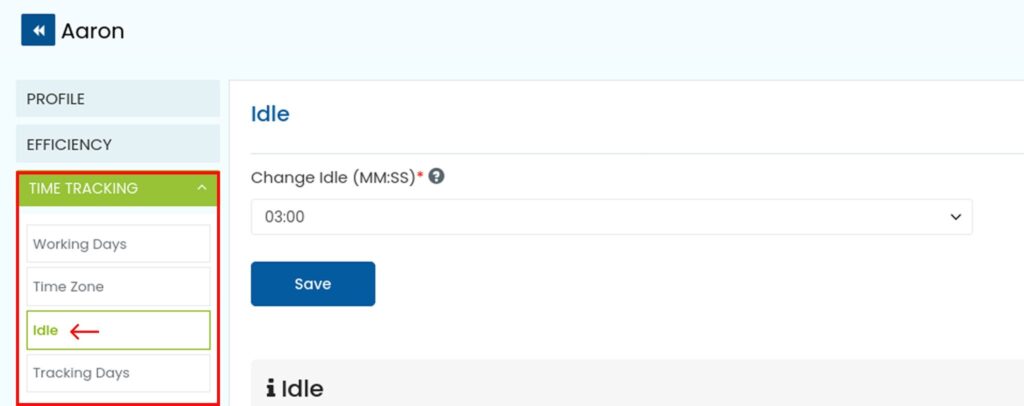
Step 3 : From the user profile that opens, click on Time Tracking and click on Idle.
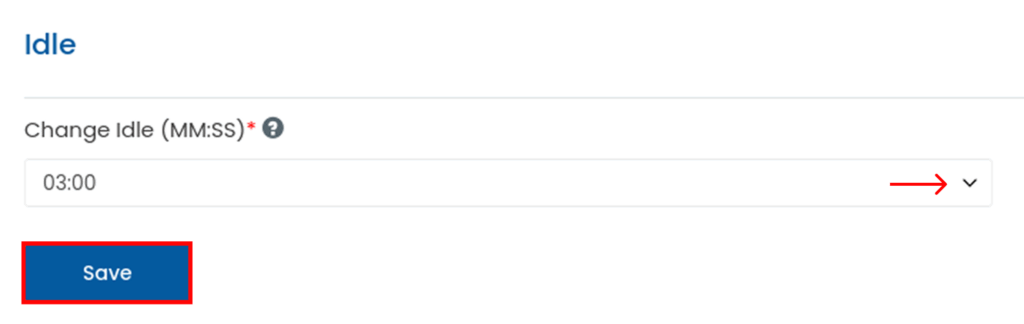
Step 4 : Click the dropdown to select the Minimum Idle Time and click Save.